




AI reporting and an MCP connection for your warehouse data

Insights Pro connects AI assistants such as ChatGPT and Claude to your StoreFeeder account over MCP, so you can query and update your data in conversation. Add the AI dashboard builder and a dedicated Reporting Database and reporting stops being a weekly export.
MCP connection for ChatGPT, Claude and other assistants
Query and update StoreFeeder data in plain English
AI dashboard builder: describe the view, get the dashboard
Reporting DB kept in sync with your live account
Power BI and custom SQL without touching live systems
Trusted by eCommerce retailers and fulfilment providers who
Boost efficiency by up to
30%
in the warehouse
Simplify booking and save
£20K+
per year
Improve accuracy by up to
90%
with barcode pick & pack
Go paperless and save up to
£40K
per year
Charlie
Quote

The system is robust and feature-rich which allows me to run an efficient and accurate operation. It has given us the capacity and capability to expand our product range and sell on more marketplaces than ever before.

Peter, Founder & Owner, Aquacadabra

Why warehouse reporting still means spreadsheets

Fixed reports, flexible questions
The question you have on Monday is never quite the report that exists, so someone exports and rebuilds it.
Data locked in the WMS
Operations, finance and buying each keep their own copy of the truth because getting at the data is hard.
Reporting that slows the warehouse
Heavy queries on the live database compete with pickers and packers for the same system.
How Insights Pro puts AI on top of your StoreFeeder data
MCP connection

Connect ChatGPT or Claude to StoreFeeder over MCP

The Model Context Protocol (MCP) is an open standard that lets AI assistants use external tools and data securely. Insights Pro exposes your StoreFeeder account as an MCP connection, so you can ask an assistant what is low on stock, which SKUs are slow movers or how yesterday's picking went, and have it make permitted updates for you.
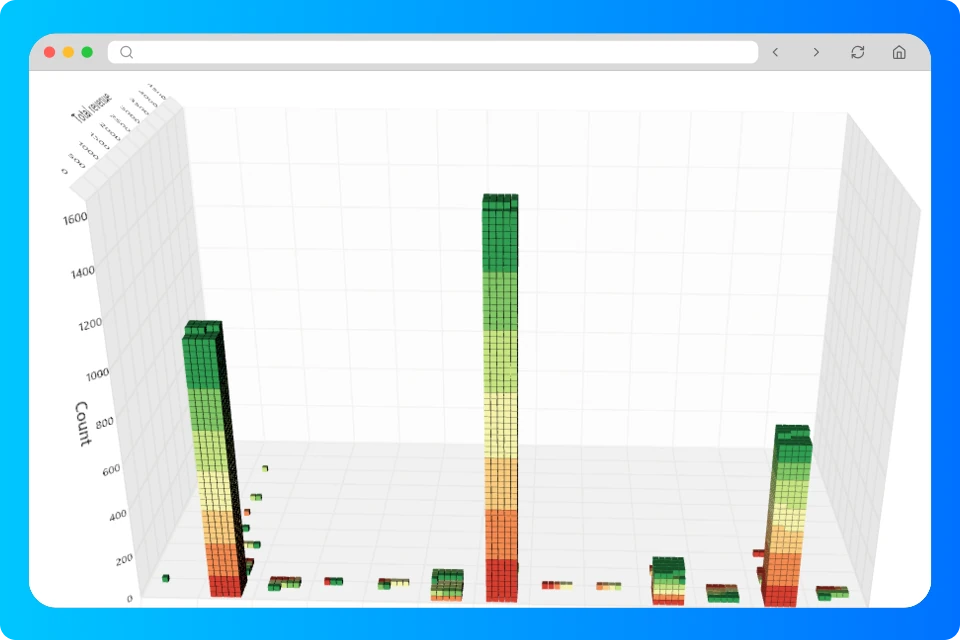
✓ Works with ChatGPT, Claude and other MCP-capable assistants ✓ Query stock, orders, sales and warehouse activity in conversation ✓ Make updates through the assistant, within your permissions
AI dashboard builder

Describe the dashboard you want and let AI build it

Type "sales by channel, by country, last 30 days" and the builder creates the dashboard from your Reporting DB. Add more elements, rearrange the layout and save it alongside the pre-built warehouse, inventory, sales and listing-health dashboards.
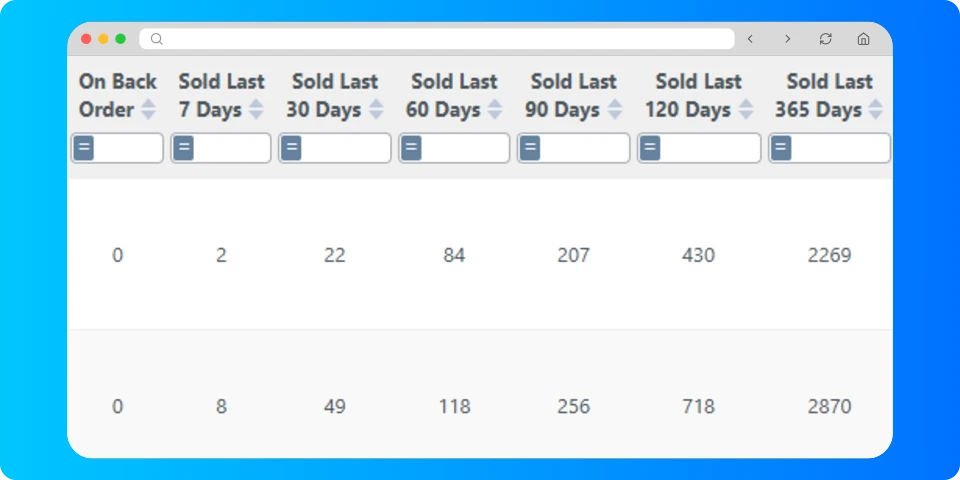
✓ Plain-English dashboard creation ✓ Built on your Reporting DB, not static exports ✓ Kiosk mode for warehouse screens with auto-refresh
Reporting DB

A Reporting Database that mirrors your live account

The Reporting DB is a shadow copy of your account, flattened for analysis and kept closely in sync with live. Connect Power BI or any SQL tool, build brand, dead-stock or inventory-value reports, and never slow down the warehouse. It holds no personal data and is restricted to admin users.
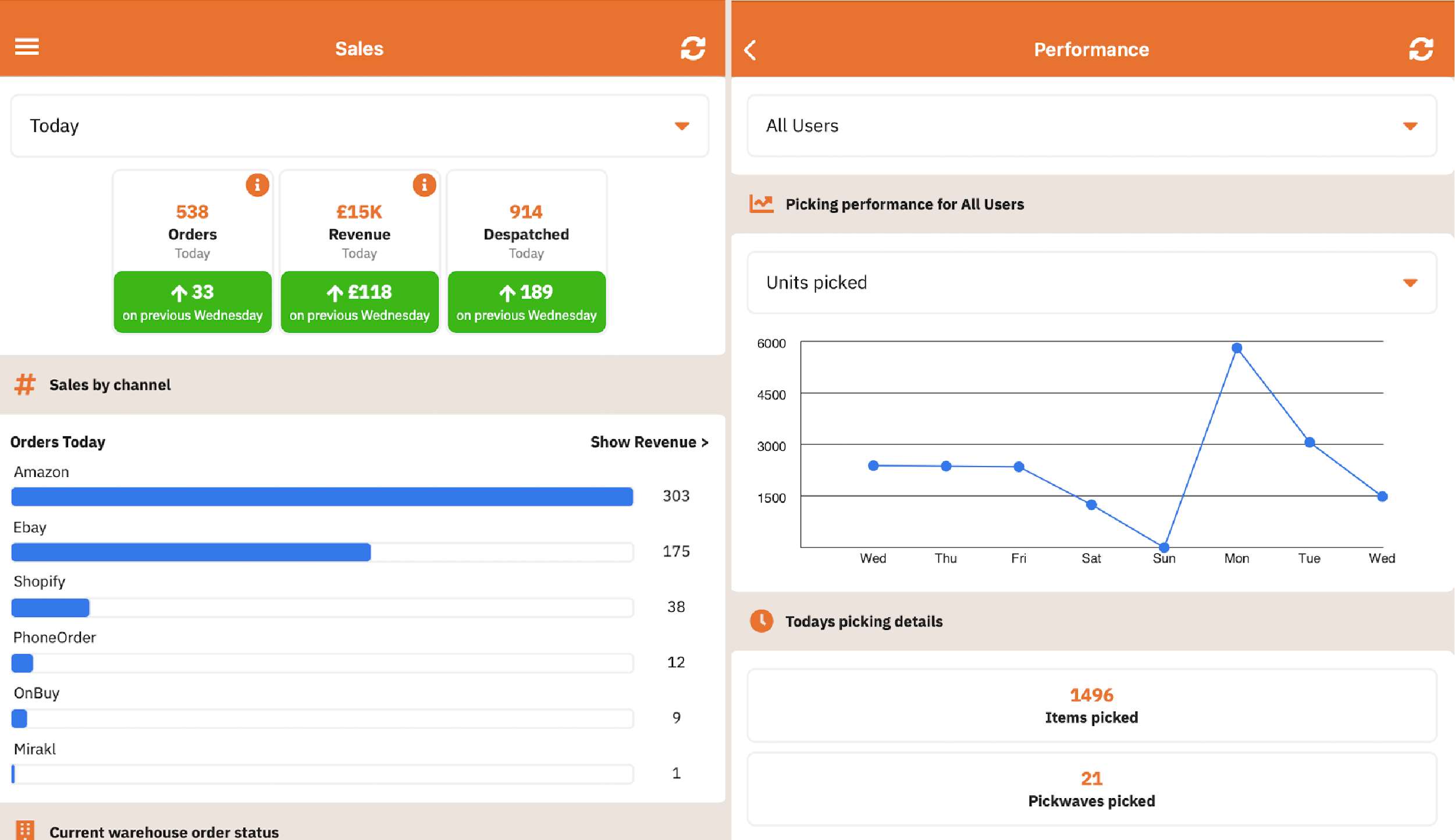
✓ Direct connection for Power BI and SQL tools ✓ Kept closely in sync with your live account ✓ No personal data; admin-only access
Scheduled reporting

Scheduled reports with full audit and export history

Save any report with its filters, schedule it by email, in-app or FTP, and keep a complete history of every run for comparison. Available on every StoreFeeder plan, alongside the REST API.
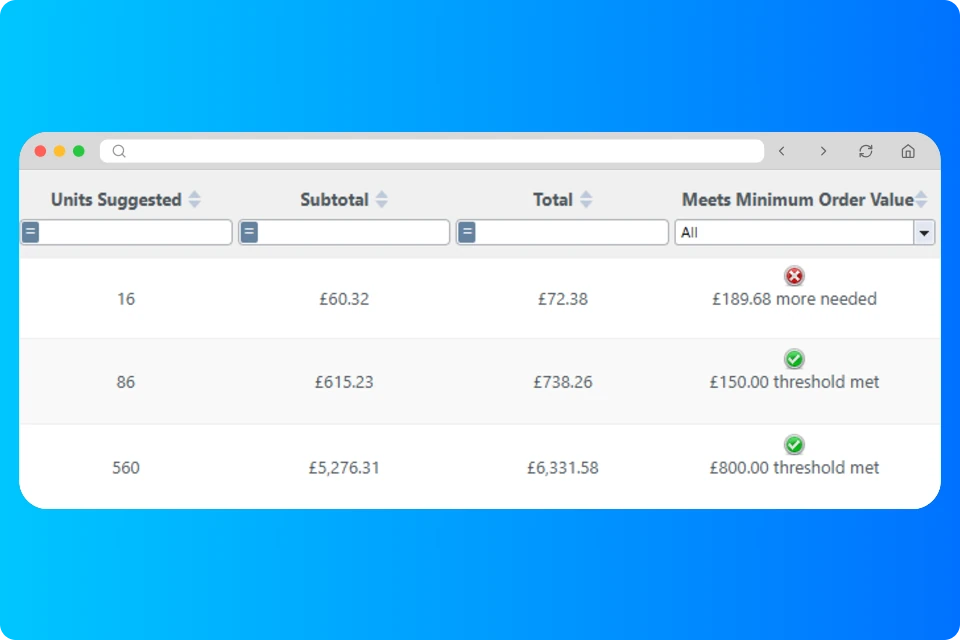
✓ Email, in-app and FTP delivery on a schedule ✓ Audit history of changes and export history of runs ✓ Included on standard plans

Frequently asked questions

Can I still use Power BI or my own SQL queries?

Yes. The Reporting Database is designed for exactly that: connect Power BI or any SQL tool directly and run custom queries without affecting the live system. Standard plans also include Power BI access to saved reports.

Is my data safe when I connect an AI assistant?

Access is granted per user within StoreFeeder's permission model, and the Reporting Database contains no personal customer data and is restricted to admin users. You control which assistants are connected.

What can I ask an AI assistant about my warehouse?

Anything held in your StoreFeeder data: current stock and days of cover, slow-moving SKUs, sales by channel or country, orders awaiting despatch, picking throughput and more. You can also ask the assistant to make updates within the permissions you grant.

Which StoreFeeder plan includes the MCP connection?

The MCP connection is part of Insights Pro, an add-on priced at £195 a month on top of any StoreFeeder plan. Insights Pro also includes the Reporting Database, custom dashboards and the AI dashboard builder.

What is an MCP connection?

MCP (Model Context Protocol) is an open standard that lets AI assistants such as ChatGPT and Claude connect to external systems and use them as tools. StoreFeeder's MCP connection lets an assistant read and, where permitted, update your StoreFeeder data in conversation.

Demo Partner 1
Demo Partner 2

See Insights Pro on your own data

Book your free 30-minute demo to see:
Check Light
Your workflow recreated in StoreFeeder
Check Light
Transparent pricing for your business size
Check Light
Implementation timeline and process
Option of monthly or annual contract.

Please enter your name

Please enter a valid email address

Please enter your company name

Please confirm that you are not a robot

Thank you! Your submission has been received!
Oops! Something went wrong while submitting the form.