


The seven fixes below are in order of impact. They work whatever system you use.
Measure picking accuracy as the share of order lines picked correctly: picking accuracy = (order lines picked correctly ÷ total order lines picked) × 100. The picking error rate is the reverse. Count errors per order line rather than per order, or a single wrong item in a ten-line order hides nine correct picks.
As a rule of thumb, anything below 99.5% accuracy (five or more errors per 1,000 lines) is worth fixing, because at that level re-shipping, returns handling and customer service usually cost more than fixing the process. Moving from paper to scan-validated picking is typically the biggest single improvement: StoreFeeder customers using barcode-validated picking average 99.95% picking accuracy.
Work it out for your own warehouse: errors per day × (outbound postage + return postage + replacement postage + staff time + the margin on any refund). Then add marketplace penalties and lost repeat customers. Even three errors a working day at £15 each comes to around £11,700 a year. Our ROI calculator does the sum for you from your order volume and error rate.
Clear SOPs mean every picker follows the same steps: check the SKU against the order, confirm the quantity, double-check before packing. Keep them easy to find on the warehouse floor and review them whenever your process, layout or system changes.
Scanning removes the reliance on memory and visual identification. The picker scans the item, and the system confirms it matches the order or rejects it on the spot. Connected to a warehouse management system, every scan also updates stock in real time, so there are no manual stock adjustments to get wrong.
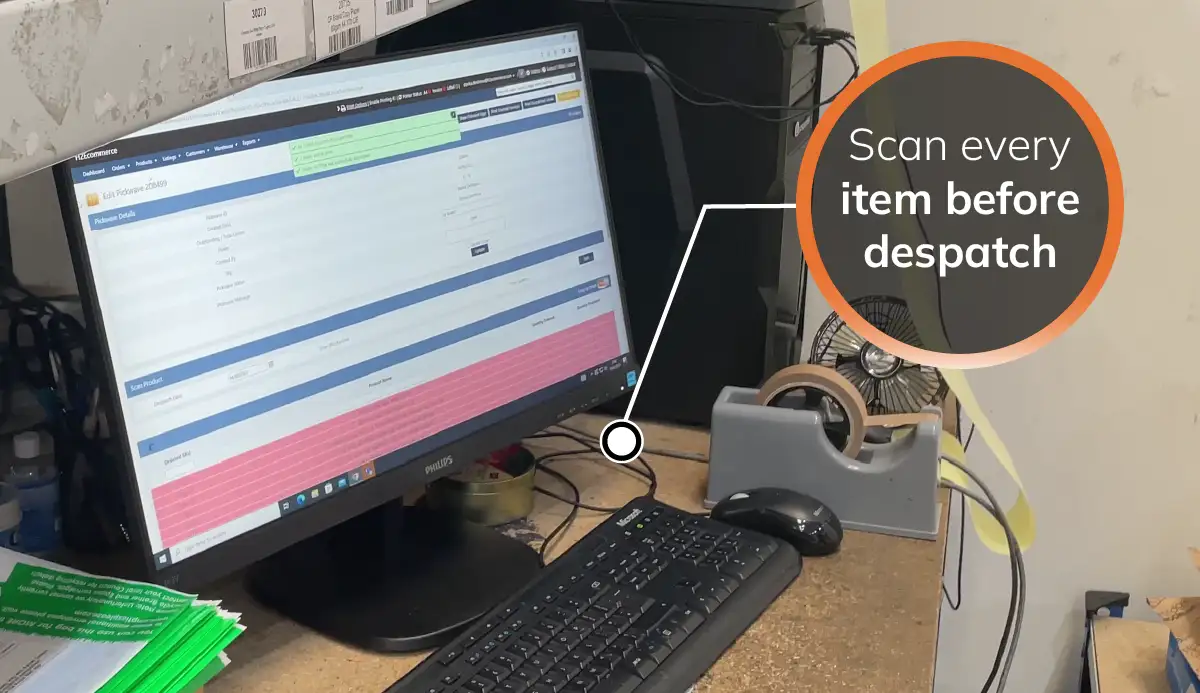
A checkpoint before despatch catches wrong items, missing items and wrong quantities. A second person checking works, but scanning each item again at the packing bench is faster and doesn't depend on attention at the end of a long shift.
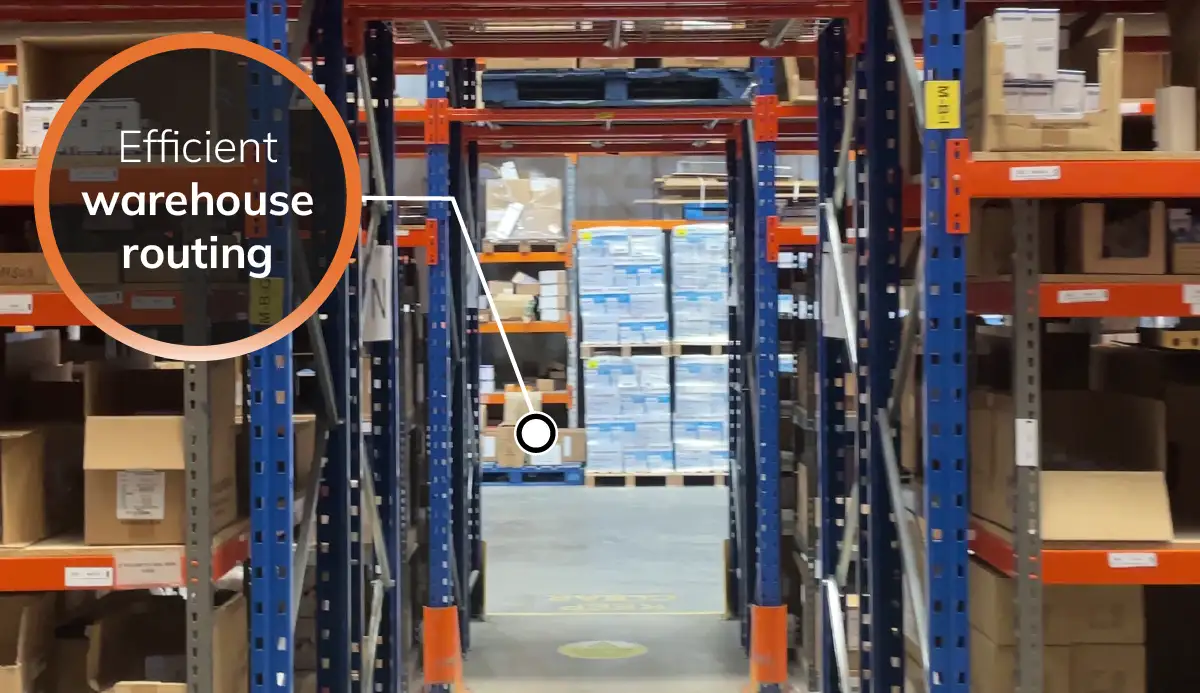
Put fast movers near the packing area, label aisles, shelves and bins clearly, and split the warehouse into zones so pickers focus on one area at a time. A WMS can then send pickers along the shortest route, so less time goes on searching and less on rushing.
Cover scanner use, double-checking and the WMS, with short monthly refreshers rather than one long induction. Guided handheld workflows make training much shorter, because new pickers follow the screen instead of memorising the warehouse.
A WMS ties the other fixes together: it generates pick lists and routes, validates every pick with a scan, and updates stock as items move, so pickers are never sent for stock that isn't there and every sales channel shows the right figure.
Track order accuracy and picking speed by zone, SKU, shift and picker. Review weekly or monthly, and use what you find to adjust training, SOPs or layout.
More variants, sizes and colours mean more look-alike items stored close together, more locations to remember and more chances to grab the right product in the wrong size. Paper pick lists and memory cope with 200 SKUs; they break down at 2,000. Give every SKU a barcode and a fixed location, separate similar variants, and validate every pick with a scan so the system, not the picker, confirms the size and colour.
Yes. Scanning works in three places whatever your size: when stock is booked in (so every item is in the right bin from day one), when it is picked (the handheld rejects a wrong scan instantly) and when it is packed (a final scan before the label prints). Most small teams run this on Android handheld scanners, and StoreFeeder can print barcodes for products that don't already have them.
A correct pick can still become a wrong delivery at the packing bench. Fix packing errors the same way, by checking at the point of work:
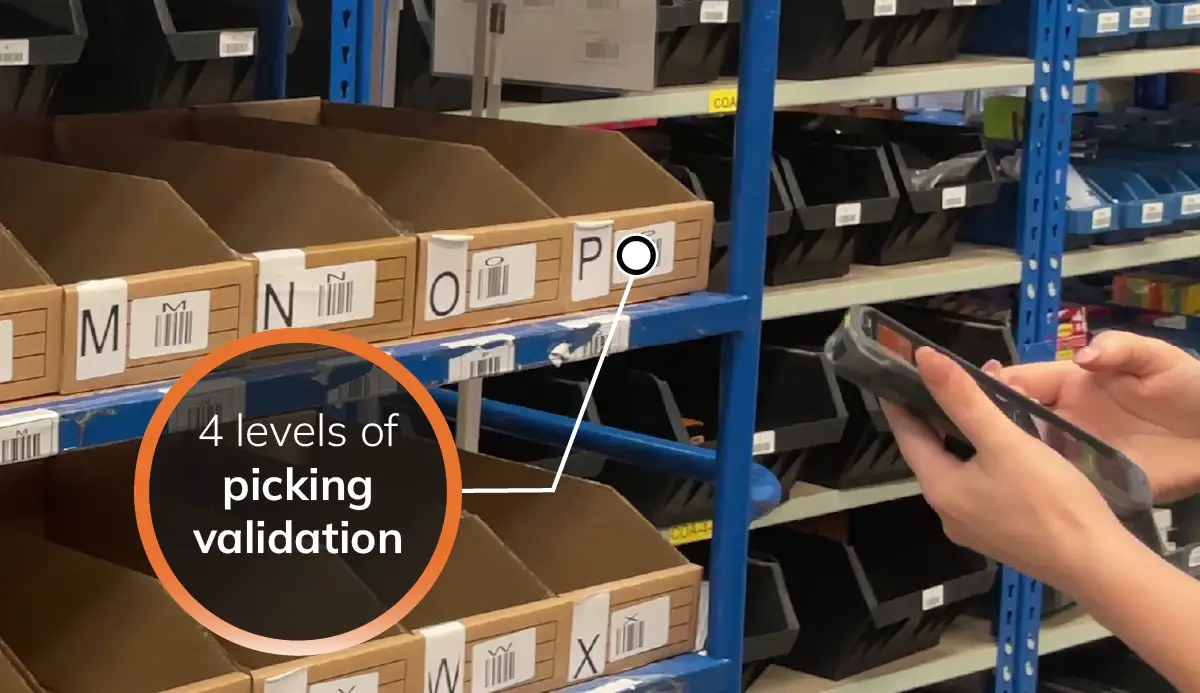
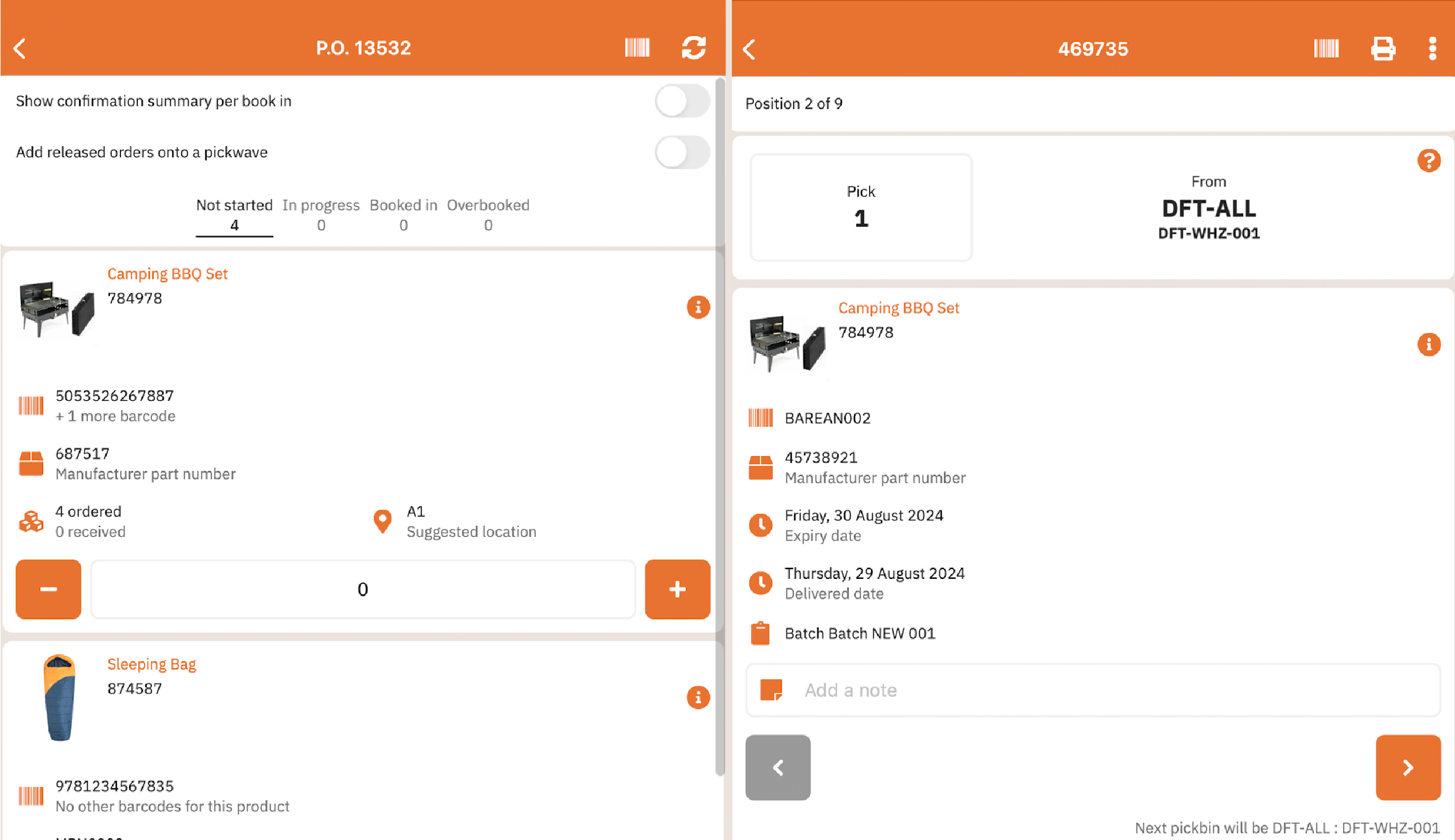
StoreFeeder's Android and iOS picking app validates every pick with a barcode scan and offers four validation levels, so you can set how many scans each picker needs according to their experience. Pickers are guided to each location with the quantity on screen, and scan and despatch checks every item again at the bench before the courier label prints. See how it fits into the full warehouse management system.
Written by Ian Dade, Operations Manager at StoreFeeder. Ian ran a fulfilment centre for more than twenty years before joining StoreFeeder full-time in 2017, and the processes he used there shaped StoreFeeder's core WMS features.

Are you ready to take your eCommerce business to the next level?
Book a free demo with StoreFeeder now and see how we can help you grow your business.
Prefer to try it yourself? Start a 14-day free trial, no card required. We review each trial sign-up before setting up your account, so access isn't instant.
Start your free trial →