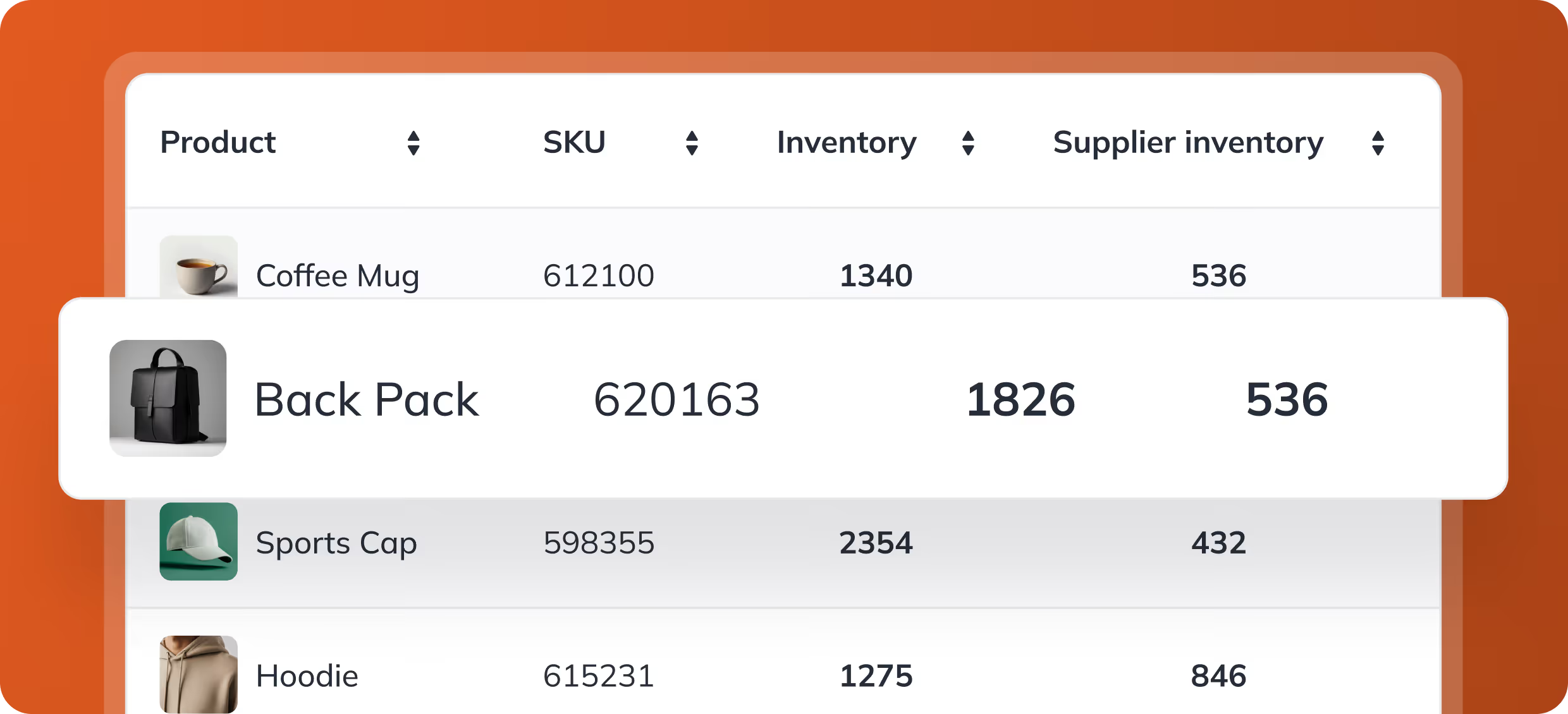





Where StoreFeeder fits in your tech stack

StoreFeeder is the hub between where you sell and how you ship. Marketplaces and webstores send orders in, couriers take parcels out, and your accounts package or ERP gets the sales. Here's what connects to what, and whether you still need an ERP.
Marketplaces and webstores send orders in
Stock levels and tracking go back to every channel
Couriers connected directly, no extra portals
Sales passed to Xero, QuickBooks and others
Works alongside an ERP, or instead of one for smaller retailers
What StoreFeeder customers have achieved:
Truly Sweet Candy reached
99.99%
picking accuracy
Transporter HQ saves
£40K
per year
H2E Commerce raised productivity by
80%
with StoreFeeder
Black Cat Medicines grew to
6K
orders a day
Twinings logo
Kukoon Rugs logo
Applied Nutrition logo
H2E Commerce logo
Transporter HQ logo
Aquacadabra logo
Ransom Spares logo
Twinings logo
Kukoon Rugs logo
Applied Nutrition logo
H2E Commerce logo
Transporter HQ logo
Twinings logo
Kukoon Rugs logo
Applied Nutrition logo
H2E Commerce logo
Transporter HQ logo
Aquacadabra logo
Ransom Spares logo
Twinings logo
Kukoon Rugs logo
Applied Nutrition logo
H2E Commerce logo
Transporter HQ logo
Paul, Founder & Owner, Kukoon Rugs
Quote
Our business simply couldn’t exist without StoreFeeder. We sell to more than 70 countries around the world, we ship up to 3,000 orders per day. We have seven different couriers and more than 100 different courier services. StoreFeeder has grown with us and allowed us to grow to that rate.

Paul, Founder & Owner, Kukoon Rugs

Questions we hear before every demo

Does it replace my ERP?
For most smaller retailers, yes, alongside an accounts package. Larger businesses keep their ERP and connect it.
Will it work with my channels?
StoreFeeder lists 70+ integrations across marketplaces, webstores, couriers and accounting, all built in-house.
What happens to my existing systems?
Your channels and couriers stay; StoreFeeder connects them so you stop re-keying orders, stock and tracking.
What talks to what

How an order moves through your systems

StoreFeeder sits in the middle, so each system only needs to talk to one place.

  1. Sales channels Amazon, eBay, TikTok Shop, Shopify and others send orders to StoreFeeder.
  2. StoreFeeder Updates stock everywhere and runs picking, packing and despatch.
  3. Couriers Labels print at despatch and tracking goes back to the channel.
  4. Accounts or ERP Sales pass to Xero, QuickBooks or your ERP for finance.
How StoreFeeder connects to the rest of your business
Sales channels

Marketplaces and webstores send orders in

Amazon, eBay, TikTok Shop, Temu, OnBuy, Shopify, WooCommerce, BigCommerce, Magento and the rest connect directly. Orders come into StoreFeeder; stock levels, listings and tracking go back out.

✓ Orders in from every channel ✓ Stock levels and listings out ✓ Tracking numbers sent back to the channel
Couriers

Couriers take the parcels away

StoreFeeder chooses the courier and service, prints the label at despatch and passes tracking back. Royal Mail, Parcelforce, DPD, Evri, DHL, FedEx, Amazon Shipping and more are built in, all developed in-house.

✓ 26+ courier integrations ✓ Rules choose the carrier for each order ✓ No separate courier portals at the packing bench
Accounting

Your accounts package gets the sales

StoreFeeder passes sales into Xero, QuickBooks, IRIS KashFlow, TradeBox or Zynk, so your accounts match what was actually sold and despatched without anyone re-keying it.
✓ Xero and QuickBooks ✓ IRIS KashFlow, TradeBox and Zynk ✓ No re-keying sales into the accounts
ERP and reporting

Your ERP and reporting tools stay connected

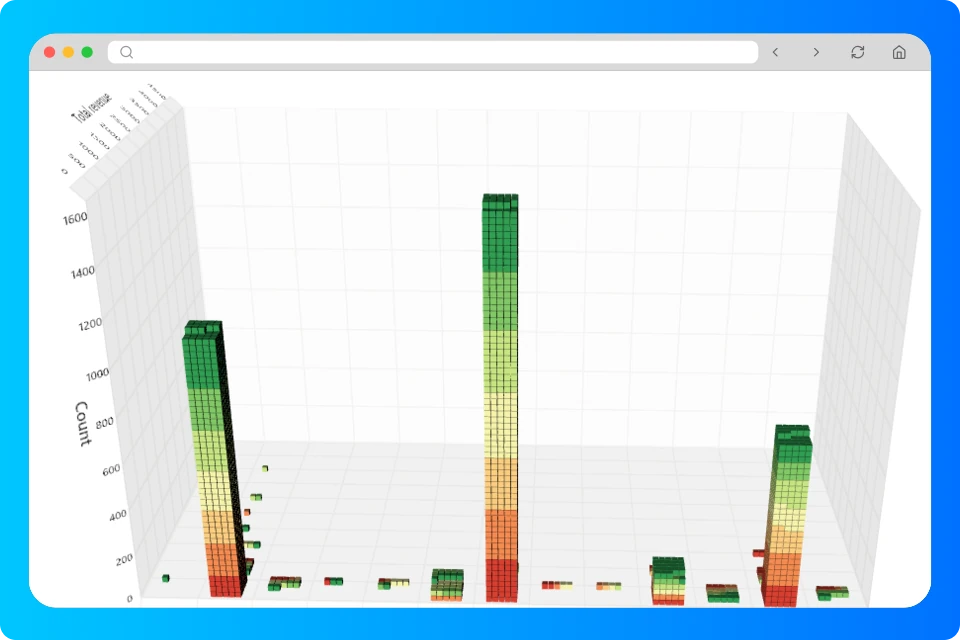
Larger businesses keep their ERP and connect it to StoreFeeder through the API. Insights Pro adds a Reporting Database that mirrors your account for Power BI, SQL and AI tools, without slowing the live system.

✓ REST API for ERP and in-house systems ✓ Reporting DB for Power BI and custom SQL ✓ MCP connection for ChatGPT and Claude (Insights Pro)

Does StoreFeeder replace an ERP?

It depends on the size of your business.

Smaller and growing retailers: StoreFeeder instead of an ERP

Most of our customers don't have an ERP and don't need one. StoreFeeder covers orders, stock, purchasing, warehouse and despatch, and an accounts package such as Xero or QuickBooks covers finance. Together they do the job an ERP would, without the cost or the long project.

Larger businesses: StoreFeeder alongside your ERP

If you already run an ERP, keep it for finance and wider business planning. StoreFeeder handles the fast-moving work your ERP isn't built for: channel orders, live stock sync, warehouse picking and courier despatch. The two connect through StoreFeeder's API, and Insights Pro adds a Reporting Database for Power BI and SQL.

What connects to what

SystemSends to StoreFeederGets from StoreFeeder
Marketplaces and webstoresOrdersStock levels, listings, tracking
CouriersServices and ratesShipments and labels
Accounts package–Sales
ERP or in-house systemsVia the APIVia the API

See the full list of integrations, what StoreFeeder is or who it's for.

Frequently asked questions

Can I connect ChatGPT or Claude to StoreFeeder?

Yes, with Insights Pro. It adds an MCP connection so AI assistants such as ChatGPT and Claude can query and update your StoreFeeder data, using your own account with the AI provider. See AI reporting and MCP.

Are integrations included in the price?

Most are. Some carrier integrations carry an extra charge. Every StoreFeeder integration is built and maintained in-house. See the full list of integrations.

Can StoreFeeder connect to our ERP or in-house systems?

Yes, through StoreFeeder's REST API. For reporting, Insights Pro adds a Reporting Database that mirrors your account, so you can use Power BI or custom SQL without slowing the live system.

Which accounting software does StoreFeeder integrate with?

Xero, QuickBooks, IRIS KashFlow, TradeBox and Zynk. Sales pass from StoreFeeder into your accounts so nobody has to re-key them.

Does StoreFeeder replace an ERP?

It depends on your size. Most smaller and growing retailers run StoreFeeder with an accounts package such as Xero or QuickBooks and don't need an ERP. Larger businesses usually keep their ERP for finance and planning and connect it to StoreFeeder, which handles channel orders, stock sync, picking and despatch.

StoreFeeder demo specialist

Show us your stack and we'll map StoreFeeder into it

Leave your details and we'll call you to arrange a free 30-minute demo, covering:
Check Light
Your workflow recreated in StoreFeeder
Check Light
Transparent pricing for your business size
Check Light
Implementation timeline and process
No obligation. Rolling monthly or discounted annual contract. We'll call you the same working day, usually within an hour.

Please enter your name

Please enter a valid email address

Please enter your company name

Please confirm that you are not a robot

Prefer to pick a time? Book a slot now

Thank you! Your submission has been received!
Oops! Something went wrong while submitting the form.