StoreFeeder posts sales invoices, credit notes and purchase order bills to Xero for the channels and order statuses you choose, so your accounts match the warehouse without anyone re-keying figures.


The Xero setup guide and configuration guide cover each setting.
Xero is cloud accounting software used by many UK small and medium-sized businesses for invoicing, bank reconciliation, VAT returns and reporting. For a multichannel seller, the hard part is getting accurate sales and purchase data into Xero from several marketplaces and web stores without manual entry.
Connecting StoreFeeder means your orders, returns and supplier purchases flow into Xero from one place, whichever channel they came from. Need a different accounting or ERP system? See Zynk, which connects StoreFeeder to Sage and other accounting and ERP systems, or book a demo.
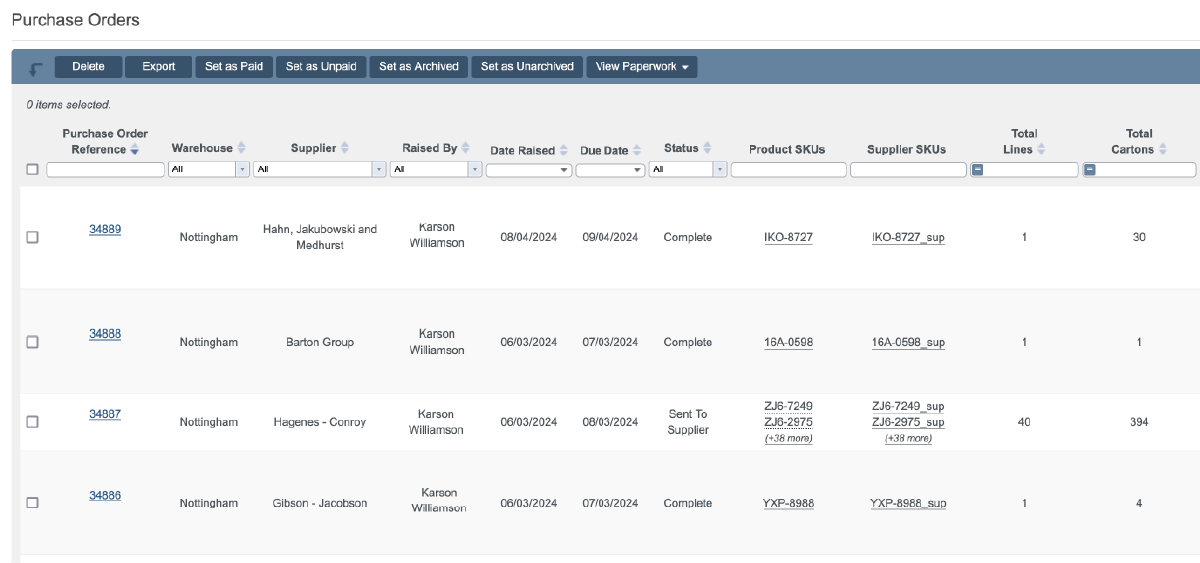
Orders from every channel reach Xero automatically once they hit the statuses you choose.
Once it is configured, it runs on its own.
Your chart of accounts stays in charge.
The Xero configuration guide covers every setting.
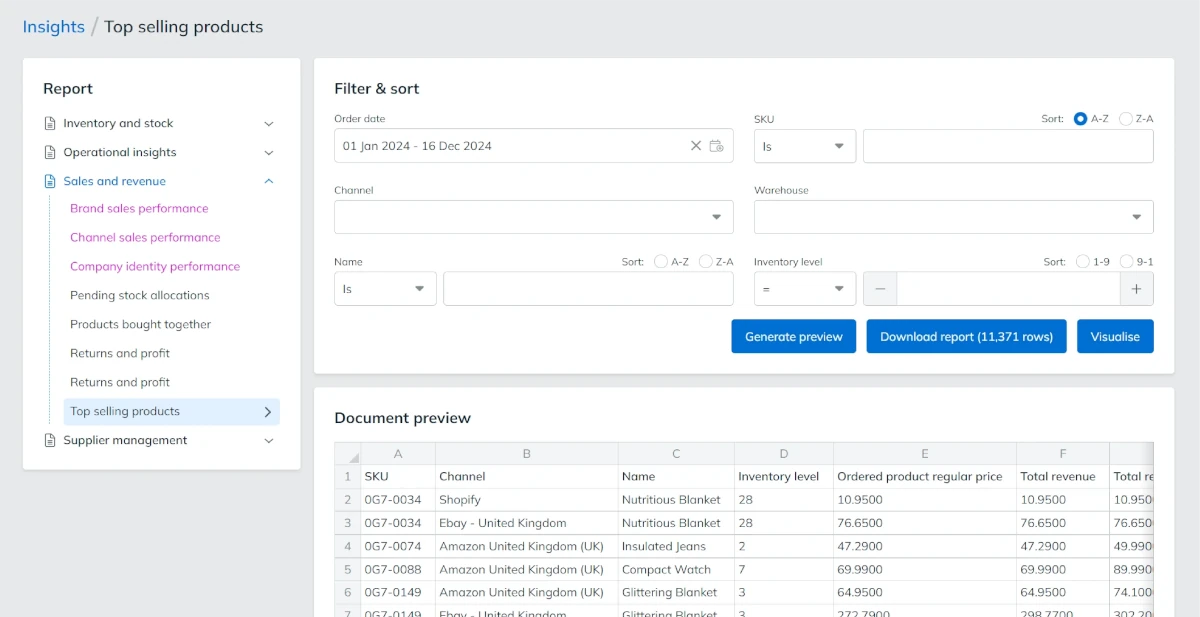
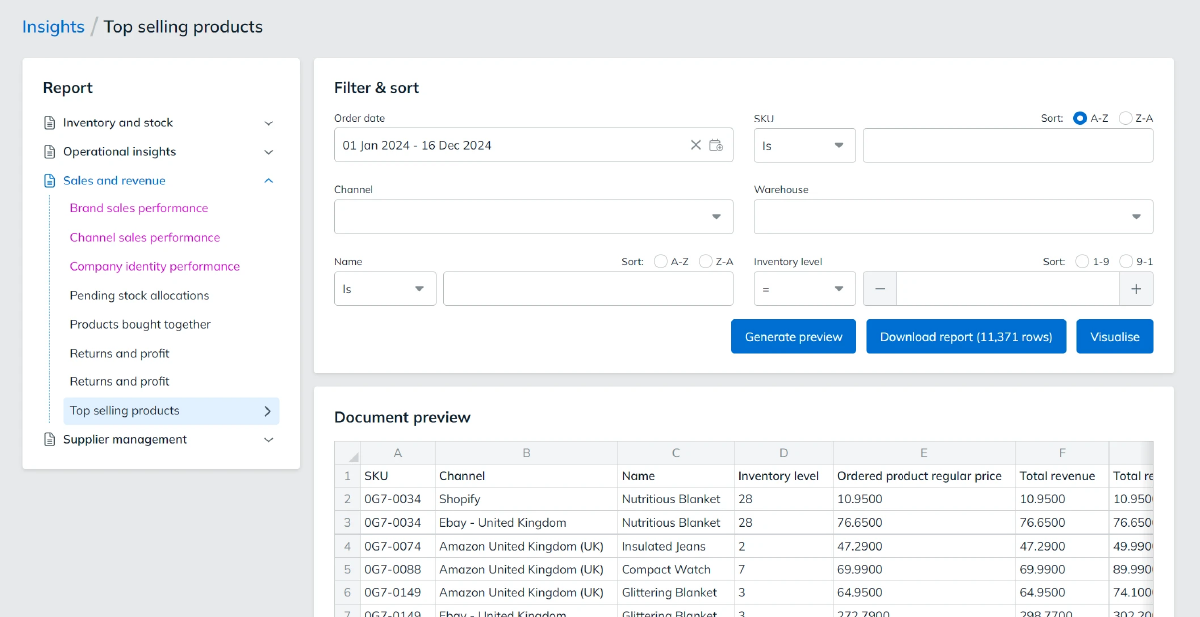
Supplier purchases flow into Xero as well as sales.
Need Sage or an ERP instead? See Zynk.

Xero is fully integrated with StoreFeeder, so you can rest easy knowing your accounting is done automatically
Book a demo
Link your account with just a few clicks - no technical skills required.
Import orders and shipping details automatically, ready for label generation and tracking.
Automate label creation, manage despatch, and handle returns effortlessly, all from one centralised platform.
Link your account with just a few clicks - no technical skills required.
Import orders and shipping details automatically, ready for label generation and tracking.
Automate label creation, manage despatch, and handle returns effortlessly, all from one centralised platform.
Add a Xero integration in StoreFeeder and link it to your Xero organisation.
Pick the channels, order statuses and suppliers to export, and whether to send as orders change or in a daily batch.
Map account codes, tax rates and tracking options once. After that, invoices, credit notes and bills flow into Xero automatically.
Link your account with just a few clicks - no technical skills required.
Import orders and shipping details automatically, ready for label generation and tracking.
Automate label creation, manage despatch, and handle returns effortlessly, all from one centralised platform.

Yes. StoreFeeder posts sales invoices, credit notes and purchase order bills to Xero for the channels and order statuses you choose. Orders can be sent as each one changes or as a daily batch, so your accounts match the warehouse without anyone re-keying figures.
Add a Xero integration in StoreFeeder and link it to your Xero organisation. Choose which order statuses and channels to export and how often, then map your account codes, tracking options and tax rates and pick the suppliers whose purchase orders should go to Xero. The Xero setup and configuration guides cover each setting.
Yes. Purchase orders for the suppliers you select can be exported to Xero as bills, from a start date you set. You can also set a Xero account code for each supplier, so supplier purchases land in Xero alongside your sales without manual entry.
Yes. You can link more than one Xero organisation and send specific channels to specific Xero accounts. You can also export from all channels or only the ones you choose, which helps if different trading businesses sell through different marketplaces or web stores.
Yes. Returned orders can be sent to Xero as credit notes, alongside the sales invoices for your orders. StoreFeeder tax rates are mapped to Xero tax rates, including country-specific overrides and shipping tax, and you can apply Xero tracking options to the data you send.
Are you ready to take your eCommerce business to the next level?
Book a free demo with StoreFeeder now and see how we can help you grow your business.