Connect your WooCommerce store to StoreFeeder to download orders, keep stock in step with Amazon, eBay and your other channels, manage WooCommerce listings and mark orders as despatched automatically.


If you schedule sale prices in WooCommerce, make sure StoreFeeder and WooCommerce use the same local time. The WooCommerce setup guide covers each step.
WooCommerce turns a WordPress site into a capable online shop. Once you also sell on marketplaces or run your own warehouse, keeping stock, picking and shipping in step across every channel is the hard part. StoreFeeder handles that in one system, with WooCommerce as one of your channels. Also on Shopify or BigCommerce? They all run from the same stock pool. Book a demo.
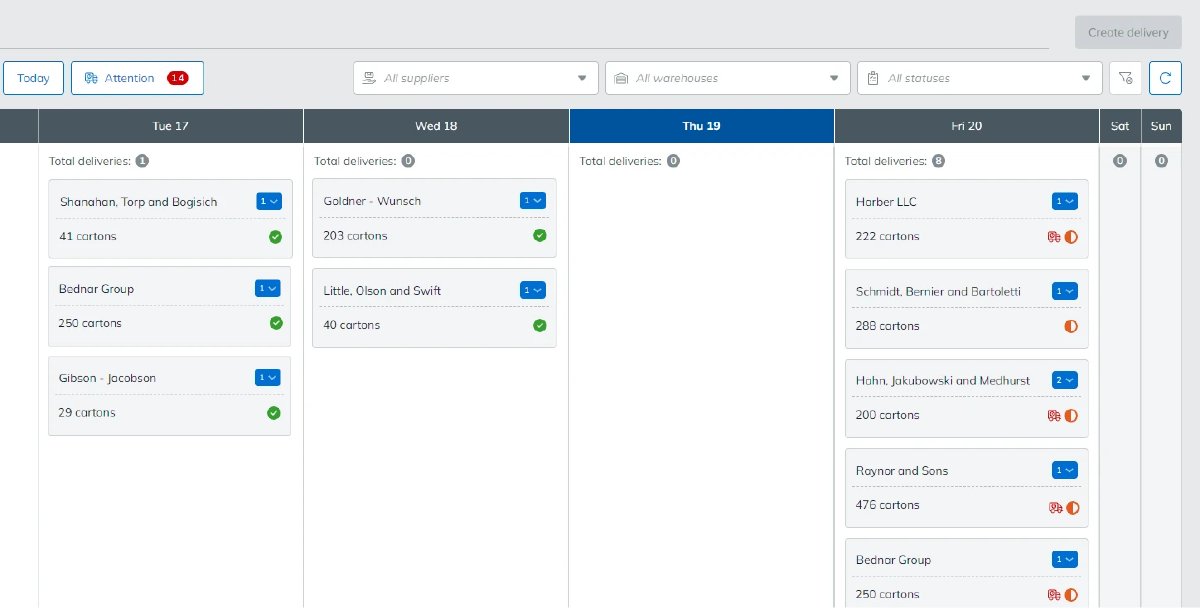
WooCommerce orders drop into the same queue as Amazon, eBay and your other channels.
Your team works from one order list, whichever channel the order came from.
Stock is held centrally, so a sale on any channel updates what your WooCommerce store shows.
One stock figure across every channel helps prevent overselling.
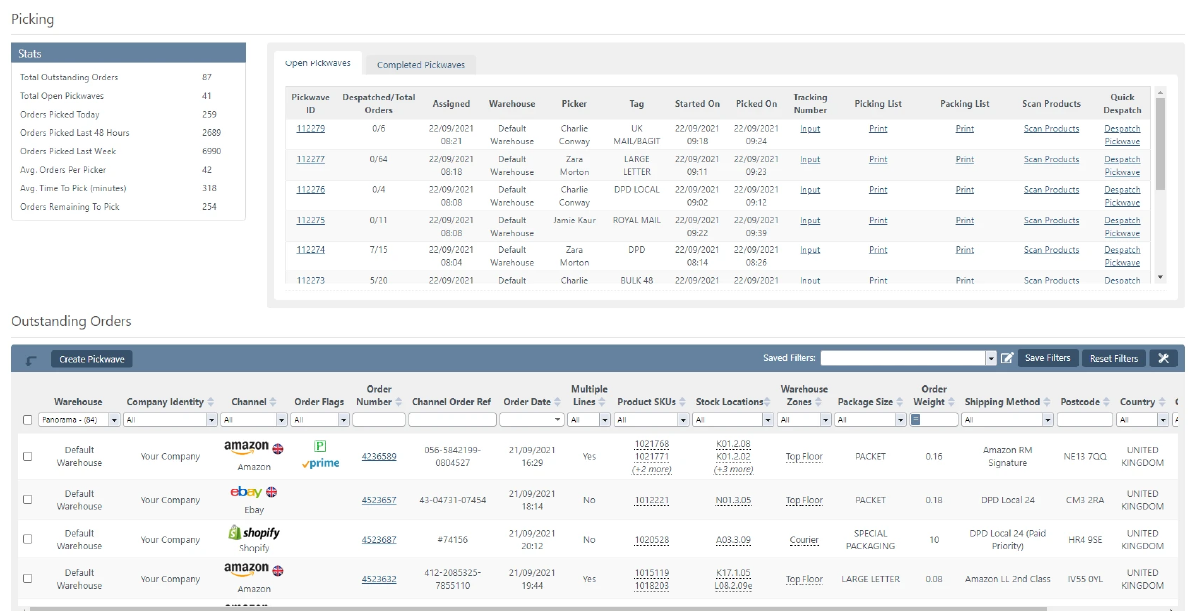
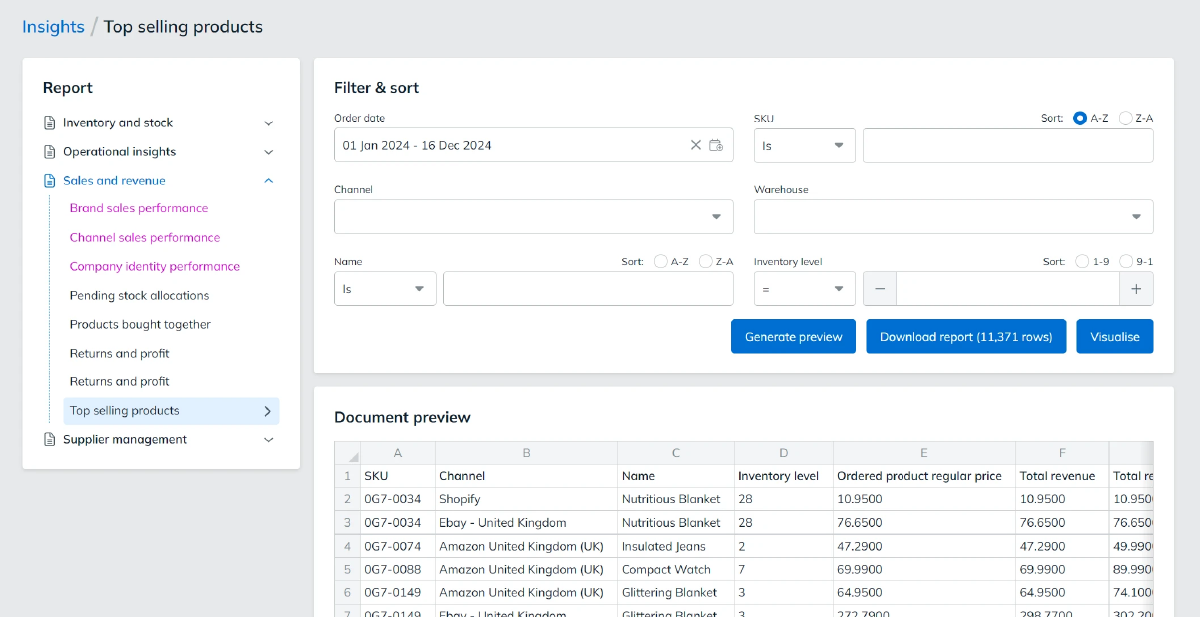
WooCommerce orders go through the same warehouse process as everything else.
Want to see it working with your own store? Book a demo.

Book a demo of StoreFeeder today and discover how we can revolutionise your warehouse operations with our tools.
Book a demo
Link your account with just a few clicks - no technical skills required.
Import orders and shipping details automatically, ready for label generation and tracking.
Automate label creation, manage despatch, and handle returns effortlessly, all from one centralised platform.
Link your account with just a few clicks - no technical skills required.
Import orders and shipping details automatically, ready for label generation and tracking.
Automate label creation, manage despatch, and handle returns effortlessly, all from one centralised platform.

The difference between WooCommerce and WordPress is that WooCommerce is a webstore plugin built to work in WordPress, that will turn your website into an online shop. Wordpress itself is a content management system that's designed to enable you to create website content.
Yes, WooCommerce is free! The plugin is free of charge on the WordPress site and can be installed on your website quickly and easily. However, there may be hosting fees and other costs associated with you running the website.
WooCommerce is an open source plugin for WordPress websites that is used to create online ecommerce stores. Orders placed on your website can then be processed, courier labels created, and despatched via the plugin. Using our multichannel management platform, these orders can then be processed and courier labels created, from one central location along with your orders from eBay, Amazon, and Shopify.
Are you ready to take your eCommerce business to the next level?
Book a free demo with StoreFeeder now and see how we can help you grow your business.