Connect Virtualstock to StoreFeeder to import orders from the retailers on its network, keep stock and prices updated and send despatch details back automatically.


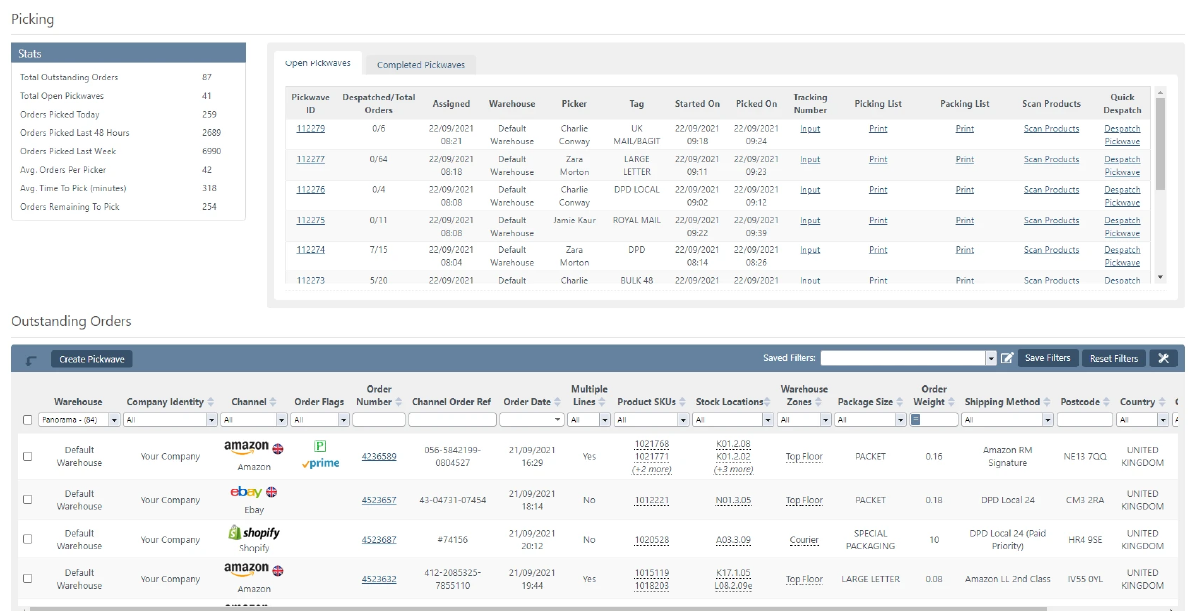
Virtualstock orders drop into the same queue as Amazon, eBay and your web store.
No separate seller portal to work through each morning.
Product, stock and price data stay in sync with Virtualstock.
You connect using the same username and password you use for the Virtualstock Supplier Portal; these come from Virtualstock or the retailer that onboarded you. A sandbox option is available if Virtualstock has given you test credentials. See the Virtualstock setup guide.
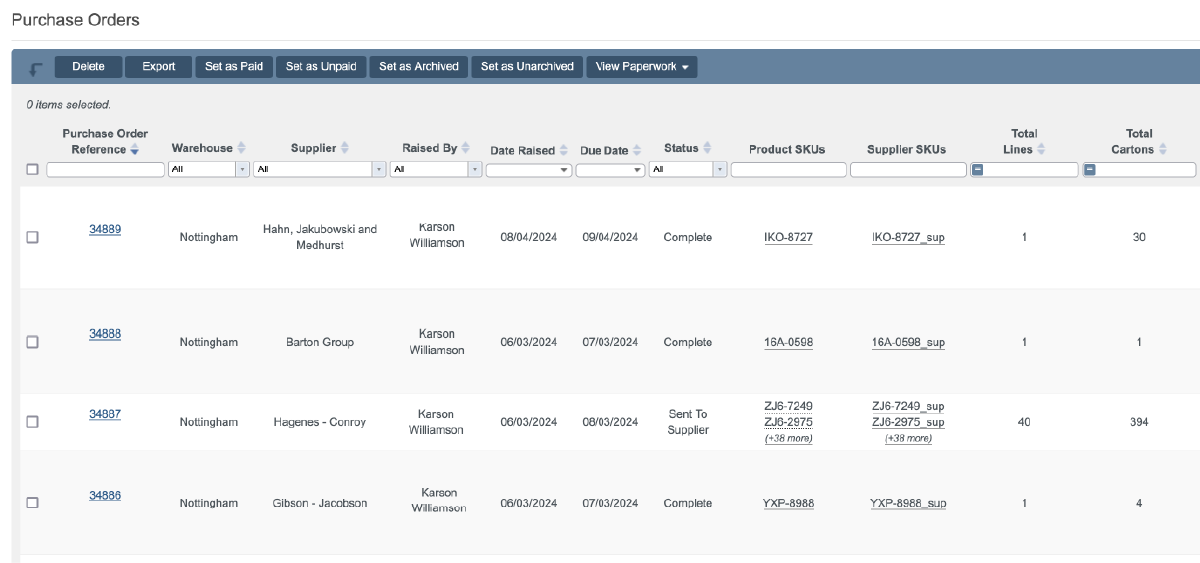
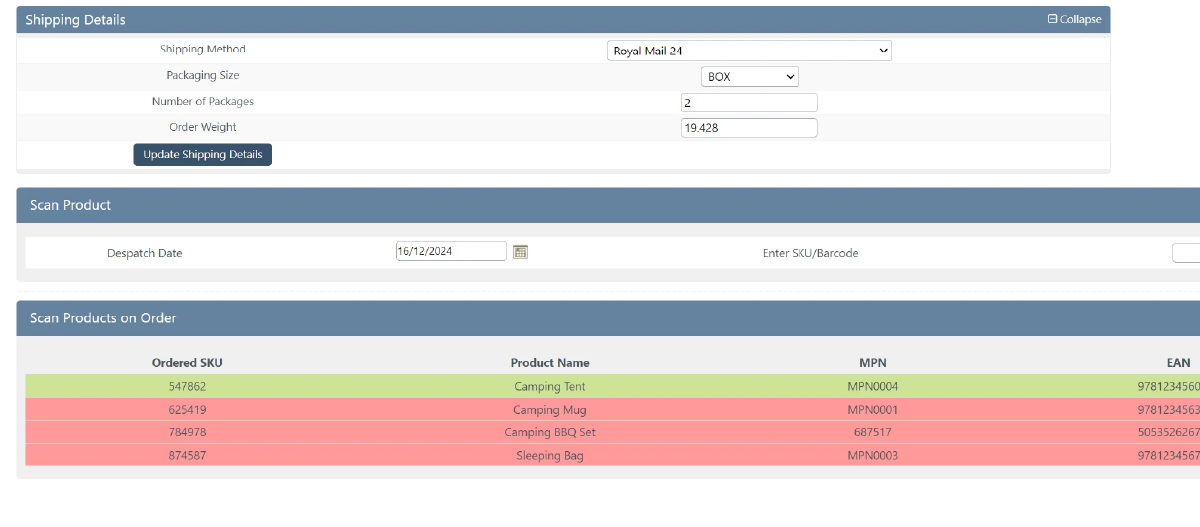
Virtualstock orders go through the same warehouse process as everything else.
Virtualstock runs a drop-ship and supplier network used by UK retailers to sell stock held by their suppliers. Want to see it working? Book a demo.

Book a demo of StoreFeeder today and discover how we can revolutionise your warehouse operations with our tools.
Book a demo
Link your
Virtualstock
store quickly and easily - no technical know-how required.
Automatically import products, stock levels, and orders into one centralised system.
Use our tools to streamline your warehouse, automate orders, and manage shipping with ease.
Link your account with just a few clicks - no technical skills required.
Import orders and shipping details automatically, ready for label generation and tracking.
Automate label creation, manage despatch, and handle returns effortlessly, all from one centralised platform.

Virtualstock orders go through the same warehouse process as everything else. Shipping rules allocate a courier and service, picking and packing are scan-validated and courier labels print at the packing bench. Tracking and despatch details are sent back to Virtualstock once orders ship.
Yes. Stock levels and prices are pushed from StoreFeeder back to Virtualstock, and Virtualstock product data can be downloaded into StoreFeeder automatically. Product, stock and price data stay in sync, so retailers on the network see current availability.
Yes. A sandbox option is available in StoreFeeder if Virtualstock has given you test credentials. This lets you check the connection before switching to your live Supplier Portal login. StoreFeeder's UK-based support team can help if you have questions during setup.
You use the same username and password you use for the Virtualstock Supplier Portal. These come from Virtualstock or the retailer that onboarded you. The Virtualstock setup guide covers the steps in StoreFeeder, and once connected, orders placed through Virtualstock download into StoreFeeder.
Yes. StoreFeeder connects to Virtualstock to import orders from the retailers on its network, keep stock and prices updated and send despatch details back automatically. Virtualstock orders drop into the same queue as Amazon, eBay and your web store.
Are you ready to take your eCommerce business to the next level?
Book a free demo with StoreFeeder now and see how we can help you grow your business.