StoreFeeder reads your sales velocity, supplier lead times and current stock to tell you what to reorder and when. Approve the suggested requisition and the purchase order is raised in a click.
What StoreFeeder customers have achieved
Truly Sweet Candy reached
99.99
%
picking accuracy
Transporter HQ saves
£40
K
per year
H2E Commerce picks
61
%
more orders an hour
Black Cat Medicines grew to
6
K
orders a day








We signed up to StoreFeeder primarily to get a better handle on stock control, as this is one of the biggest challenges facing a retail outlet with a physical store and several eCommerce websites. StoreFeeder has given us so much more including an excellent purchase order system and an extensive reporting system.


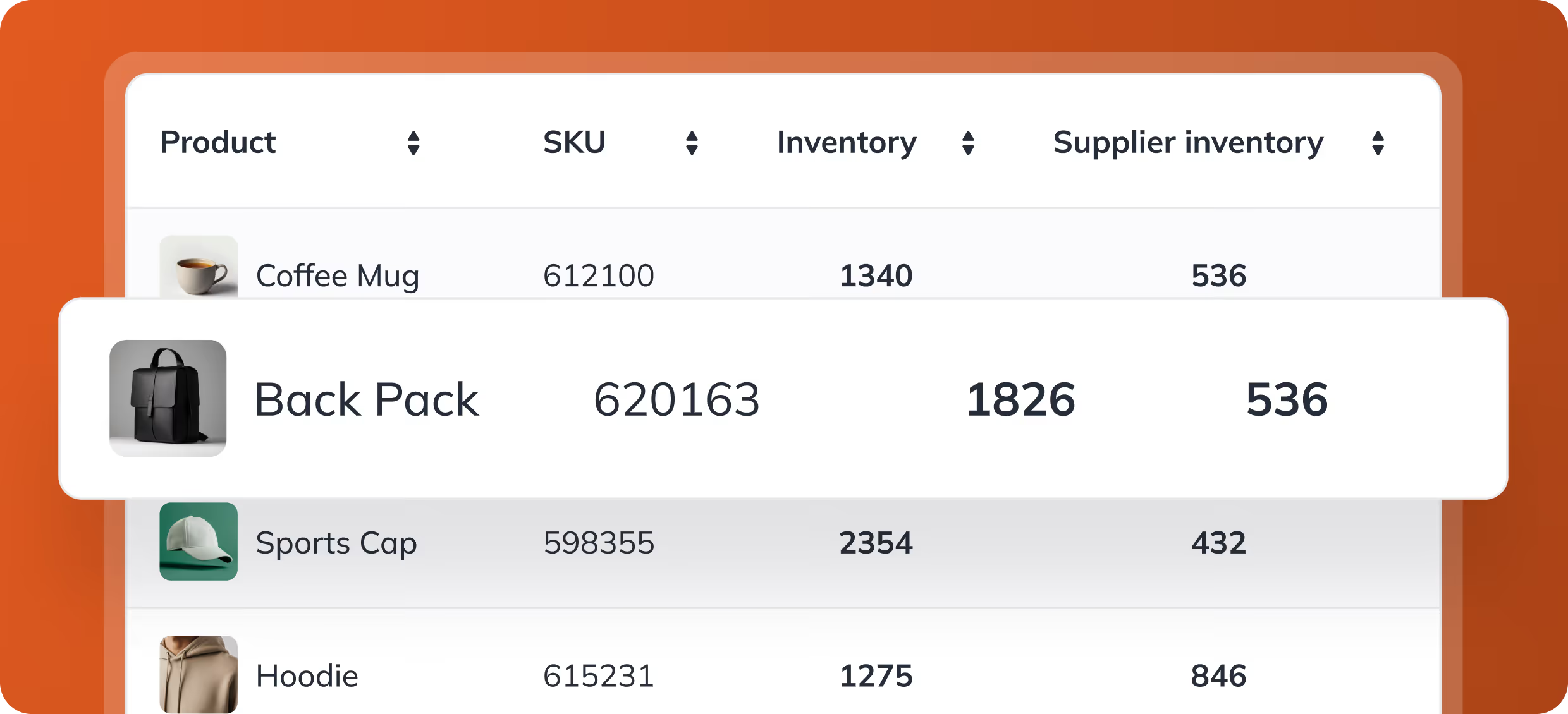
StoreFeeder’s requisitions tool analyses your past sales performance, supplier lead times, and current inventory levels to forecast your future stock needs. This predictive feature ensures you always have the right amount of stock on hand, minimising the risk of stockouts and excess inventory. With these insights, you can stay ahead of demand and ensure your business continues to meet customer needs without unnecessary delays.
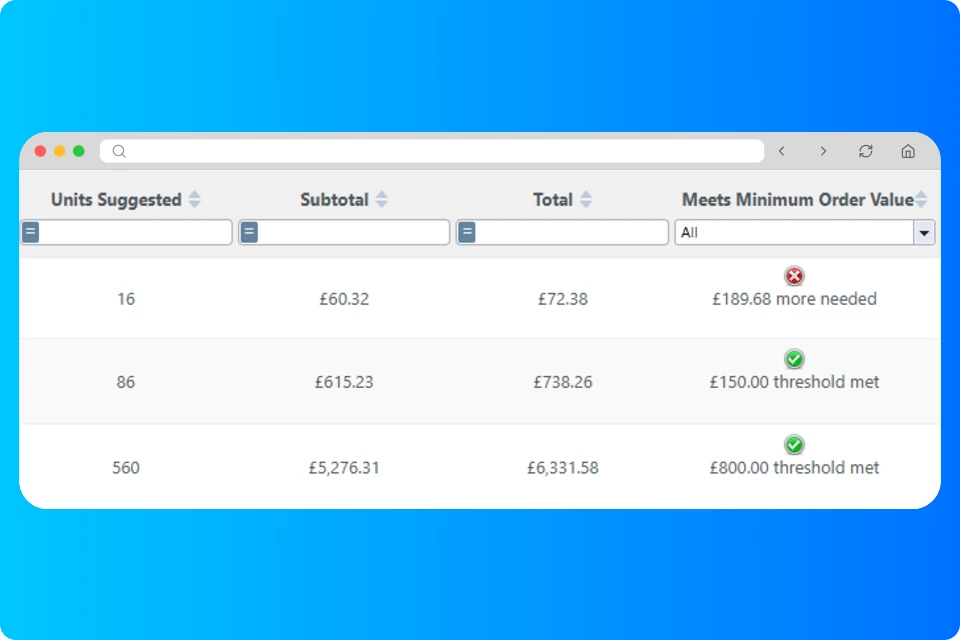
StoreFeeder doesn’t just forecast when you need to order stock—it helps you take action quickly. After analysing your stock levels and sales data, the system auto-suggests purchase orders for you to review. With just a click, you can create and confirm the order, streamlining the purchasing process and ensuring accuracy. This saves time and helps you maintain the right stock levels with ease.

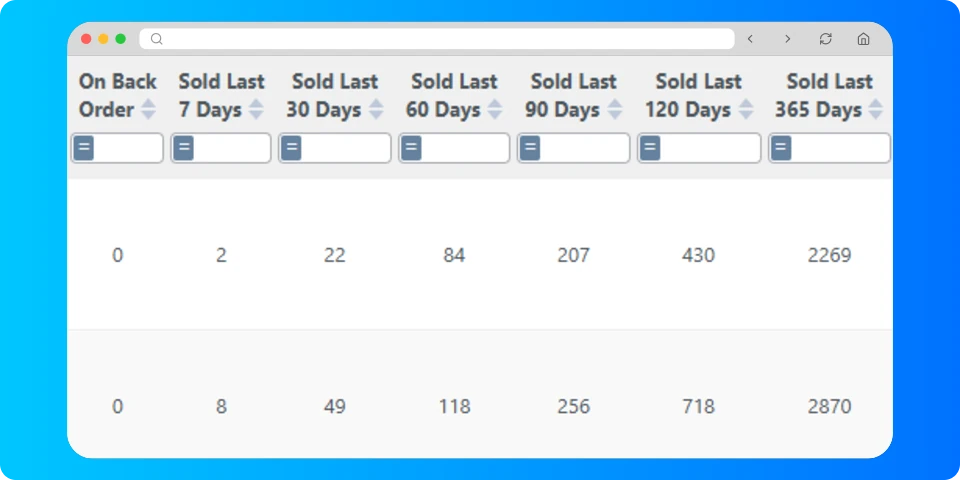
StoreFeeder provides a wide range of data and reports to help you track trends, identify sales patterns, and understand the performance of your stock over time. These reports allow you to make data-driven decisions about inventory replenishment, helping you react quickly to changes in demand. Whether you’re dealing with fast-moving items or slow-moving stock, StoreFeeder gives you the insights needed to keep your inventory in perfect balance.
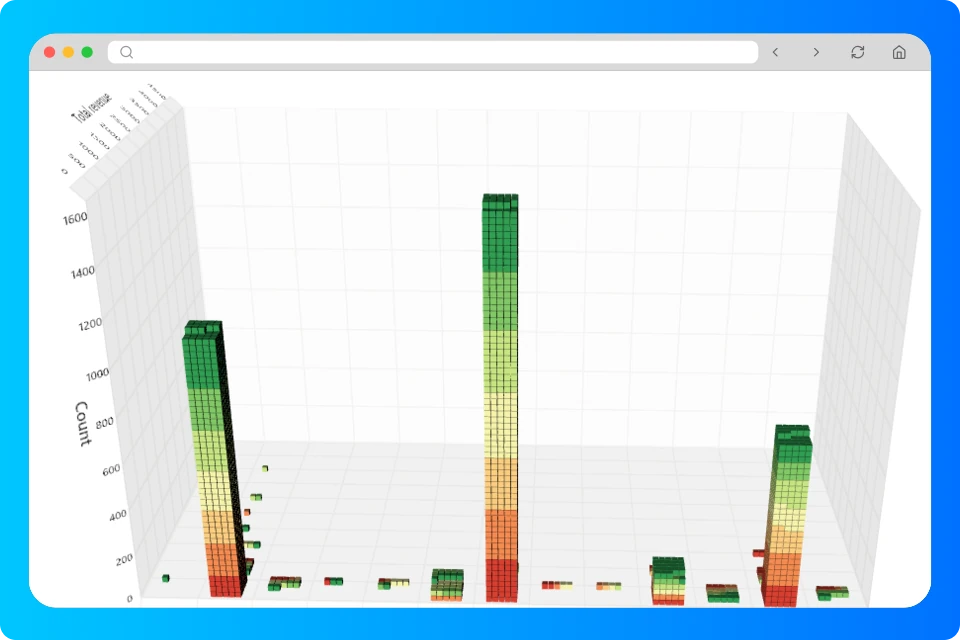
With StoreFeeder’s detailed reporting features, you can quickly identify which products are performing well and which may need attention due to slow sales. This helps you fine-tune your stock levels and make informed decisions about what to reorder, clear out, or promote. By keeping a close eye on slow-moving stock, you can avoid tying up capital in unsold products and focus on stocking the items that matter most
Not ready for a demo? See what StoreFeeder could save you
Running out of a best seller costs sales and marketplace ranking; over-ordering ties up cash and space. Forecasting uses your actual sales across every channel to get the balance right.
What's included: basic stock forecasting, reorder suggestions and purchase orders are included in every StoreFeeder plan. Advanced, FIFO-aware forecasting is part of the Advanced Operations Pro add-on (+£295 a month). See pricing.
Forecasting is part of StoreFeeder's warehouse management system, working with booking in and inventory management.
Yes. StoreFeeder builds supplier lead times into its stock forecasts and recommends when to reorder each product. It then auto-suggests purchase orders for your suppliers; approve the suggested requisition and the purchase order is raised in a click, so you stay in control of what is ordered.
Inventory and Stock Forecasting involves predicting future stock requirements based on historical sales data, market trends, and seasonal fluctuations, enabling accurate inventory planning and minimising shortages or overstock.
Yes, after StoreFeeder generates a purchase order based on stock recommendations, you can easily adjust the quantities or details before sending the order to your supplier.
Yes, StoreFeeder offers a range of reports that provide insights into sales trends across different products and time periods. These reports help you understand what products are performing well and which ones may require attention.
Absolutely. StoreFeeder provides detailed reports that highlight trends in sales and slow-moving stock. This allows you to manage unsold inventory more effectively and make informed decisions about promotions, reordering, or discontinuing products.
Yes, StoreFeeder automatically generates purchase orders based on stock level forecasts. You can review and edit these orders before sending them to your suppliers, saving time and improving accuracy in the ordering process
StoreFeeder’s Stock Forecasting system analyses your historical sales data, current stock levels, and supplier lead times to recommend the optimal time to reorder stock. This helps you avoid stockouts and overstocking by ensuring you always have the right amount of inventory.


Not ready to talk yet? See what StoreFeeder would cost for your business.
Get your price →Prefer to try it yourself? Start a 14-day free trial, no card required. We review each trial sign-up before setting up your account, so access isn't instant.
Start your free trial →