How to speed up warehouse despatch without adding errors

The despatch bench is where orders queue, labels get typed and wrong parcels slip out. Here's where the time actually goes and the four changes that cut it, without trading speed for accuracy.
Most bench time is spent choosing services and printing labels
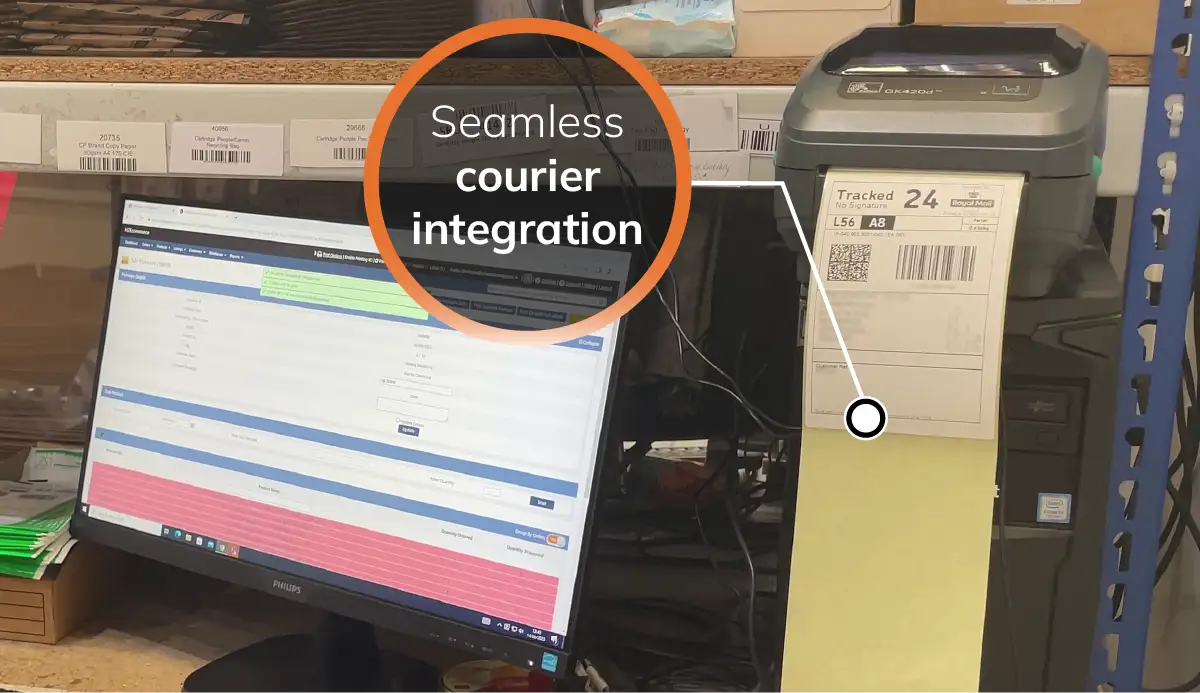
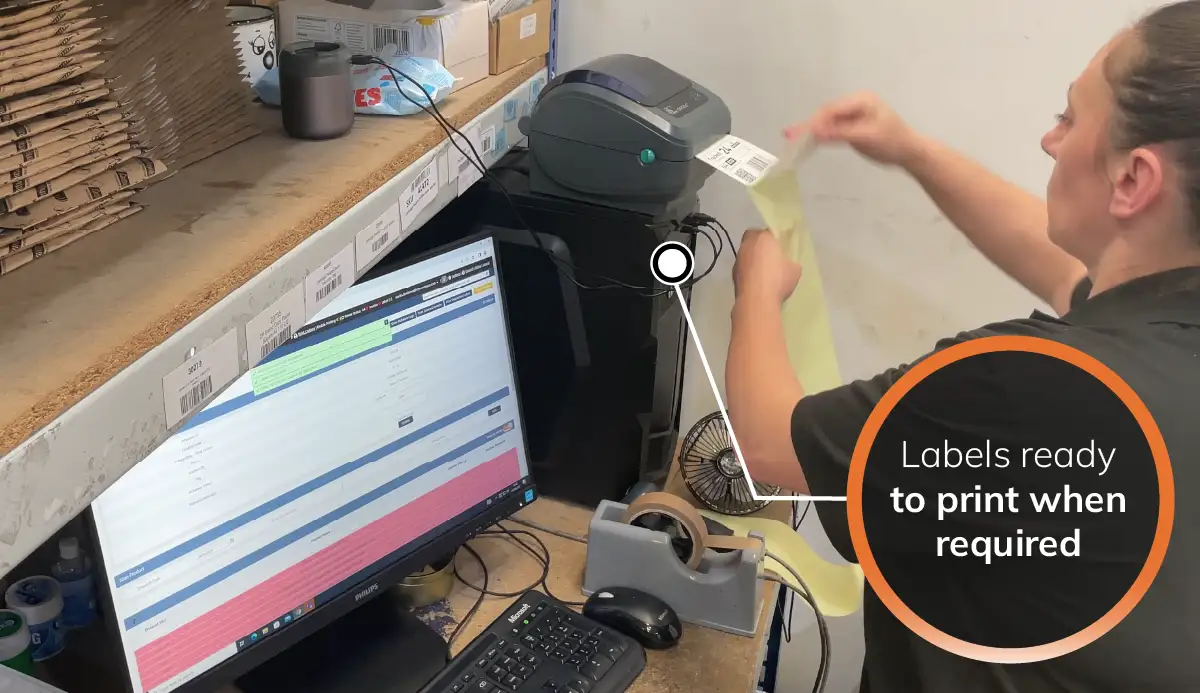
Pre-generating labels saves seconds on every parcel
Rules-based courier selection removes the decision
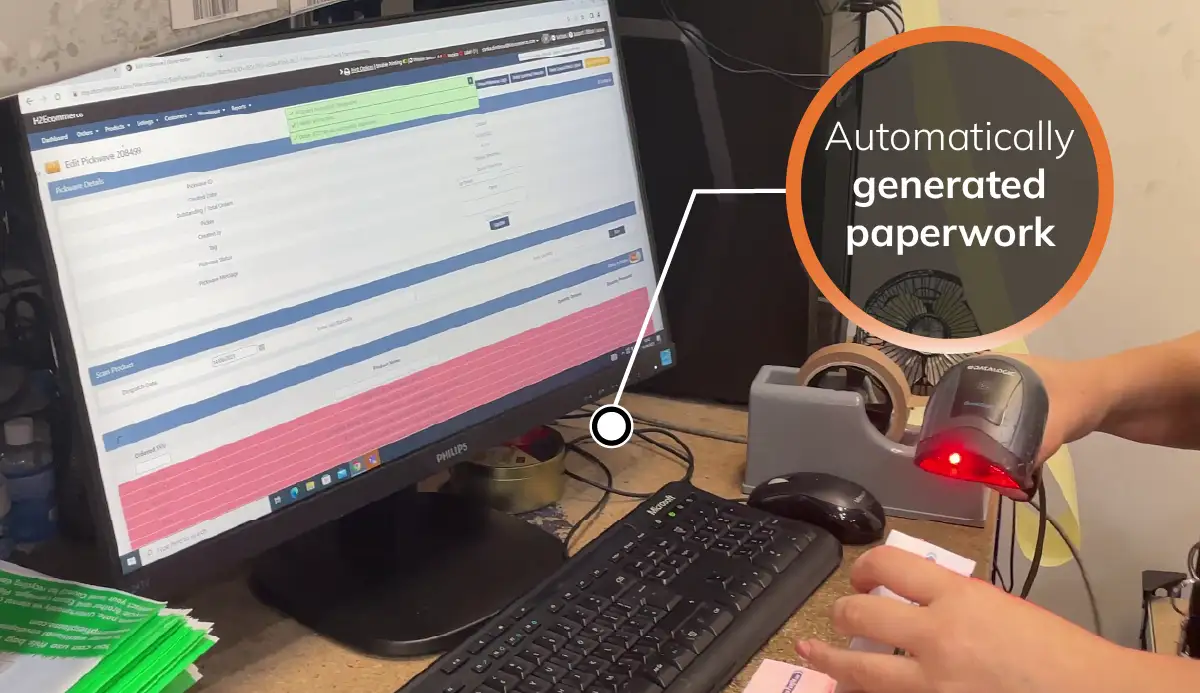
Scan-to-despatch catches wrong items before the label prints
Tracking should reach the customer without anyone typing
Quote

StoreFeeder has affected very well our outbound accuracy, because if you scan the wrong item against the wrong order, it gives you an error message. It won't let you proceed until you get the right product. Our mispick and short pick standards against the industry are superb.

David, Operations Manager, H2E Commerce

Where despatch time really goes

Deciding the courier
Someone looks at weight, destination and service level and picks a carrier, on every single order.
Creating the label
Typing or copying addresses into a courier portal is slow and where most address errors start.
Matching parcel to paperwork
Checking items against a despatch note by eye is the last place a mis-pick can be caught, and it often isn't.
Four changes that speed up despatch
1. Shipping rules

Let rules choose the courier

Set the rules once: weight bands, destinations, service levels, marketplace requirements. On import, every order is allocated the right carrier and service automatically. Nobody decides at the bench.
✓ Weight, destination and SLA-based rules ✓ Prime and tracked orders flagged ✓ Change a rule once, applies to every order
2. Pre-generated labels

Print labels before the parcel arrives

Generate labels in the background while orders are being picked. When the parcel reaches the bench the label is ready to print, which saves several seconds on every order.
✓ Labels created during picking ✓ Ready to print at the bench ✓ Works across all integrated couriers
3. Scan-to-despatch

Scan the item, not the paperwork

Scan any picked item and the system finds the order, checks every product against it and only then releases the label. Wrong or missing items are caught here, not by the customer.
✓ No manual matching ✓ Every item validated before the label prints ✓ On-screen alerts for anything wrong
4. Automatic updates

Push tracking back automatically

Once the label prints, the order is marked shipped and the tracking number goes to the sales channel and the customer. No end-of-day uploads, no missed marketplace deadlines.
✓ Tracking to Amazon, eBay, Shopify and more ✓ Orders marked shipped instantly ✓ Customers notified without manual work
Dan, StoreFeeder

Let's start growing your business

Are you ready to take your eCommerce business to the next level?
Book a free demo with StoreFeeder now and see how we can help you grow your business.

Book a demo
‍