Manage SHEIN orders and stock alongside every other channel
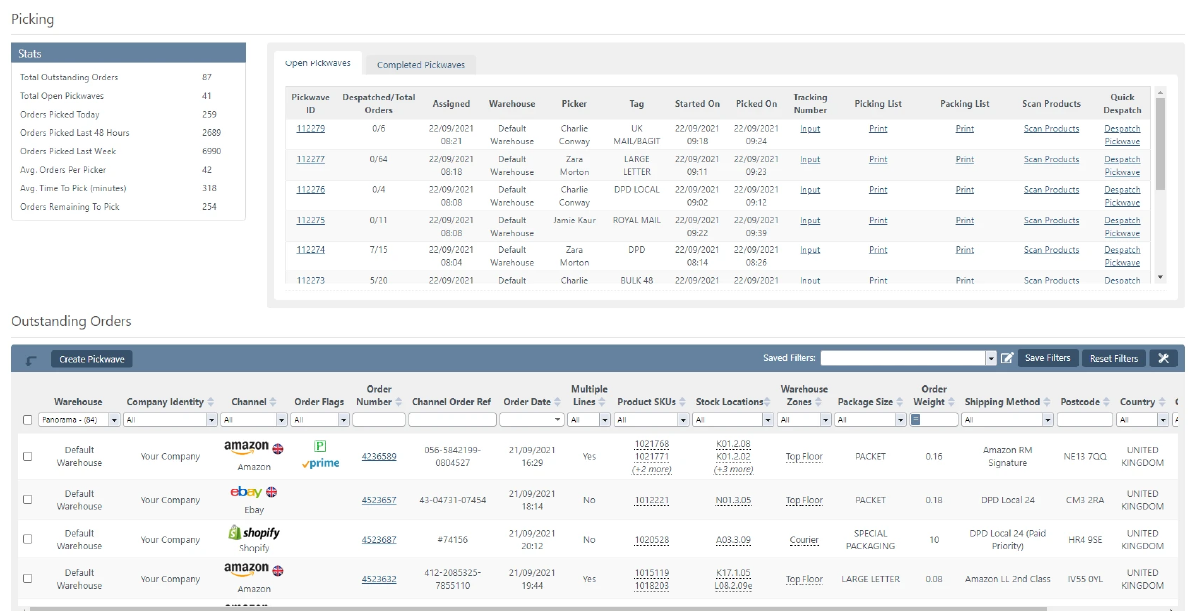
SHEIN orders drop into the same queue as Amazon, eBay and your web store.
No separate seller portal to work through each morning.
Stock is held centrally, so a sale anywhere updates what SHEIN shows.
You authorise StoreFeeder from your SHEIN seller account, and our team helps you get the integration set up. Contact StoreFeeder to get started.
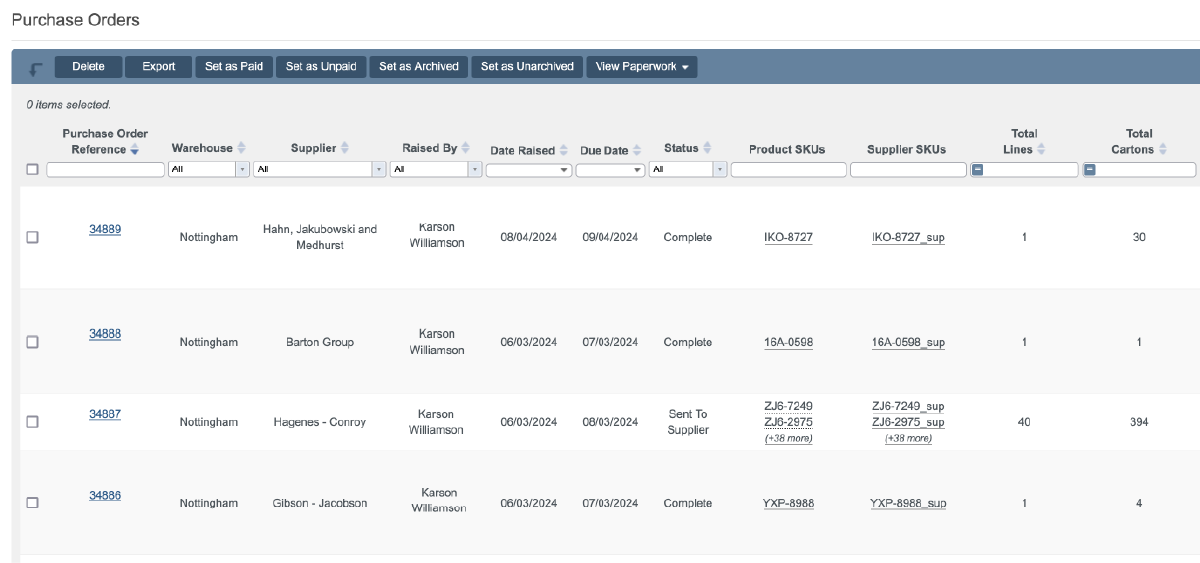
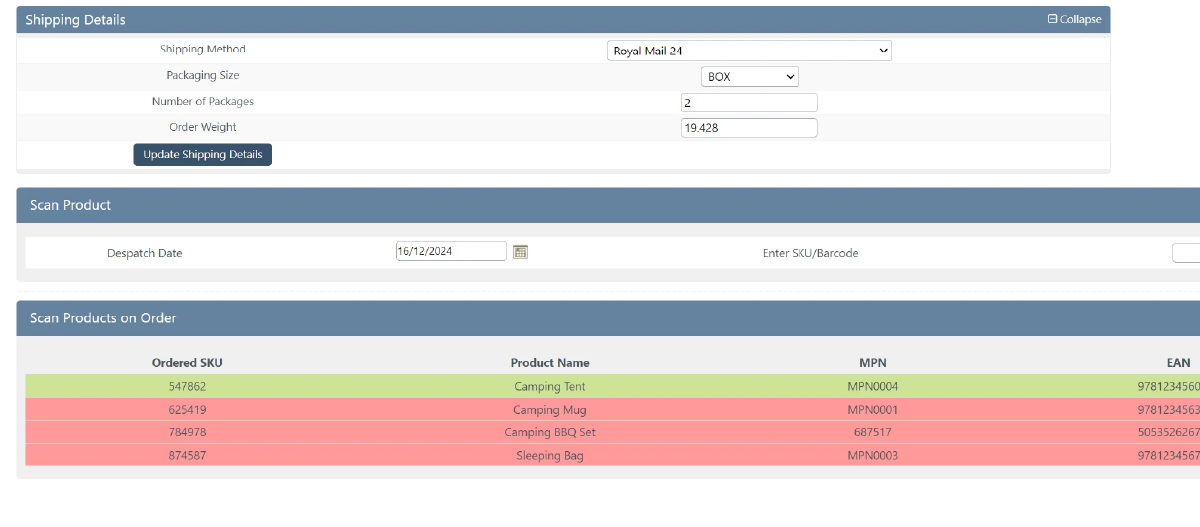
SHEIN orders go through the same warehouse process as everything else.
SHEIN is a global online fashion and lifestyle retailer with a marketplace open to third-party sellers. Want to see it working? Book a demo.

Link your
SHEIN
store quickly and easily - no technical know-how required.
Automatically import products, stock levels, and orders into one centralised system.
Use our tools to streamline your warehouse, automate orders, and manage shipping with ease.
Link your account with just a few clicks - no technical skills required.
Import orders and shipping details automatically, ready for label generation and tracking.
Automate label creation, manage despatch, and handle returns effortlessly, all from one centralised platform.

StoreFeeder helps prevent it by keeping one stock figure across every channel. A sale on Amazon, eBay, your web store or SHEIN updates the quantity shown everywhere else. StoreFeeder connects to 40+ sales channels, all drawing on the same central stock.
SHEIN orders go through the same warehouse process as every other channel. Shipping rules allocate a courier and service, picking and packing are scan-validated and courier labels print at the packing bench. Shipping updates are sent back to SHEIN once orders are despatched.
Yes. Inventory and prices are updated on SHEIN from StoreFeeder. SHEIN product information downloads so listings can be matched to the products you hold, and because stock is held centrally, a sale on any channel updates what SHEIN shows.
You authorise StoreFeeder from your SHEIN seller account, and StoreFeeder's team helps you get the integration set up. Contact StoreFeeder to get started. Once connected, SHEIN orders download into StoreFeeder automatically and SHEIN product information downloads so listings can be matched to your products.
Yes. StoreFeeder connects to SHEIN to import orders, keep stock and prices in step with your other channels and send shipping updates back automatically. SHEIN orders download into the same queue as Amazon, eBay and your web store.
Book a demo and we’ll walk through your orders, channels and couriers with you. Or get a price for your setup first.