StoreFeeder exports orders from every channel as an accounts file that TradeBox reads, so sales can be posted into Sage without re-keying.


The TradeBox setup guide covers each setting.
TradeBox is UK software that posts eCommerce sales into Sage and other accounting packages. Many Sage users rely on it to bring marketplace and web store sales into their books.
StoreFeeder gives TradeBox one clean file covering every channel, instead of a separate export from each marketplace. Prefer a direct connection? See Xero, or Zynk for Sage and ERP systems, or book a demo.
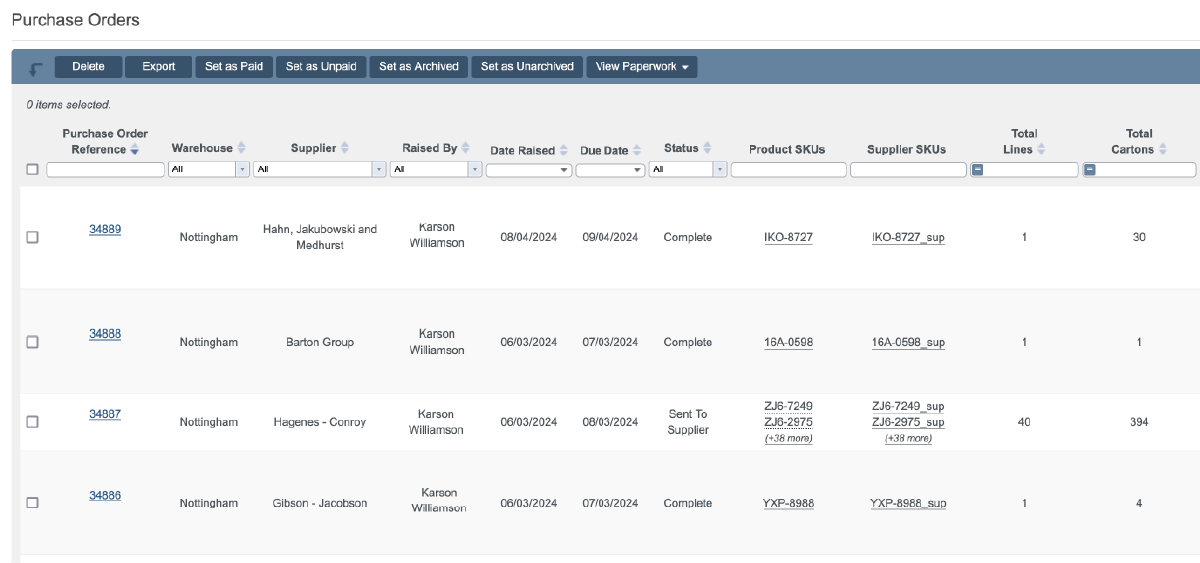
Amazon, eBay, your web store and every other channel export together.
Your Sage posting starts from one consistent source.
Export exactly the orders your accounts need.
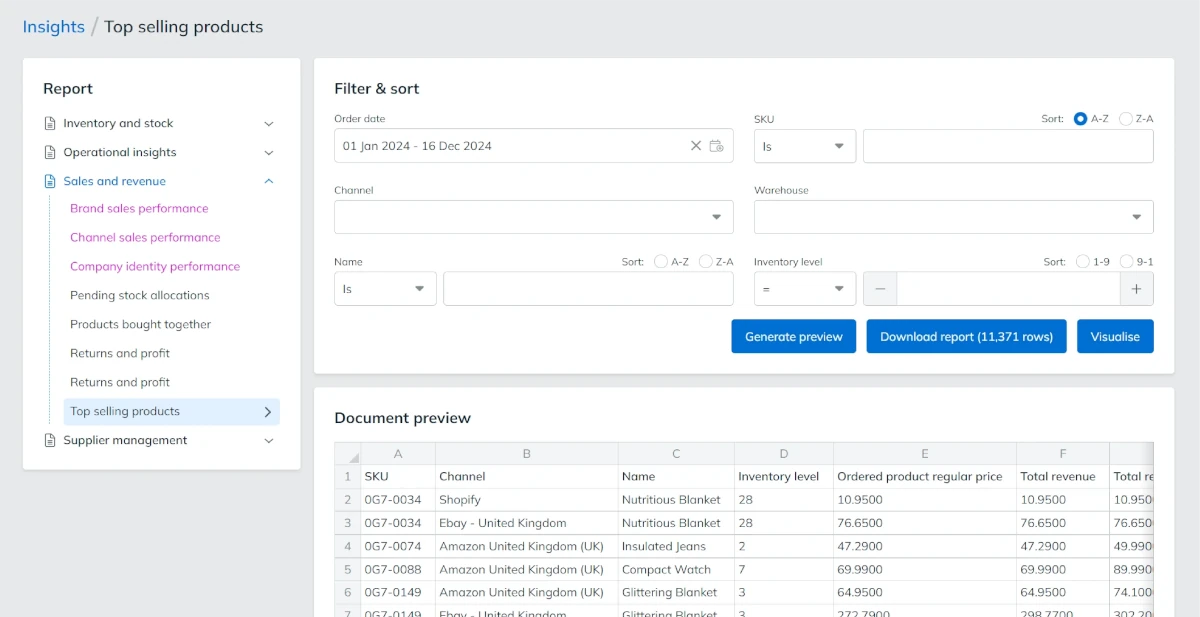
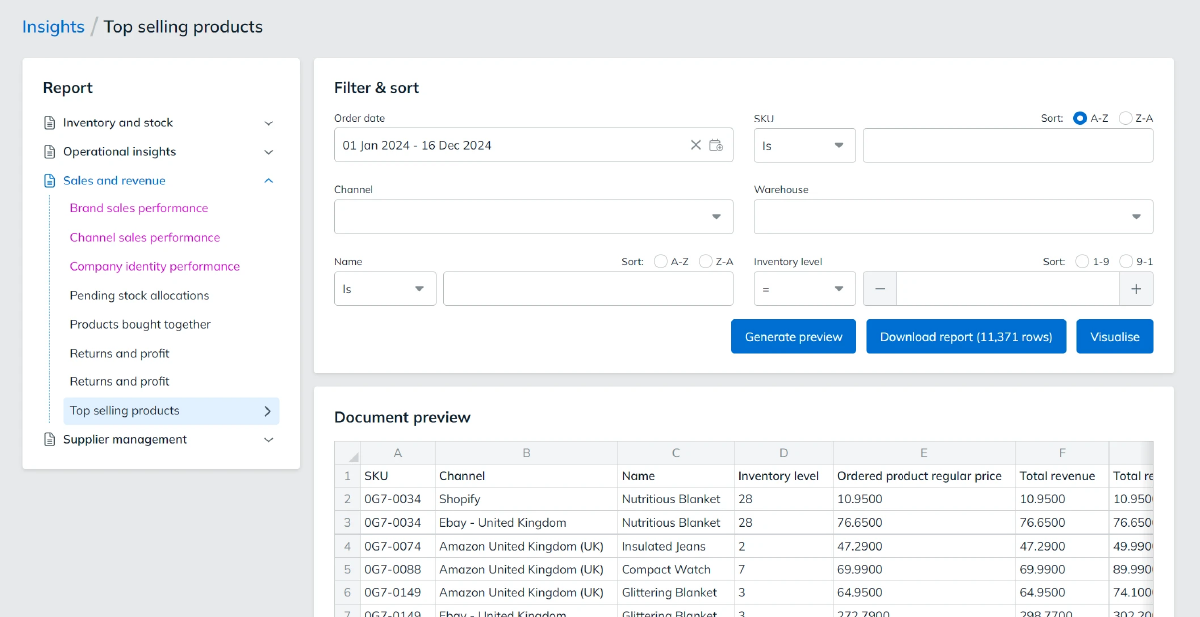
Running more than one trading company from StoreFeeder?
Want a direct Sage connection instead? See Zynk.

See how StoreFeeder and Tradebox work in tandem to streamline your accounting - book a demo today
Book a demo
Link your account with just a few clicks - no technical skills required.
Import orders and shipping details automatically, ready for label generation and tracking.
Automate label creation, manage despatch, and handle returns effortlessly, all from one centralised platform.
Link your account with just a few clicks - no technical skills required.
Import orders and shipping details automatically, ready for label generation and tracking.
Automate label creation, manage despatch, and handle returns effortlessly, all from one centralised platform.
In StoreFeeder's Integration Manager, add a TradeBox integration and choose your company identity.
Set the order statuses and whether orders are dated by order date or despatch date.
Export the accounts file for your date range and load it into TradeBox to post your sales.
Link your account with just a few clicks - no technical skills required.
Import orders and shipping details automatically, ready for label generation and tracking.
Automate label creation, manage despatch, and handle returns effortlessly, all from one centralised platform.

Yes. StoreFeeder exports orders from every channel as an accounts file in the format TradeBox expects. You load that file into TradeBox, which posts the sales into Sage, so you get marketplace and web store sales into your books without re-keying them.
In StoreFeeder's Integration Manager, add a TradeBox integration and set the company identity, date type and order statuses to export. Then use Export Accounts File, pick a date range and export. Load the file into TradeBox to post it to your accounts. The TradeBox setup guide covers each setting.
Yes. You choose which order statuses to include, for example despatched orders only, and whether orders are dated by order date or despatch date. You can also leave out orders that have already been exported, so the same sale is not posted to Sage twice.
Yes. If you run more than one trading company from StoreFeeder, you can export each company identity separately to keep their finances apart, or export all identities together in one file. The export uses a pre-configured template you can adjust if your setup needs it.
Yes. Amazon, eBay, your web store and every other channel export together in one accounts file, instead of a separate report from each marketplace. If TradeBox needs it, you can also repeat order totals on each line of multi-line orders.
Are you ready to take your eCommerce business to the next level?
Book a free demo with StoreFeeder now and see how we can help you grow your business.