Temu orders import into StoreFeeder automatically and run through the same picking, packing and despatch workflow as the rest of your orders, with stock shared across every channel you sell on.


You need an active Temu Seller Center account with admin access to install apps. Temu access tokens expire periodically; if orders stop importing, generate a new token and reconnect. The Temu setup guide walks through each step.
Not selling on Temu yet? Register as a Temu seller, or book a StoreFeeder demo to see Temu running alongside your other channels.
Temu is an online marketplace known for low prices and a fast-growing UK and European customer base. Its local seller programme lets businesses that hold their own stock list on Temu and fulfil orders themselves, which is where a warehouse system matters: Temu orders need to be picked, packed and despatched alongside the rest of your orders without separate stock or separate processes.
StoreFeeder's Temu integration became available in September 2025. Read the launch announcement or watch the selling on Temu webinar.
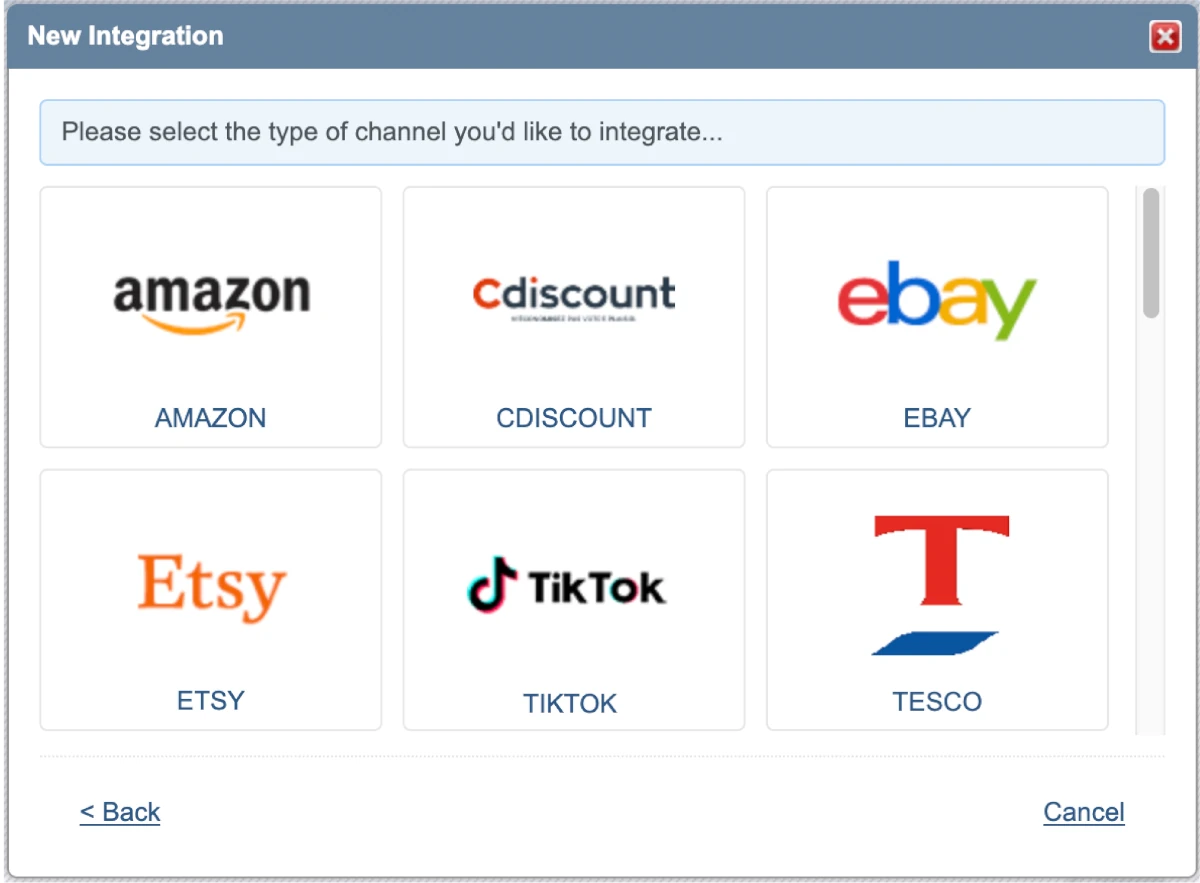
StoreFeeder is available in the Temu Seller Center App Store, so connecting takes a few clicks rather than a development project.
Temu access tokens expire periodically, so if orders stop importing, generate a new one and reconnect. Our Temu setup guide covers each step.
Selling on Temu should not mean managing a separate stock figure.
You keep one accurate stock figure and avoid overselling as Temu volumes grow.
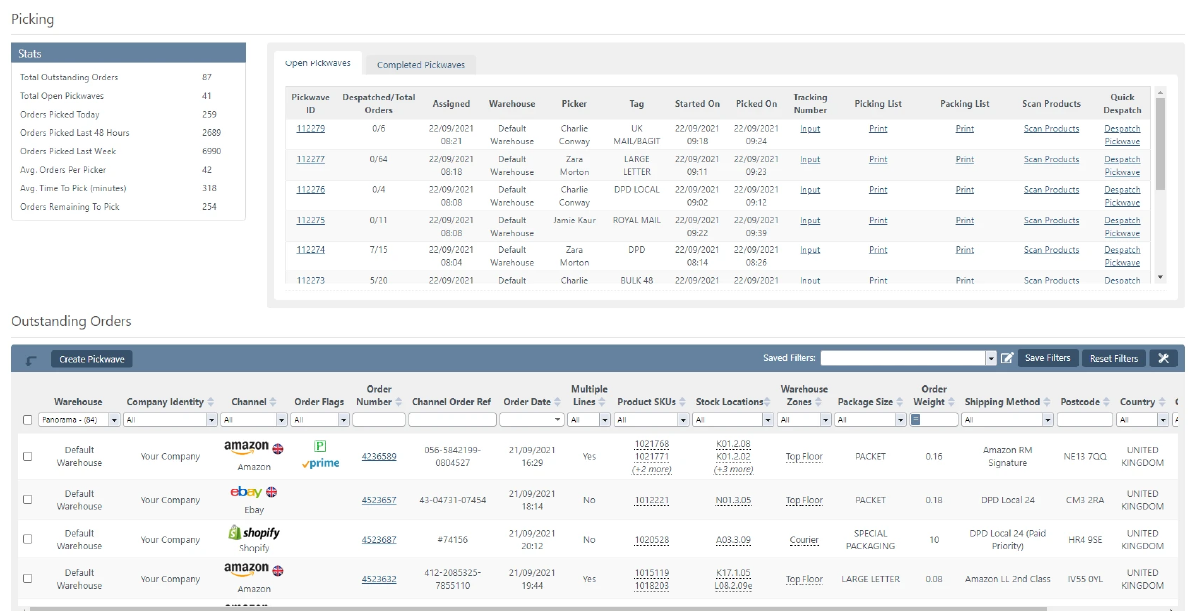
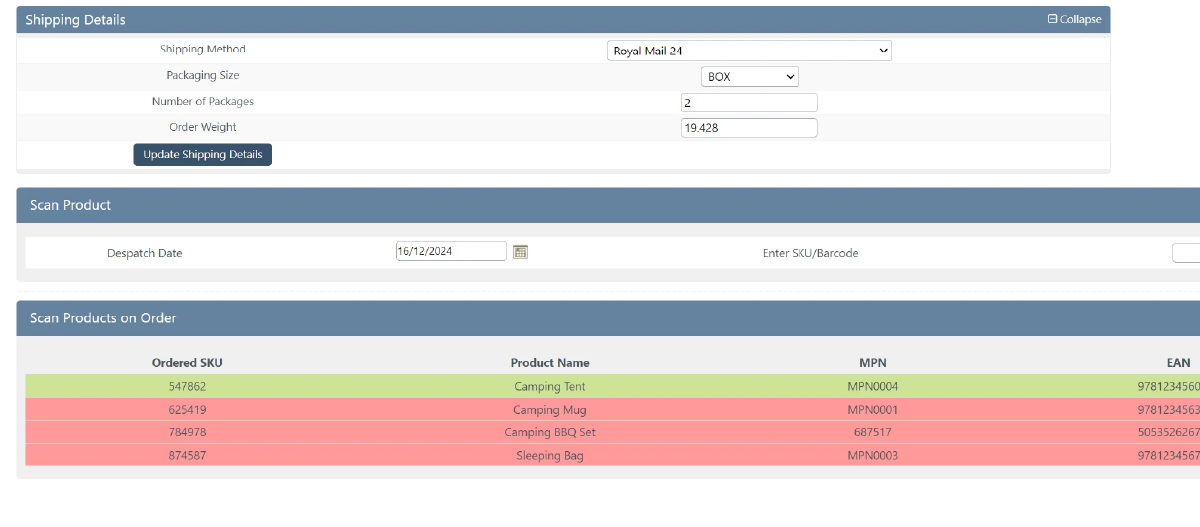
Temu orders go through the same warehouse process as the rest of your orders.
Not selling on Temu yet? Register as a Temu seller.

Book a demo of StoreFeeder today and discover how we can revolutionise your warehouse operations with our tools.
Book a demo
Link your
Temu
store quickly and easily - no technical know-how required.
Automatically import products, stock levels, and orders into one centralised system.
Use our tools to streamline your warehouse, automate orders, and manage shipping with ease.
Link your account with just a few clicks - no technical skills required.
Import orders and shipping details automatically, ready for label generation and tracking.
Automate label creation, manage despatch, and handle returns effortlessly, all from one centralised platform.

Labels for Temu orders print at the packing bench for Royal Mail, DPD, Evri and 20+ other couriers. Shipping rules allocate the right courier service automatically, and scan-validated picking and packing catches mistakes before parcels leave.
Yes. Temu products are synced with StoreFeeder so listings map to the stock you hold. Sales on Temu reduce the quantity available on Amazon, eBay, Shopify and your other channels, and the other way round, so you keep one accurate stock figure. Temu sales also appear in the same dashboards and reports.
The most likely cause is an expired access token. Temu access tokens expire periodically, so if orders stop importing, generate a new token in Temu Seller Center and reconnect the integration in StoreFeeder. The Temu setup guide walks through each step.
In Temu Seller Center, go to Apps and services > App Store, find StoreFeeder and authorise it. Then copy your access token from Manage your apps (View access info). In StoreFeeder, add a Temu integration, paste the token, click Test Connection and switch it to Active. You need admin access to install apps.
Yes. StoreFeeder is available in the Temu Seller Center App Store. Temu orders import automatically into the same queue as Amazon, eBay and Shopify, and run through the same picking, packing and despatch workflow, with stock shared across every channel. The integration became available in September 2025.
Are you ready to take your eCommerce business to the next level?
Book a free demo with StoreFeeder now and see how we can help you grow your business.