
Which eCommerce warehouse tasks should you automate first?

Multi-channel sellers lose hours a day to downloads, spreadsheets and copy-paste. Not every task is worth automating straight away. This is the order that pays back fastest, and what each step needs.
Start where errors cost most: stock sync
Order imports remove daily downloads from every channel
Courier labels and tracking are the biggest time saving at despatch
Automate decisions (courier, priority) before you automate reports
Each step needs channels connected to one system
Quote

I've struggled in the past with managing my 3 eBay stores; since coming on with StoreFeeder everything has been made so simple. It's now all in one place and takes far less of my time to manage.

Dave, Operations Manager, Pick Pack Direct

What manual processing really costs a growing seller

Hours in portals
Logging into each marketplace, store and courier system to download, update and upload is a daily tax that grows with every channel.
Overselling and stockouts
Stock updated by spreadsheet lags reality, so you sell what you don't have or hold back stock you do.
Late tracking, penalised accounts
Marking orders shipped by hand means late tracking, which marketplaces measure and penalise.
The order to automate in
First

Stock sync across channels

Automate this first because overselling costs sales and ratings. Every sale on any channel should reduce available stock everywhere within minutes, with no spreadsheet involved.
✓ One stock figure pushed to every channel ✓ Allocation on import, not at despatch ✓ Stops overselling and hidden stock
Second

Order imports

Orders from every marketplace and web store flow into one queue as they're placed. No downloads, no re-keying, nothing missed on a channel you forgot to check.
✓ Amazon, eBay, Shopify, TikTok Shop and more ✓ Orders ready to pick as they arrive ✓ One queue instead of ten portals
Third

Courier labels and selection

Rules pick the carrier and service; the label prints at despatch. This is the biggest time saving per order and removes the address errors that come from typing into courier portals.
✓ Rules-based courier allocation ✓ Label printed on despatch ✓ No manual address entry
Fourth

Despatch and tracking updates

Once labels print, orders are marked shipped and tracking goes back to the channel automatically. This is what keeps you inside marketplace shipping metrics as volume grows.
✓ Tracking pushed to every channel ✓ Shipped status updated instantly ✓ No end-of-day uploads

Get back time using our automated processes

Let StoreFeeder take control of your inventory and shipping management. Our warehouse management system manages inventory and shipping updates across all your integrated marketplaces and eCommerce webstores. Our behind-the-scenes processes save you significant time to help make your day more productive.

  • Eliminate multiple account logins: All your sales channels are integrated into StoreFeeder, giving you one central portal to control everything. Our warehouse management system (WMS) links with all the major eCommerce webstores and marketplaces, so you just need to be logged into one system, StoreFeeder. Our central system then controls all the daily tasks that you used to do manually, meaning you can access all the information you need from one simple portal.
  • Automated order imports: No more logging into each sales channel to download orders, with all channels integrated orders simply flow into the system for processing by your warehouse team. Say goodbye to manual imports and spreadsheets, simply connect once and watch your orders stream in automatically.
  • Automatic stock allocation: As orders import, stock from your inventory is allocated to the order straight away, therefore accurately reflecting the sale in your product inventory. This process reduces the “available” inventory that you have and means our inventory management system knows exactly what you have left for sale so we can update your sales channels.
  • Maximise stock availability on all channels: Inventory levels change all the time due to deliveries, orders, and returns. To ensure you are selling what stock you have, it is important to reflect all inventory changes quickly to maintain accurate available stock levels on all sales channels. Keeping up with this via spreadsheets or multiple logins is time consuming and chaotic, especially if your sales are high, so StoreFeeder's inventory management system takes this task away from you and saves you time. Because we have a centralised inventory level, our automatic synchronisation ensures all channels have up-to-date and accurate stock information taking the stress out of keeping your inventory accurate.
  • Print carrier labels in seconds: StoreFeeder's shipping management software integrates with all the major couriers, enabling instant label printing upon order despatch. Say goodbye to manual data entry, simply despatch the order and the label will automatically print. This streamlined process saves time and enhances the accuracy and efficiency of your despatch operations.
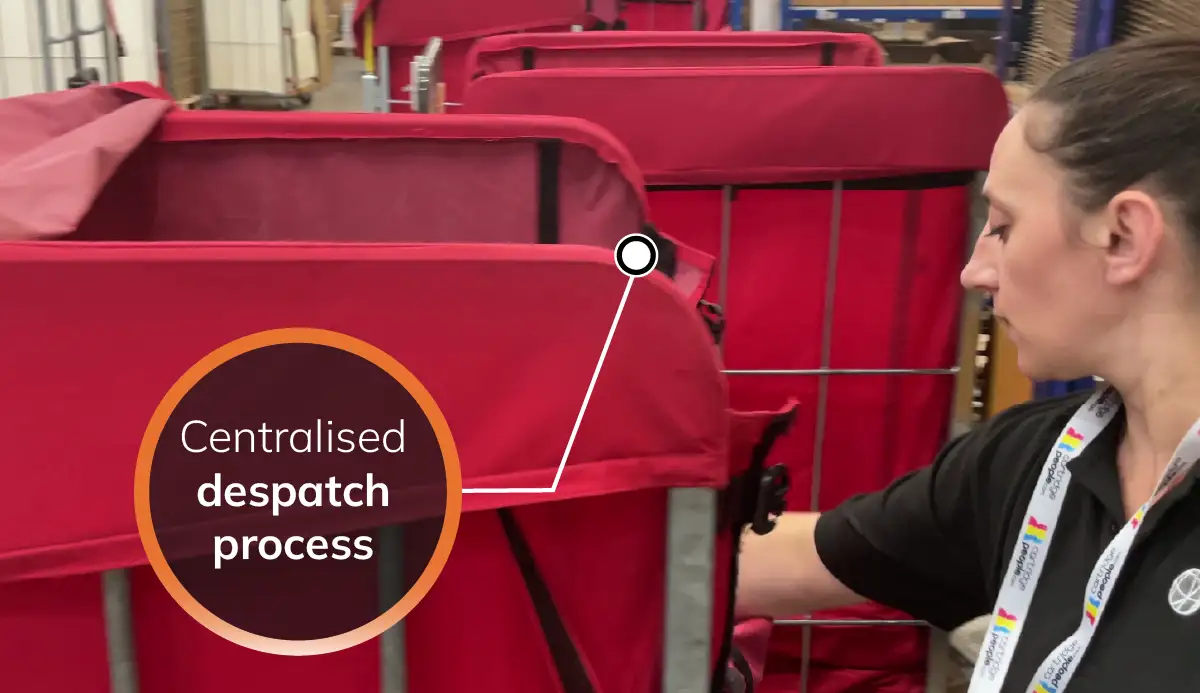
  • Automated despatch updates: Manually updating order statuses on your sales channels poses risks and delays, especially with strict deadlines from eCommerce marketplaces. StoreFeeder's warehouse management system automates this process by seamlessly integrating with your channels. Once an order is despatched and the shipping label printed, the order on the system is promptly updated with the tracking number and marked as shipped. This information is then relayed to the channel to ensure compliance with shipping metrics.

See StoreFeeder WMS running your warehouse

Book a demo and we’ll walk through your orders, channels and couriers with you. Or get a price for your setup first.

Part of Royal Mail Group · 4.8 on Trustpilot · 70+ integrations