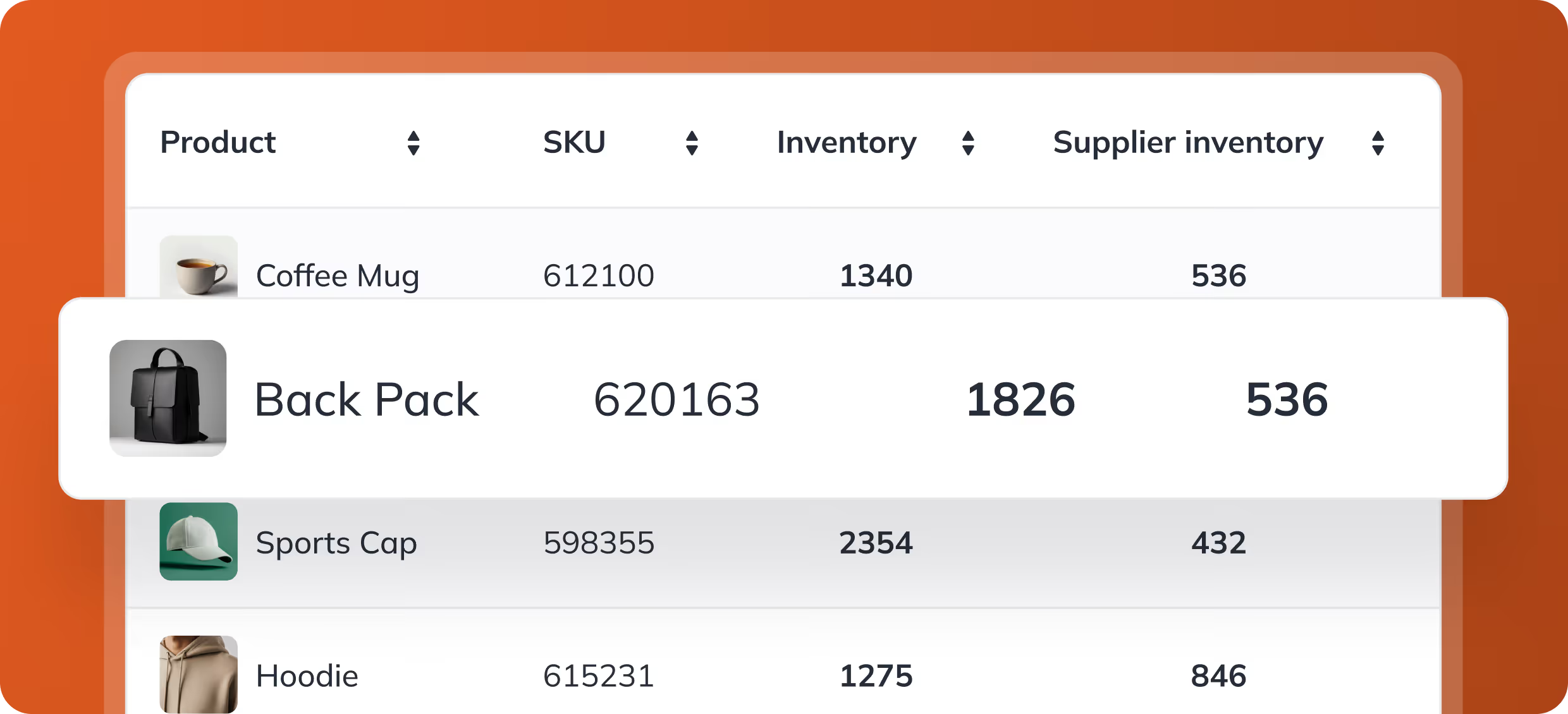




Warehouse reporting and dashboards, included in every plan

StoreFeeder Insights turns the data already in your account into reports, scheduled updates and live dashboards. Track orders, stock, sales and warehouse performance, put a dashboard on the warehouse TV, and take the data into Power BI when you need more.
Reports across orders, stock, sales and despatch
Up to 100 scheduled reports a month on every plan
Warehouse, inventory, sales and listing health dashboards
Kiosk mode for screens on the warehouse floor
Power BI access with standard dashboards
What StoreFeeder customers have achieved:
Truly Sweet Candy reached
99.99%
picking accuracy
Transporter HQ saves
£40K
per year
H2E Commerce raised productivity by
80%
with StoreFeeder
Black Cat Medicines grew to
6K
orders a day
Twinings logo
Kukoon Rugs logo
Applied Nutrition logo
H2E Commerce logo
Transporter HQ logo
Aquacadabra logo
Ransom Spares logo
Twinings logo
Kukoon Rugs logo
Applied Nutrition logo
H2E Commerce logo
Transporter HQ logo
Twinings logo
Kukoon Rugs logo
Applied Nutrition logo
H2E Commerce logo
Transporter HQ logo
Aquacadabra logo
Ransom Spares logo
Twinings logo
Kukoon Rugs logo
Applied Nutrition logo
H2E Commerce logo
Transporter HQ logo
Luke, Kenable
Quote
When we're negotiating with couriers, we can go in with real data and trends rather than just saying we do about 50,000 orders a month.

Luke, Kenable

Why warehouse reporting still means spreadsheets

Exports every Monday
Someone downloads the same CSV each week and rebuilds the same spreadsheet before anyone can see the numbers.
No view from the floor
The warehouse team can't see how the day is going until someone in the office tells them.
Every team keeps its own figures
Operations, finance and buying each work from a different copy of the data.
From data to a decision

Set a report up once and stop rebuilding it

Insights turns the data already in StoreFeeder into views your team can come back to, without exporting anything.

  1. Report Pick an Insights report for orders, stock, sales or despatch.
  2. Save Set your filters and save the view for you and your team.
  3. Schedule Have it arrive by email or in-app message on a schedule.
  4. Display Put a dashboard on the warehouse TV with kiosk mode.
What Insights gives you
Reports

Reports across every area of StoreFeeder

Insights reports cover orders, stock, sales, warehouse and despatch. Pick the report, set your filters and save the view so you and your team can come back to it.
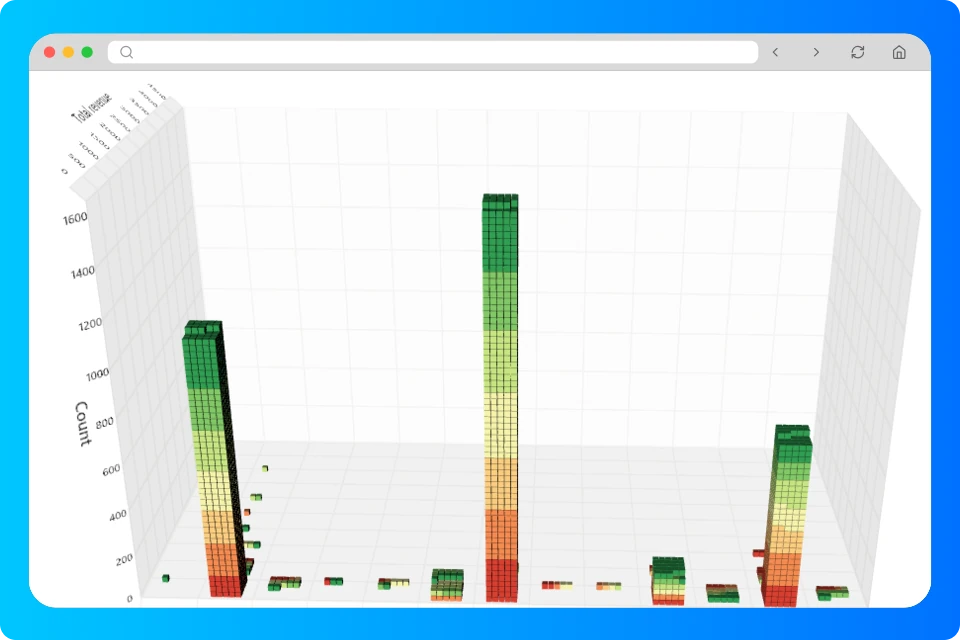
✓ Reports grouped by area ✓ Saved views keep your filters ✓ Share reports, with permissions respected
Scheduling

Reports that arrive before you ask

Schedule saved reports to arrive by email or in-app message, so the morning numbers are waiting rather than exported by hand. Every plan includes up to 100 scheduled reports a month.

✓ Email or in-app delivery ✓ Up to 100 scheduled reports a month on every plan ✓ Higher volumes with Insights Pro
Dashboards

Dashboards for the office and the warehouse floor

Pre-built dashboards for warehouse, inventory, sales, and product and listing health show how the business is running at a glance. Kiosk mode puts a dashboard full-screen on a warehouse TV and refreshes it automatically.

✓ Warehouse, inventory, sales and listing health dashboards ✓ Kiosk mode with automatic refresh ✓ Custom dashboards with Insights Pro
Power BI and API

Take your data into Power BI or your own tools

Every plan includes Power BI access with standard dashboards and API access to reports. Insights Pro adds a Reporting Database that mirrors your account, for custom Power BI reports and SQL without slowing the live system.

✓ Power BI access with standard dashboards ✓ Reports available through the REST API ✓ Reporting Database with Insights Pro

Insights and Insights Pro

Insights comes with every StoreFeeder plan. When you need to build your own views or bring AI into your reporting, Insights Pro adds them for £195 a month on top of your plan.

FeatureEvery planInsights Pro
Insights reports and saved views✓✓
Scheduled reportsUp to 100 a monthHigher volumes
Pre-built dashboards and kiosk mode✓✓
Power BI access with standard dashboards✓✓
Reporting Database for Power BI and SQL–✓
Custom dashboards and AI dashboard builder–✓
MCP connection for ChatGPT and Claude–✓

See AI reporting and MCP for Insights Pro in detail, or pricing for every add-on.

Frequently asked questions

Does StoreFeeder work with Power BI?

Yes. Every plan includes Power BI access with standard dashboards. With Insights Pro you can build your own Power BI reports on the Reporting Database, which mirrors your account without slowing the live system.

Can I put a dashboard on a screen in the warehouse?

Yes. Kiosk mode shows a dashboard full-screen and refreshes it automatically, so the team can see how the day is going from the warehouse floor.

What's the difference between Insights and Insights Pro?

Insights is the reporting in every plan: reports, saved and scheduled views, pre-built dashboards and Power BI access. Insights Pro adds a Reporting Database that mirrors your account, custom dashboards, the AI dashboard builder and an MCP connection for ChatGPT and Claude. See AI reporting and MCP.

Is Insights reporting included in every plan?

Yes. Every plan includes Insights reports, fixed dashboards, Power BI access with standard dashboards, standard API report access and up to 100 scheduled reports a month. Insights Pro (£195 a month on top of your plan) adds the Reporting Database, custom dashboards, the AI dashboard builder, the MCP connection and higher volumes.

StoreFeeder demo specialist

See your own numbers in StoreFeeder

Leave your details and we'll call you to arrange a free 30-minute demo, covering:
Check Light
Your workflow recreated in StoreFeeder
Check Light
Transparent pricing for your business size
Check Light
Implementation timeline and process
No obligation. Rolling monthly or discounted annual contract. We'll call you the same working day, usually within an hour.

Please enter your name

Please enter a valid email address

Please enter your company name

Please confirm that you are not a robot

Prefer to pick a time? Book a slot now

Thank you! Your submission has been received!
Oops! Something went wrong while submitting the form.