Connect Fruugo to StoreFeeder to import Fruugo orders into your normal despatch process and send shipping updates back to Fruugo automatically.


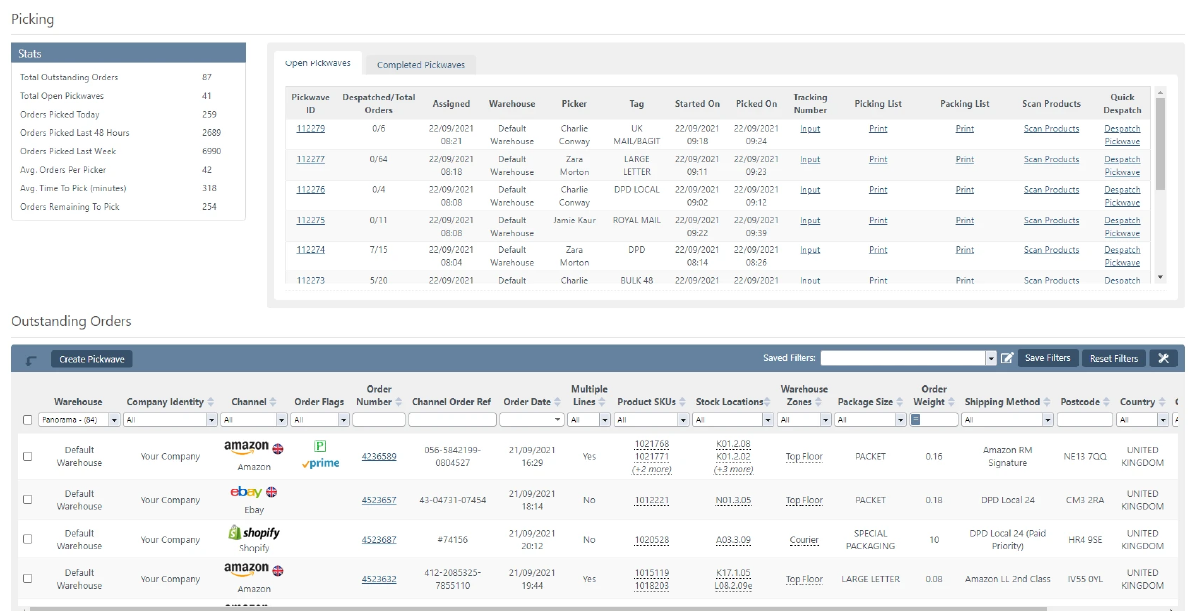
Fruugo orders drop into the same queue as Amazon, eBay and your web store.
No separate seller portal to work through each morning.
Fruugo orders are fulfilled from the same stock as every other channel.
Connect Fruugo from Settings > Your Integrations in StoreFeeder. The integration covers order download and shipping updates. See the Fruugo setup guide.
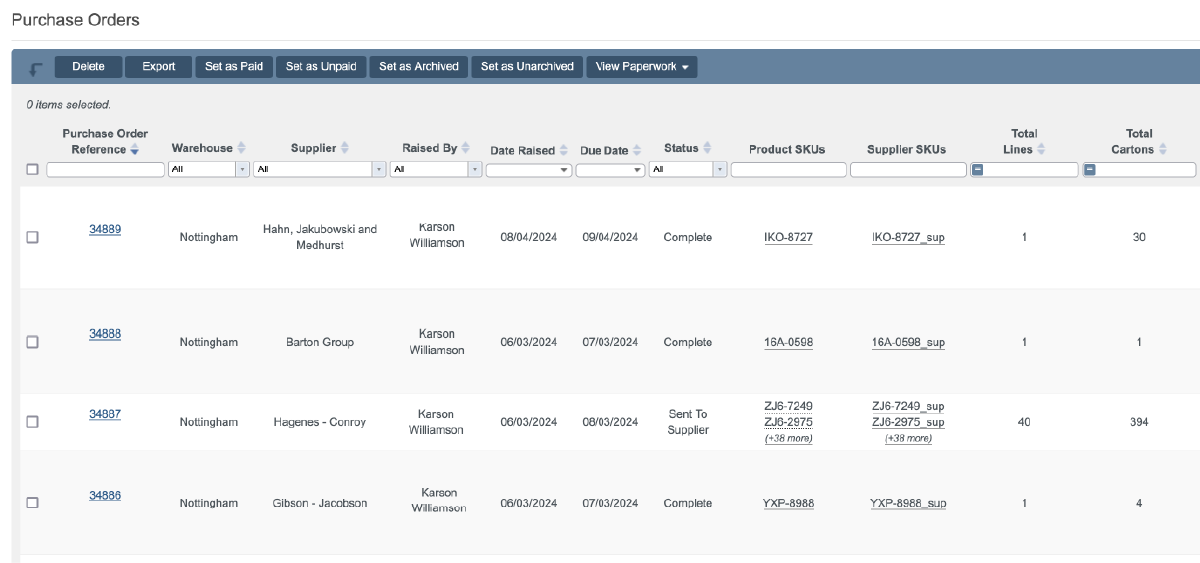
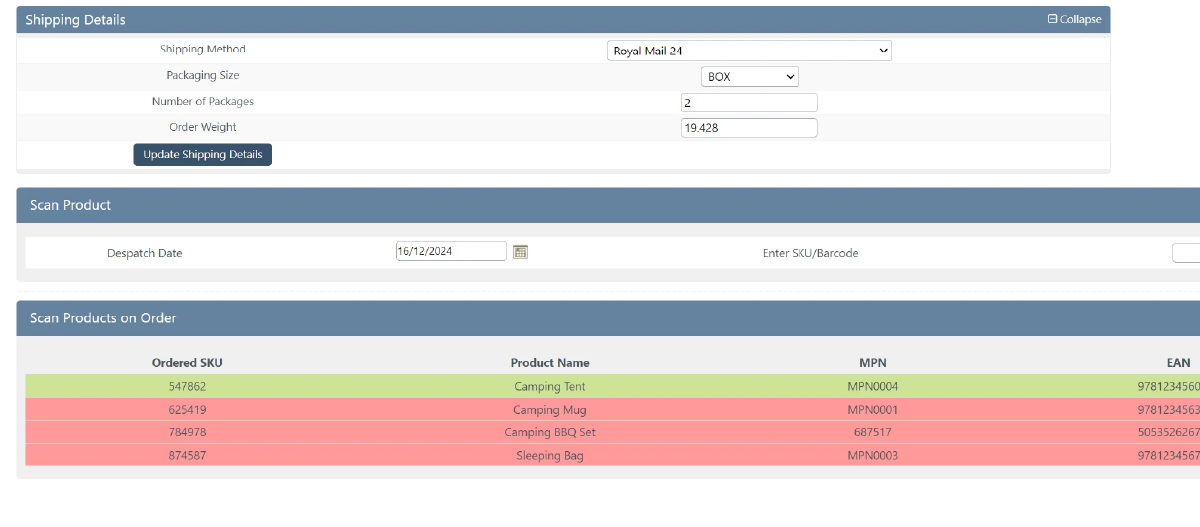
Fruugo orders go through the same warehouse process as everything else.
Fruugo is a global online marketplace that lets sellers reach shoppers in many countries. Want to see it working? Book a demo.

Book a demo of StoreFeeder today and discover how we can revolutionise your warehouse operations with our tools.
Book a demo
Link your
Fruugo
store quickly and easily - no technical know-how required.
Automatically import products, stock levels, and orders into one centralised system.
Use our tools to streamline your warehouse, automate orders, and manage shipping with ease.
Link your account with just a few clicks - no technical skills required.
Import orders and shipping details automatically, ready for label generation and tracking.
Automate label creation, manage despatch, and handle returns effortlessly, all from one centralised platform.

Yes. Fruugo orders go through the same warehouse process as everything else, with scan-validated picking and packing and pick waves and despatch screens shared with every other channel. StoreFeeder customers average 99.95% picking accuracy with barcode pick and pack, and it works with most Android PDAs and barcode scanners.
Shipping rules allocate a courier and service to each Fruugo order. Rules can choose automatically by weight, value, destination, channel or service level, so Fruugo orders follow the same logic as the rest of your sales. Despatch is scan-based, and courier labels print at the packing bench.
Order download and shipping updates. Fruugo orders download into StoreFeeder automatically, and shipping updates are sent back to Fruugo once orders are despatched. Fruugo orders are fulfilled from the same stock and picked from the same warehouse locations as your other channels, and they are reported alongside them.
Connect Fruugo from Settings > Your Integrations in StoreFeeder. The Fruugo setup guide walks through the steps, and connecting a sales channel typically takes under 30 minutes. Once connected, Fruugo orders download into StoreFeeder automatically and go into the same queue as your other channels.
Yes. StoreFeeder imports Fruugo orders into your normal despatch process and sends shipping updates back to Fruugo automatically once orders are despatched. Fruugo orders drop into the same queue as Amazon, eBay and your web store, so there is no separate seller portal to work through each morning.
Are you ready to take your eCommerce business to the next level?
Book a free demo with StoreFeeder now and see how we can help you grow your business.