Connect your Visualsoft webstore to StoreFeeder to import orders, keep stock in step with your other channels and send shipping updates back to Visualsoft automatically.


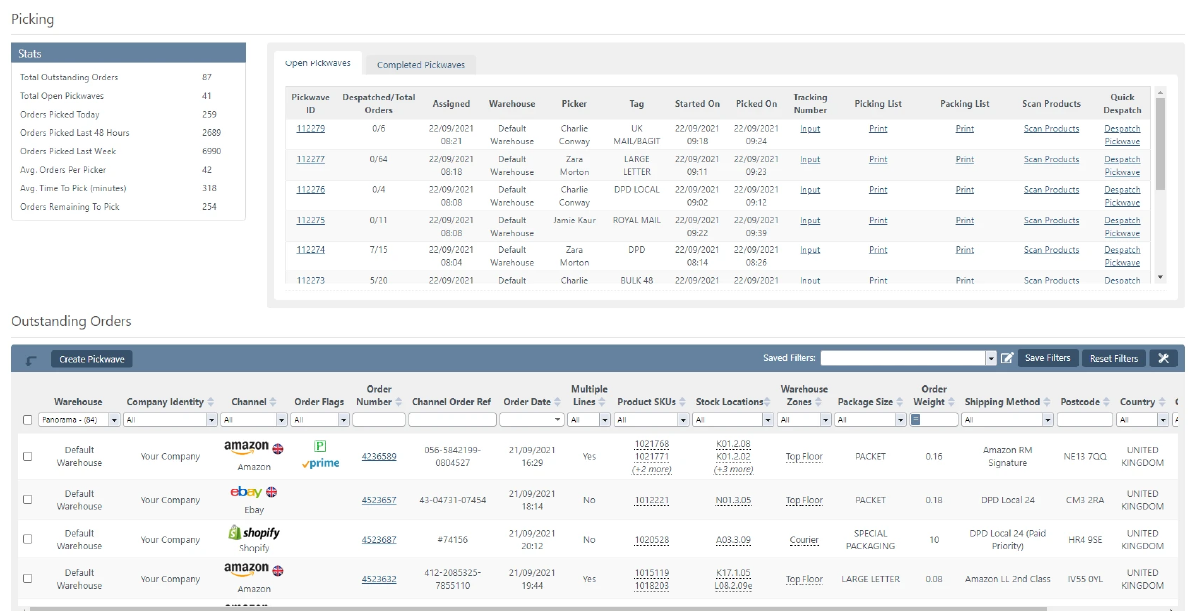
Visualsoft orders drop into the same queue as Amazon, eBay and your other channels.
Your team works from one order list, whichever channel the order came from.
Stock is held centrally, so a sale on any channel updates what your Visualsoft store shows.
You connect using the Base URL, Client ID, username and password that Visualsoft issues for API access. See the Visualsoft setup guide.
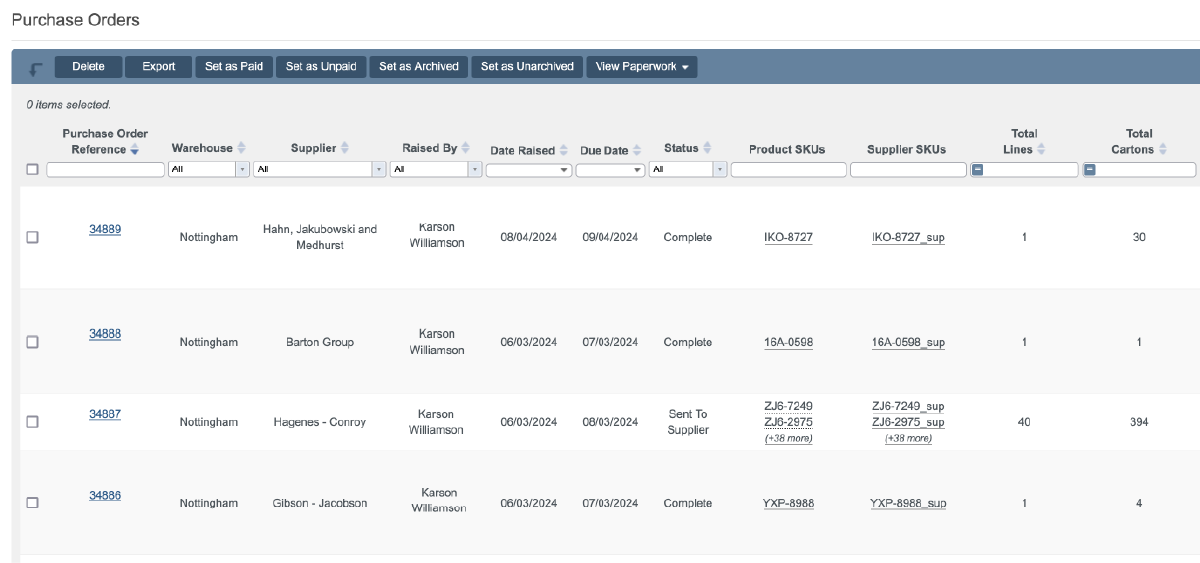
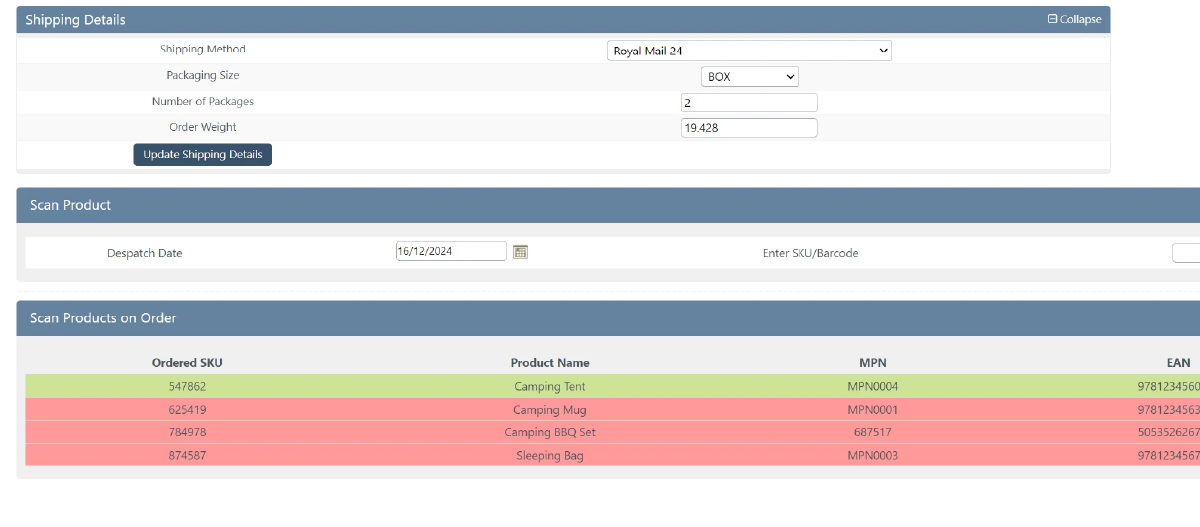
Visualsoft orders go through the same warehouse process as everything else.
Visualsoft is a UK ecommerce agency and platform for online retailers. Want to see it working? Book a demo.

Book a demo of StoreFeeder today and discover how we can revolutionise your warehouse operations with our tools.
Book a demo
Link your account with just a few clicks - no technical skills required.
Import orders and shipping details automatically, ready for label generation and tracking.
Automate label creation, manage despatch, and handle returns effortlessly, all from one centralised platform.
Link your account with just a few clicks - no technical skills required.
Import orders and shipping details automatically, ready for label generation and tracking.
Automate label creation, manage despatch, and handle returns effortlessly, all from one centralised platform.

The same way as every other channel. Visualsoft orders go through scan-validated picking and packing, courier labels print at the packing bench, and tracking goes back to the customer automatically. StoreFeeder customers average 99.95% picking accuracy with barcode pick and pack.
Yes. Stock is held centrally in StoreFeeder, so a sale on any channel updates what your Visualsoft store shows. Visualsoft product information downloads so it can be matched to the products you hold, and inventory levels are then updated on Visualsoft from StoreFeeder.
Yes. Visualsoft orders from the last 30 days import into StoreFeeder automatically. From there, shipping rules allocate a courier and service to each order, and shipping updates are sent back to Visualsoft once orders are despatched, so your store shows the right status.
You connect using the Base URL, Client ID, username and password that Visualsoft issues for API access. Enter these in StoreFeeder and follow the Visualsoft setup guide. Connecting a sales channel typically takes under 30 minutes once you have the API details.
Yes. StoreFeeder connects to your Visualsoft webstore to import orders, keep stock in step with your other channels and send shipping updates back to Visualsoft automatically. Visualsoft orders drop into the same queue as Amazon, eBay and the rest of your 40+ supported sales channels.
Are you ready to take your eCommerce business to the next level?
Book a free demo with StoreFeeder now and see how we can help you grow your business.