StoreFeeder sends invoices into IRIS KashFlow for the sales channels you switch on, recording each channel against the customer source, payment method and bank account you set.


The KashFlow setup guide walks through each setting.
KashFlow is UK cloud accounting software, now part of IRIS, used by small businesses and their accountants for invoicing, bank reconciliation and VAT returns. For a multichannel seller, the job is getting sales from every marketplace and web store into KashFlow accurately and without retyping.
StoreFeeder brings those orders together in one place and sends them on to KashFlow. Using a different package? See Xero, or Zynk for Sage and ERP systems, or book a demo.
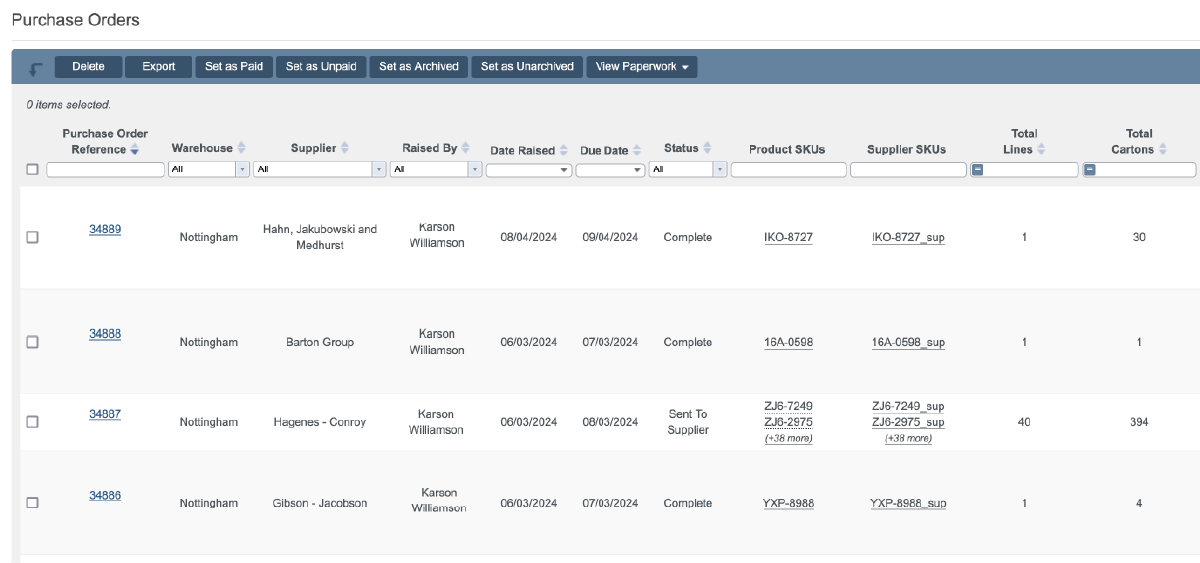
Orders from your sales channels reach KashFlow as invoices automatically.
Once it is set up, it runs on its own.
Each channel lands in KashFlow the way your accountant expects.
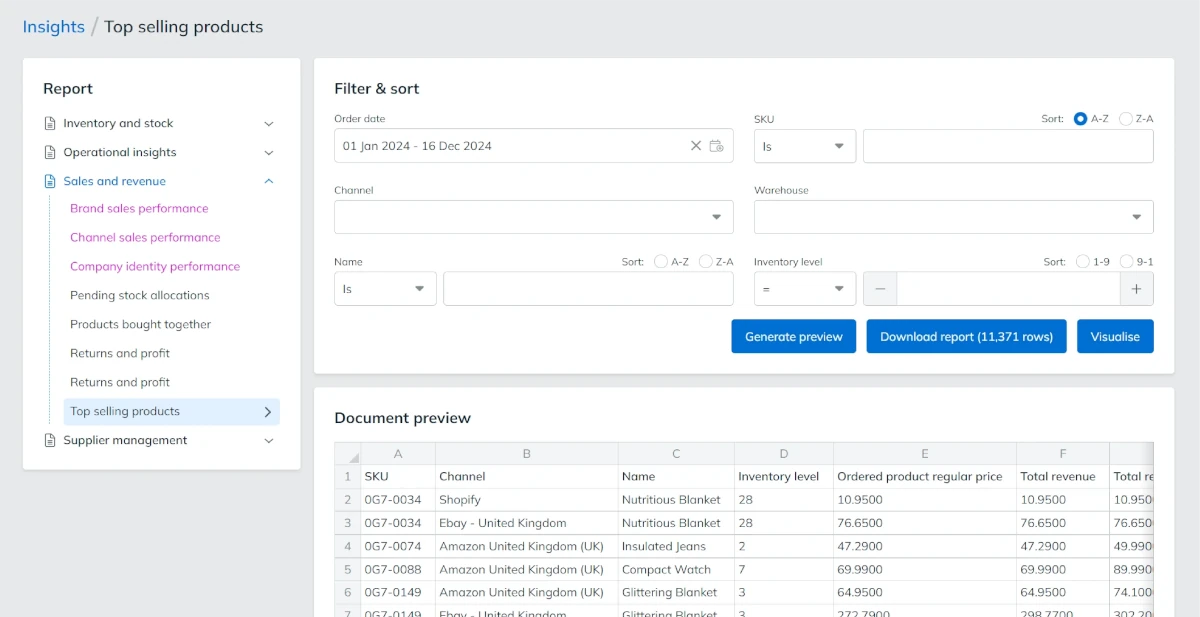
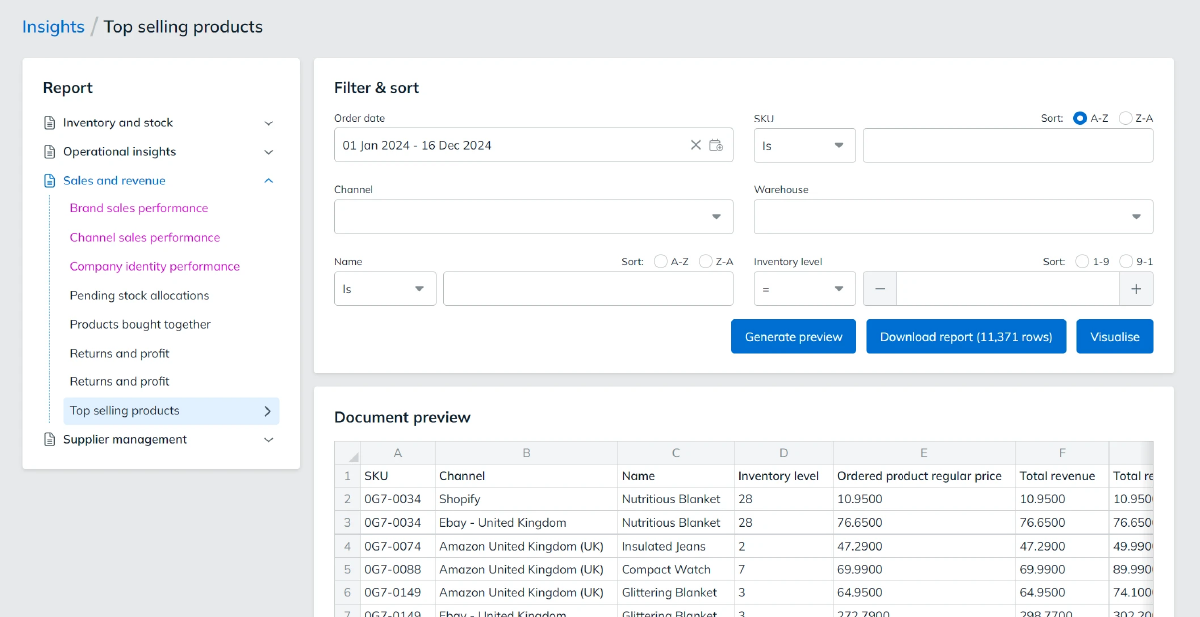
StoreFeeder connects through KashFlow's API, with controls on your side.
Need Sage or an ERP instead? See Zynk.

Book a demo to see how they can simplify your eCommerce accounting
Book a demo
Link your account with just a few clicks - no technical skills required.
Import orders and shipping details automatically, ready for label generation and tracking.
Automate label creation, manage despatch, and handle returns effortlessly, all from one centralised platform.
Link your account with just a few clicks - no technical skills required.
Import orders and shipping details automatically, ready for label generation and tracking.
Automate label creation, manage despatch, and handle returns effortlessly, all from one centralised platform.
In KashFlow, go to Apps > API Settings, enable the API and set an API password.
In StoreFeeder's Integration Manager, add a KashFlow integration and enter your KashFlow username and API password.
Turn on Export Orders and choose a customer source, payment method and bank account for each channel.
Link your account with just a few clicks - no technical skills required.
Import orders and shipping details automatically, ready for label generation and tracking.
Automate label creation, manage despatch, and handle returns effortlessly, all from one centralised platform.

Yes. StoreFeeder sends orders from the sales channels you switch on into IRIS KashFlow as invoices. Each channel is recorded against the customer source, payment method and bank account you set, so sales from every marketplace and web store reach KashFlow without retyping.
In KashFlow, go to Apps > API Settings, enable the API and set an API password. In StoreFeeder's Integration Manager, add a new Accounts integration, choose KashFlow and enter your KashFlow username and API password. Then set Export Orders, customer source, payment method and bank account for each channel.
Yes. Export Orders is set per channel, so only the channels you switch on reach KashFlow. That lets you keep test or wholesale channels out of your books while sales from Amazon, eBay and your web store flow through as invoices once the integration is set up.
Yes. For each channel you set how its invoices are classed by payment method and which KashFlow bank account they are credited to. You can also tag each channel's customers with a KashFlow customer source, so you can report sales by channel.
StoreFeeder connects through KashFlow's API, with controls on your side. You use a separate API password rather than your main login, and we recommend restricting API access to StoreFeeder's IP addresses. Remote Login then lets you open KashFlow pages from StoreFeeder without signing in again.
Are you ready to take your eCommerce business to the next level?
Book a free demo with StoreFeeder now and see how we can help you grow your business.