For UK eCommerce teams shipping 30+ orders a day who need effective stock control, fewer oversells and simpler operations across multiple channels and locations. From £350 a month.









StoreFeeder has enabled up-to-date stock management, meaning that as items are sold, they are removed from the inventory. This has helped massively reduce oversells.


StoreFeeder gives you full visibility into both available (what’s listed for sale) and physical (what’s on the shelf) stock levels. This ensures you always know what’s actually in stock and what’s been allocated to orders, reducing the risk of overselling or running out of stock. By keeping these two quantities distinct and updated, your warehouse operations and sales channels remain in sync
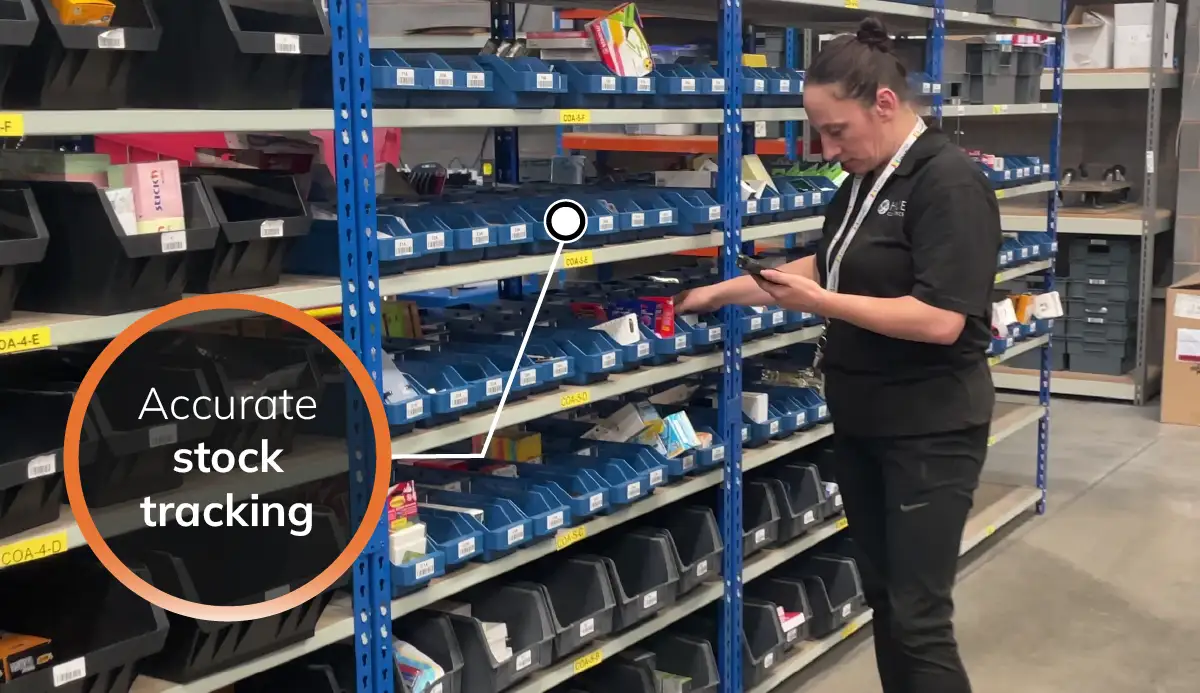
With StoreFeeder, sales from all your channels — whether it’s Amazon, eBay, or your own website— are automatically imported into the system. You’ll no longer need to manually adjust available stock after each sale, reducing the risk of overselling. Every sale is captured, and available stock is updated in, ensuring your customers always have accurate stock information no matter where they shop.
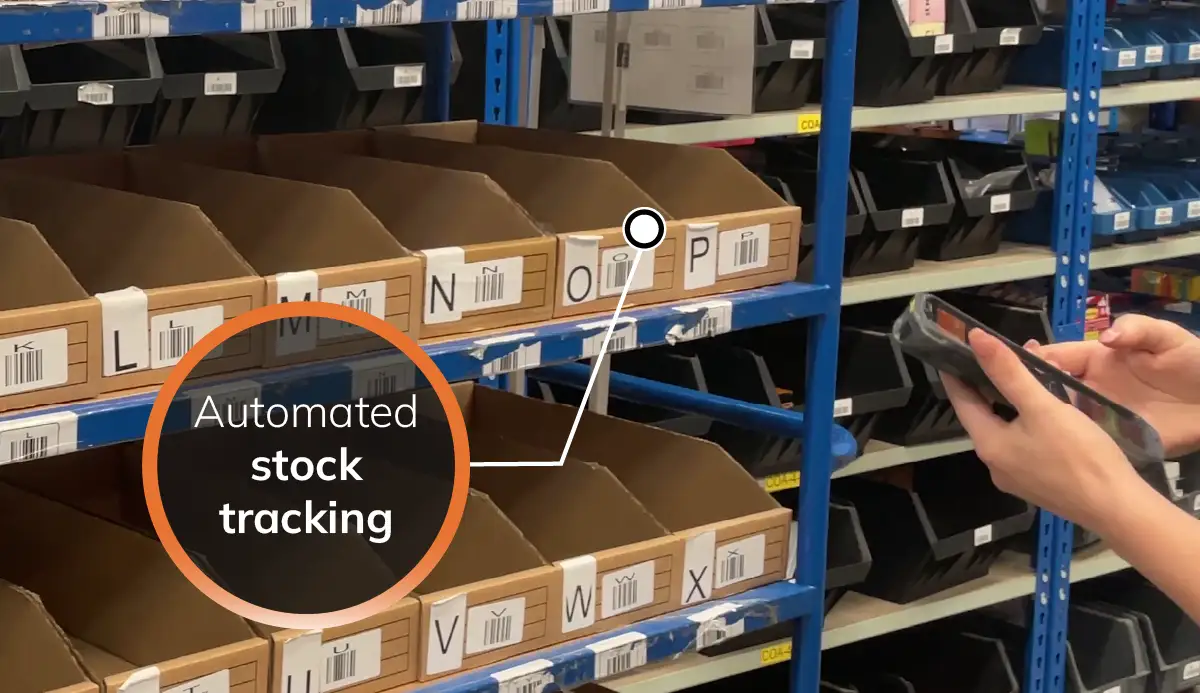
Perform stock checks without the need to stop your warehouse operations. StoreFeeder’s mobile app provides 9 different stock-taking options, allowing you to perform full or partial inventory checks, cycle counts, or location-based audits quickly and easily. You can continue picking, packing, and shipping orders while conducting your stock checks, saving time and improving efficiency across the warehouse.
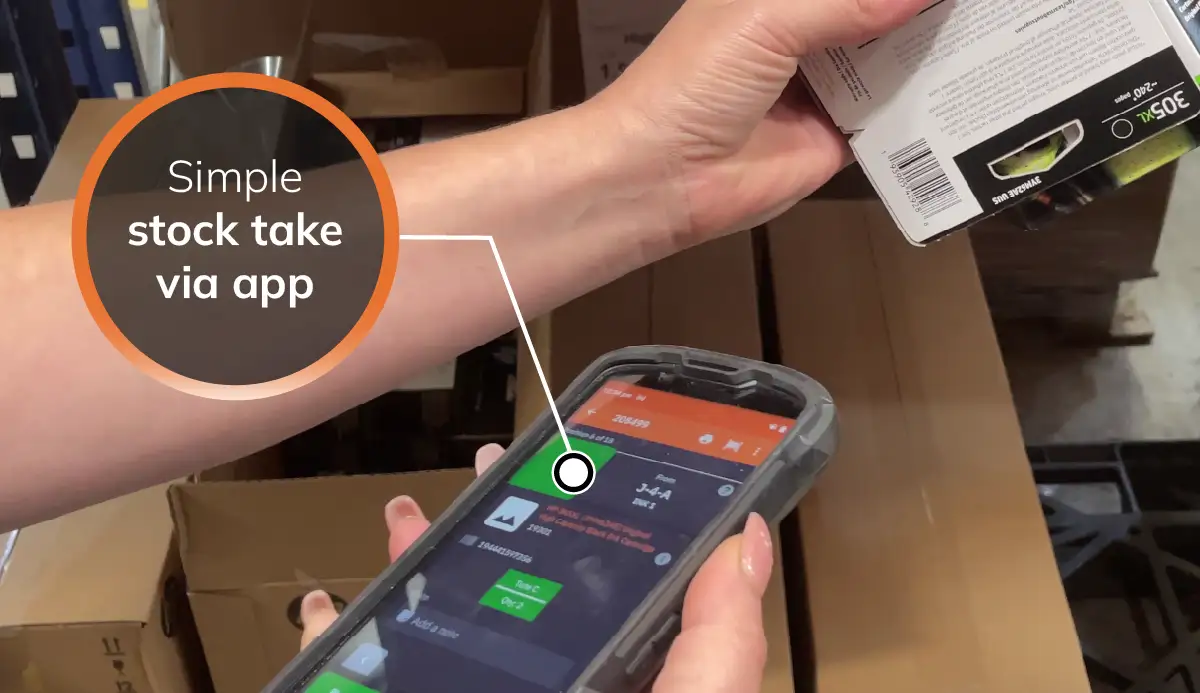
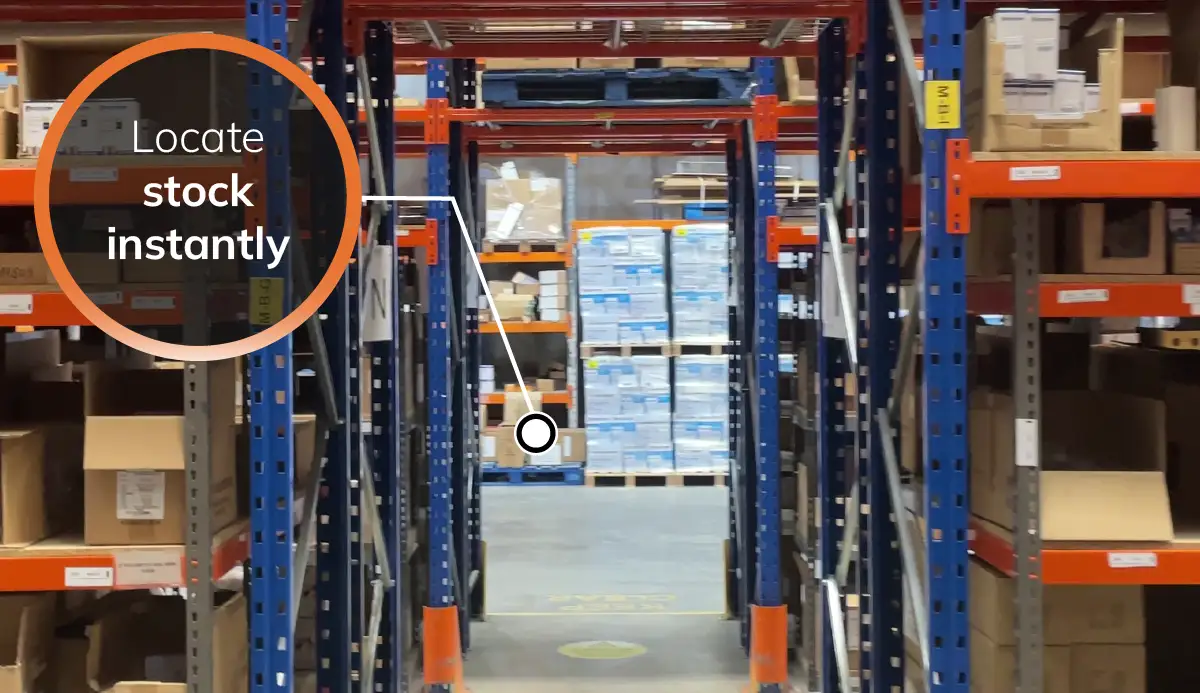
With StoreFeeder’s app, you can quickly search for any stock in your warehouse, saving valuable time when locating products. Whether you're looking to transfer stock between locations or check stock levels, the app provides fast, accurate results. This gives your warehouse team the ability to make on-the-fly adjustments and find products without any delays.
Not ready for a demo? See what StoreFeeder could save you
The problem every multichannel seller hits is the same: the stock figure on Amazon, eBay, Shopify and the warehouse shelf are four different numbers. Inventory management software fixes that by holding one stock pool and pushing the available quantity to every channel in real time. Here is how StoreFeeder does it.
Products are mapped once to their listings on each channel. When a unit sells anywhere, or is picked, returned, transferred or counted, the available quantity is recalculated and sent to every connected channel. Unpaid orders are reserved so the same unit cannot be sold twice while a payment clears.
Every unit is tracked to a location: pick bin, bulk, quarantine, zone or a second warehouse. Pickers go to the right bin, put-away is directed, and transfers between locations or sites are done from the handheld. Batch and FIFO control are there for products with expiry dates.
Nine stock-check methods run from the handheld while the warehouse keeps picking: full stock takes, rolling cycle counts, location checks and product-level counts. Every adjustment is logged with the user and reason, so a discrepancy can be traced to an action instead of written off.
Basic stock forecasting is included in every plan: sales velocity, lead times and current stock drive reorder suggestions and auto-suggested purchase orders, with low-stock alerts and supplier notifications. Deliveries are booked in against those purchase orders. Advanced, FIFO-aware forecasting is part of the Advanced Operations Pro add-on (+£295 a month). Inventory and stock forecasting
A spreadsheet works until two people are selling the same stock on two channels. A channel app (a Shopify stock app, Amazon's own tools) manages one channel well and the others not at all. Inventory management software is the right step when you sell on more than one channel, hold stock in more than one place, or have been burned by overselling at peak. StoreFeeder adds the warehouse workflow on top, so the stock figure is kept accurate by the picking, packing and booking-in processes themselves rather than by someone updating a sheet.
Inventory management is included in every StoreFeeder plan, from £350 a month ex VAT on rolling 30-day terms. Connecting a store takes under 30 minutes; products and stock levels are imported from your existing channels or a spreadsheet, and the onboarding team helps map listings. Free trial, no card required. Check your price or book a demo.
Want to put a number on it? Our ROI calculator estimates the labour hours and picking-error costs StoreFeeder could save you, based on your team size and order volume.
Multichannel inventory management is keeping one accurate stock figure across every place you sell, such as Amazon, eBay, Shopify, TikTok Shop and your own website, so each channel always shows what you can actually ship. Software holds the stock in one central pool and updates every channel automatically whenever stock moves.
Stop managing stock separately per channel. Map each product to its listings once, hold stock in a single pool, and let the system push the available quantity to every channel after each sale, return, transfer or count. Reserving stock for unpaid orders closes the gap where two channels sell the last unit at the same time.
A channel app, such as a Shopify stock app or Amazon's own tools, manages stock well on one channel. Multichannel inventory management software sits above all of them and treats the warehouse as the source of truth, so Amazon, eBay, your web store and marketplaces all draw from the same numbers.
Stock changes are recalculated as they happen and sent to every connected channel automatically, rather than in batches every few hours. Orders are imported continuously, so a sale on one channel reduces the available quantity on the others within minutes.
40+ marketplaces and web stores, including Amazon, eBay, TikTok Shop, Etsy, OnBuy, B&Q, Tesco Marketplace, Shopify, WooCommerce, BigCommerce and Magento. See every StoreFeeder integration.
Yes. StoreFeeder supports kits and bundles. When a bundle or kit sells on any channel, StoreFeeder reduces the stock of each component product, and the updated stock levels are synced to your other channels, such as Amazon and Shopify, so you don't oversell the individual items.
Inventory Management is the systematic process of tracking, controlling, and optimising stock levels within a warehouse to ensure product availability, minimise costs, and reduce excess or obsolete inventory.
Absolutely. StoreFeeder’s Inventory Management System is designed to handle large and complex inventories. With stock updates, flexible stock-taking options, and quick search functionalities, it’s perfect for managing warehouses of any size.
Yes, StoreFeeder makes it simple to transfer stock between different locations within your warehouse. The system’s intuitive interface allows you to quickly adjust stock levels or move products to other locations as needed.
By keeping your available stock up to date across all sales channels in real-time, StoreFeeder reduces the risk of overselling. Every sale is captured immediately, and stock levels are adjusted across all platforms, ensuring customers only purchase what’s actually in stock.
Yes, StoreFeeder’s mobile app allows you to perform stock checks without interrupting your ongoing warehouse operations. With 9 different stock-taking options, you can check and adjust stock levels quickly and efficiently.
Yes, StoreFeeder automatically imports sales from all your channels—including Amazon, eBay, and your own website— updates your available stock across all platforms, ensuring your inventory remains accurate no matter where sales occur.


Prefer to try it yourself? Start a 14-day free trial, no card required. We review each trial sign-up before setting up your account, so access isn't instant.
Start your free trial →