


































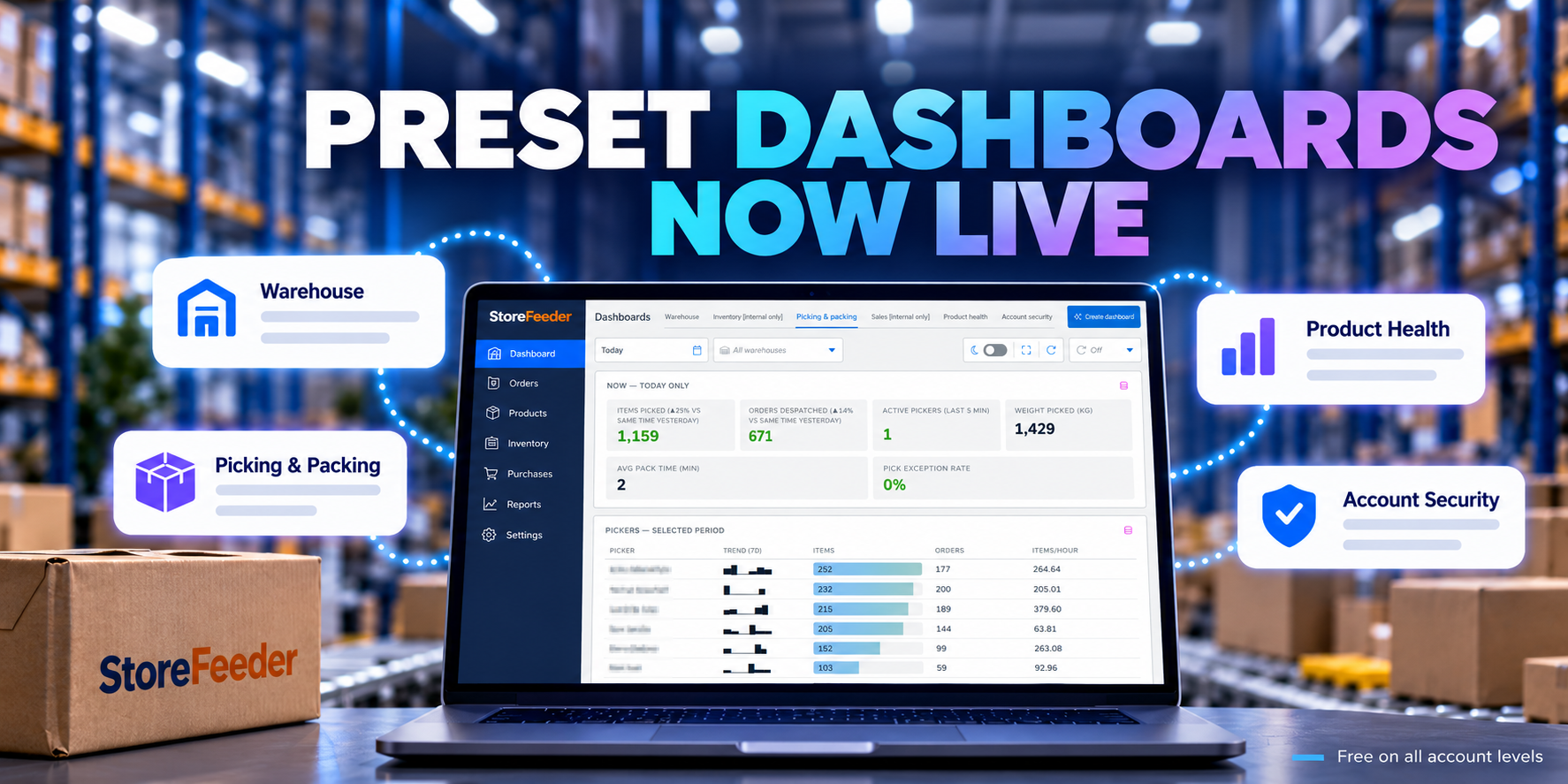
Preset Dashboards are now live for all StoreFeeder users
October 7, 2026
We’re pleased to announce that Preset Dashboards are now live for all StoreFeeder users!
A big thank you to everyone who took part during early access and shared feedback with us. Your input has helped shape the dashboards into something that gives users faster access to the information they need, without having to dig through multiple areas of StoreFeeder.
What are Preset Dashboards?
Preset Dashboards bring together key operational information in one place, helping you answer questions and identify potential issues much more quickly.
Instead of moving between several screens or reports to understand what is happening, you can now view important warehouse, product and account information at a glance.
And importantly, Preset Dashboards are available free of charge across all StoreFeeder account levels.
What dashboards are available?
There are four dashboards available at launch.
1. Warehouse Dashboard
The Warehouse Dashboard gives you a clearer view of current warehouse activity, including:
- Active orders
- Active pickwaves
- Progress of orders and pickwaves
This gives warehouse teams a quick way to understand workload and identify anything that may require attention.
2. Picking and Packing Dashboard
The Picking and Packing Dashboard provides more detailed operational information around your picking and packing teams.
This includes:
- Picker performance
- Packer performance
- Order and item volumes
- Picking errors
It gives warehouse managers greater visibility of performance and helps highlight where additional training or process improvements may be needed.
3. Product Health Dashboard
Good product data is essential for efficient warehouse operations and successful marketplace listings.
The Product Health Dashboard gives you visibility of:
- Total products
- Product data completeness
- Missing images
- Missing barcodes
- Missing dimensions
- Missing weights
- Duplicate products
This makes it much easier to identify gaps in your product data and take action before they cause problems elsewhere.
4. Account Security Dashboard
The Account Security Dashboard gives you a clear overview of how securely your StoreFeeder account is configured.
It includes:
- Overall security score
- Security configuration
- User coverage
- Identified risks
- User information
- Security recommendations
This dashboard is designed to help you quickly understand where your account is well protected and where improvements may be required.
More dashboards are coming
These four dashboards are just the beginning.
We’re already looking at additional dashboards and metrics that can help customers get even more value from the data within StoreFeeder.
Your feedback will play an important part in deciding what we build next.
How to get started
You’ll find Preset Dashboards within the new StoreFeeder interface, accessed via the Home button.
Before users can access them, the relevant dashboard permissions will need to be enabled in the usual permissions area.
Once permissions have been added, users will be able to access the dashboards relevant to their role.
Want to build your own dashboards?
Preset Dashboards are included for all StoreFeeder customers, but if you need reporting that is tailored specifically to your operation, Custom Dashboards will soon be available through the additional StoreFeeder Insights Pro package.
Custom Dashboards will let you build views around the information that matters most to your business, whether that is warehouse performance, stock, sales, despatch, productivity or something more specific to the way you work.
Custom Dashboards is currently available for our Early Access Programme (EAP) users and will require the Insights Pro upgrade when launched.
You can find out more about Insights Pro here:
Introducing StoreFeeder Insights Pro
We want your feedback
If you spot a bug or something isn’t working as expected, please raise it with our Support team in the usual way.
For everything else, including:
- Ideas for new dashboards
- Metrics you think are missing
- Suggestions for improving existing dashboards
- Other feedback
please visit:
https://feedback.storefeeder.com
We’re looking forward to seeing how customers use Preset Dashboards and continuing to improve them based on your feedback.


