eDesk brings StoreFeeder order tracking into your helpdesk tickets, so agents can answer "where is my order?" questions from one screen and leave notes on the StoreFeeder order as they go.



You'll need an eDesk admin login to install the app. eDesk's StoreFeeder setup guide covers each step, including where to find your Account GUID.
eDesk is customer service software for online sellers. It brings customer messages from marketplaces and web stores into one shared inbox. Connecting it to StoreFeeder gives your support team the order information they need alongside each message.
Want to see how it fits with the rest of your setup? Book a demo.
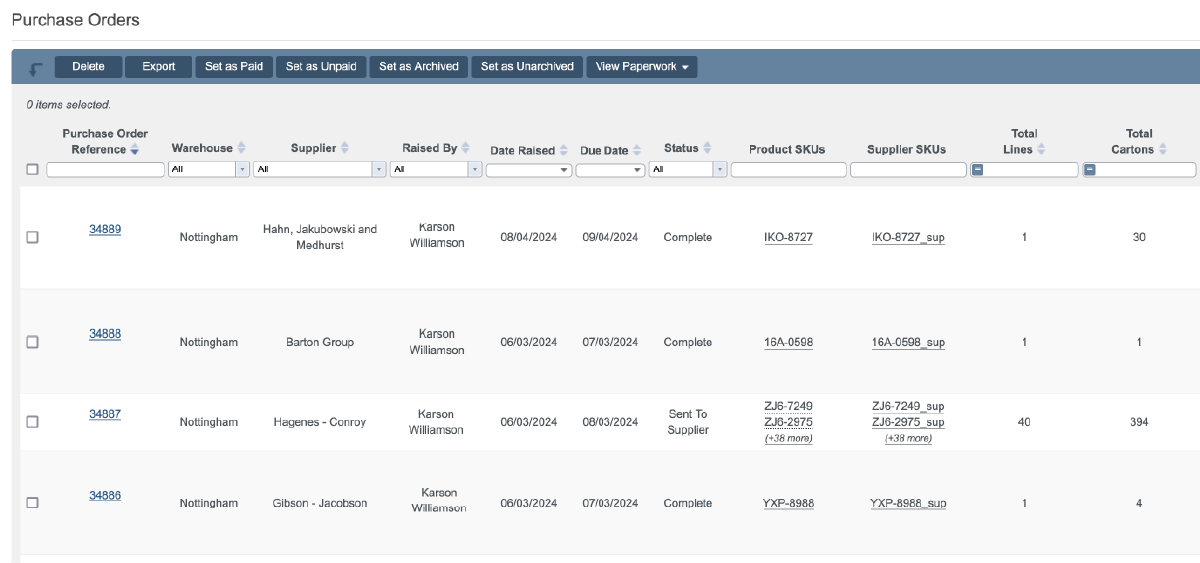
Most support messages are about an order. eDesk puts the StoreFeeder order next to the message.
Notes added in eDesk can be added to the StoreFeeder order.
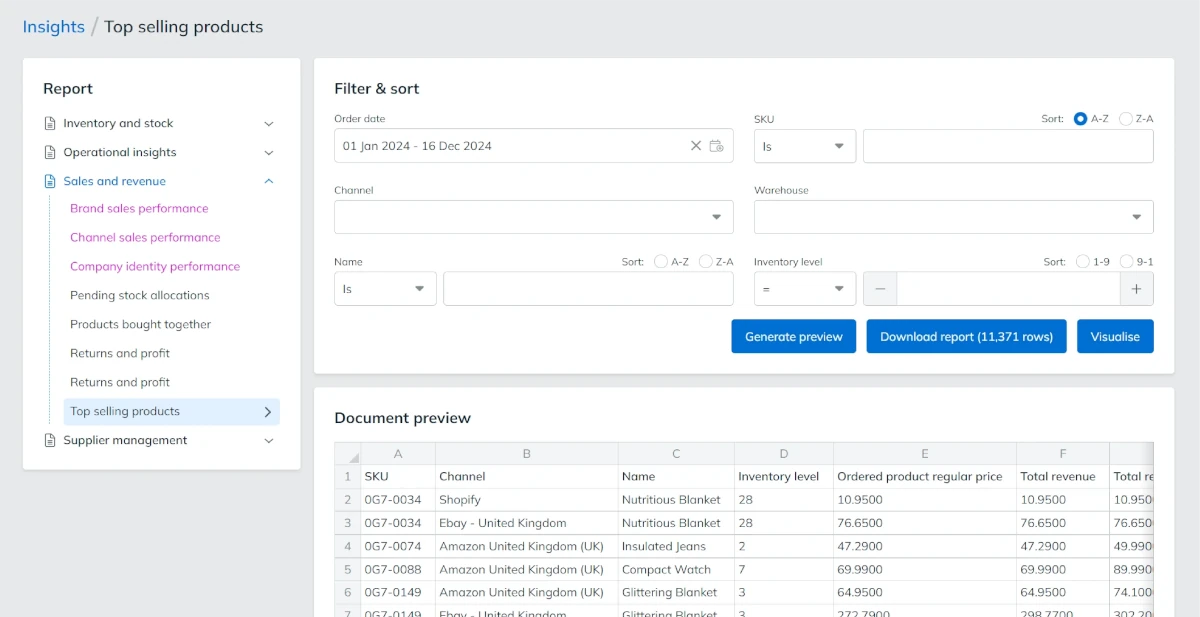
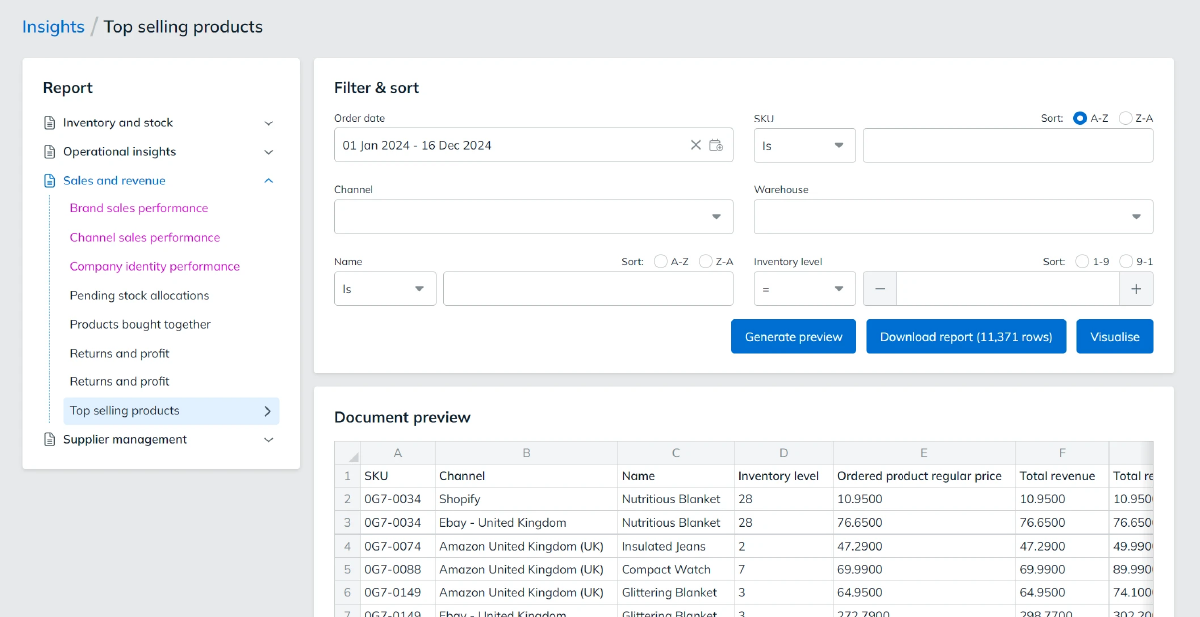
When an agent needs more detail, the StoreFeeder order is one click away.

Book a demo to see how StoreFeeder keeps your orders, warehouse and support team in step.
Book a demo
Link your account with just a few clicks - no technical skills required.
Import orders and shipping details automatically, ready for label generation and tracking.
Automate label creation, manage despatch, and handle returns effortlessly, all from one centralised platform.
Link your account with just a few clicks - no technical skills required.
Import orders and shipping details automatically, ready for label generation and tracking.
Automate label creation, manage despatch, and handle returns effortlessly, all from one centralised platform.
In the eDesk App Store, open the StoreFeeder app, click Install App and authorise eDesk.
In eDesk's Integrations screen, select StoreFeeder and enter your StoreFeeder username, password and Account GUID.
Save your changes. StoreFeeder tracking data then appears on your eDesk tickets.
Link your account with just a few clicks - no technical skills required.
Import orders and shipping details automatically, ready for label generation and tracking.
Automate label creation, manage despatch, and handle returns effortlessly, all from one centralised platform.
Are you ready to take your eCommerce business to the next level?
Book a free demo with StoreFeeder now and see how we can help you grow your business.