



































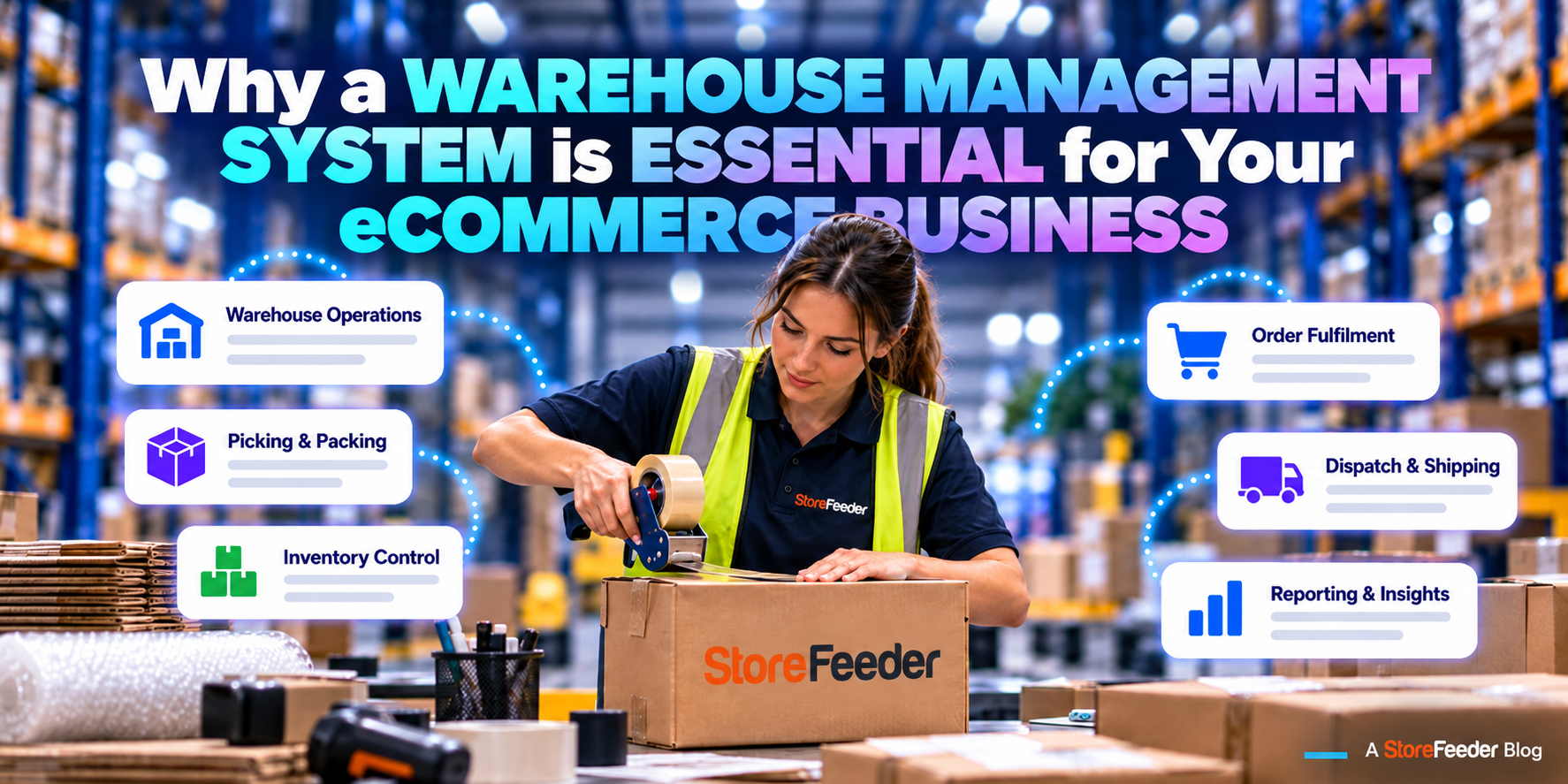
When do you need a warehouse management system? 10 signs your eCommerce business is ready
January 19, 2023
Most ecommerce businesses start with a spreadsheet, a couple of marketplace admin panels and someone who knows where everything is. That works until it doesn't. A warehouse management system (WMS) is the point where the warehouse stops running on memory and starts running on a system: every product has a location, every pick is checked by a scan, and stock is the same number on every channel.
When do you need a warehouse management system? The short answer
You need a WMS when the cost of mistakes, admin and lost sales is higher than the cost of the system. For most UK ecommerce businesses selling on more than one channel, that point arrives somewhere between 200 and 500 orders a week, or earlier if you hold a lot of SKUs, sell look-alike variants, or rely on seasonal staff. If two or more of the signs below sound familiar, it is time to look seriously.
10 signs you need a WMS
1. Picking accuracy depends on who is on shift
When your best picker is off, mistakes go up. That means accuracy lives in people's heads, not in a process. A WMS checks every pick with a barcode scan, so the right item goes in the box whoever is picking.
2. You are overselling across channels
A unit sells on eBay while Amazon still shows it in stock, and the first you hear of it is a cancellation. Marketplaces track cancellations against your seller performance. A WMS keeps one stock figure for every channel and updates it as orders arrive.
3. Nobody is quite sure where stock is
If finding an item means asking someone or walking the aisles, you are paying for that time on every order. Bin locations mean the system tells the picker exactly where to go.
4. Booking in takes a day
Deliveries sit on the floor because checking them in is slow, and stock that has arrived is not yet available to sell. Scanning goods in against purchase orders gets stock on the shelf and on sale faster.
5. New starters take weeks to be useful
If training means shadowing someone for a fortnight, peak becomes a risk. With handheld-guided picking, new and temporary staff can pick accurately within minutes because the device tells them where to go and checks what they pick.
6. Stock takes mean stopping the warehouse
An annual count that closes the warehouse for a day is a sign stock accuracy is not maintained day to day. A WMS supports cycle counts that run alongside normal work.
7. Couriers are chosen by hand
Someone decides which service each parcel goes on and copies tracking numbers back to each channel. Shipping rules can choose the courier automatically and send tracking back the moment the label prints.
8. Returns disappear into a corner
Returned items pile up unprocessed, so sellable stock is not back on sale and refunds are slow. A WMS books returns against the original order and restocks, quarantines or writes them off.
9. You are adding channels, SKUs or a second site
Every new marketplace, variant range or location multiplies the chances of error. If growth is on the plan, the system needs to be in place before the volume arrives, not after.
10. You run three or four tools that do not talk to each other
A spreadsheet for stock, a channel app for listings, a courier website for labels. Each hand-off is a chance for the numbers to drift. A WMS that includes order and courier management replaces the stack with one system.
Spreadsheet, channel app or WMS?
- Spreadsheet: fine for a handful of orders a day from one channel. Breaks down as soon as stock is shared across channels.
- Channel or inventory app: syncs quantities between channels, but does not know where stock is in the warehouse or check what is picked.
- Warehouse management system: runs the warehouse floor (locations, picking, packing, despatch, returns, counts) and keeps every channel's stock accurate because it is driven by what physically happens.
See the full comparison in WMS vs inventory management system.
What to do next
- Measure where you are. Count your picking errors per week and the time spent on admin and stock checks.
- Put a number on it. Our ROI calculator estimates the labour and error savings from your team size and order volume.
- Understand the full cost. Read how much a warehouse management system costs, including the one-off and hidden costs.
- Plan the switch. With StoreFeeder, standard onboarding typically takes 3–6 weeks and a full warehouse go-live 6–12 weeks, with a named implementation specialist. See how implementation works.
StoreFeeder is a warehouse management system built for UK ecommerce, with multichannel stock, order management and courier rules included, from £350 a month ex VAT. Book a 30-minute demo and bring your order volumes.
Related reading
Still running your warehouse on spreadsheets or paper pick lists? See how StoreFeeder's warehouse management system runs goods-in, picking, packing and despatch in one place →Or work out what it could save you with the ROI calculator →Book a demo
What would StoreFeeder cost for your business?
Answer a few quick questions about your orders and sales channels to see your monthly price. No obligation.
Check your price


