Sell products you don't hold alongside the stock you do. Supplier stock levels feed into StoreFeeder, drop shipments go to the supplier from the order, and your channels are updated when the supplier despatches.









StoreFeeder's Drop Shipping Management has been a game-changer for our business. The platform automates supplier communication, streamlines order management, and gives us real-time visibility into fulfilment, reducing manual processes and giving a quicker turnaround for our customers. We've expanded our product range without holding stock, saving time, and reducing risk.


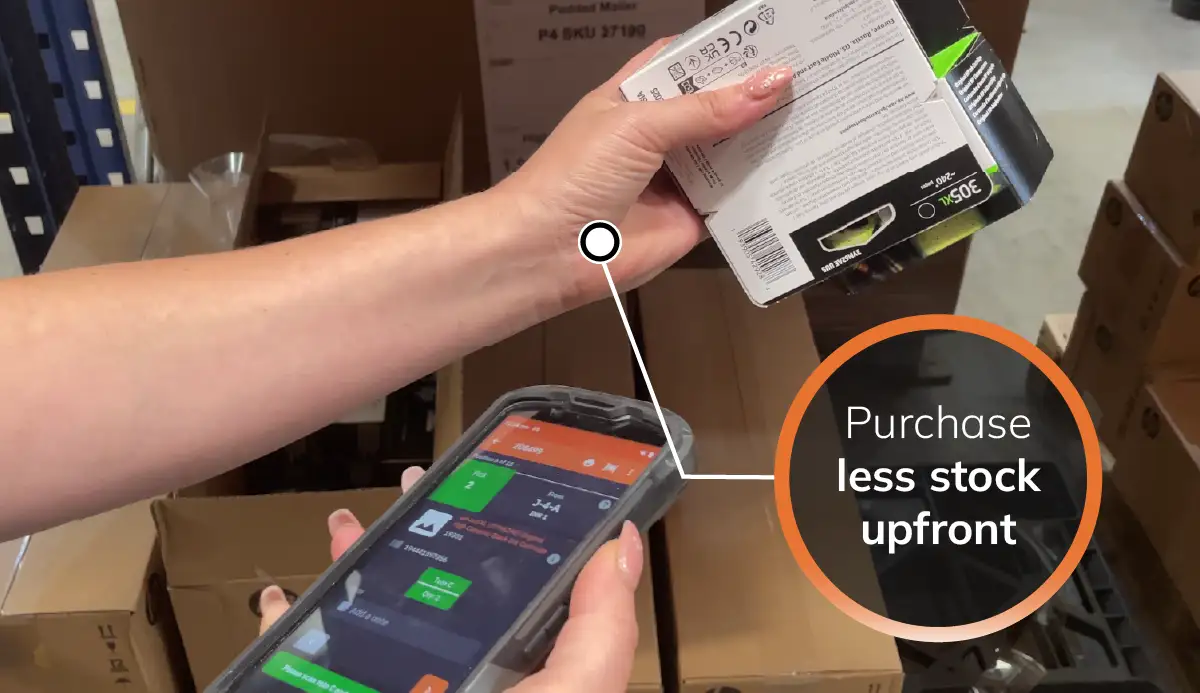
List supplier products on your channels and only buy when a customer orders. It's a low-risk way to test new lines or carry bulky and slow-moving items you don't want on your shelves.
Automated stock feeds download each supplier's stock file on a schedule and update supplier stock in StoreFeeder, so you stop selling what your supplier has run out of. Feeds are set up by our team.
Choose the order lines to drop ship and the supplier to send them to. StoreFeeder builds the drop shipment from your template with the delivery address and products, ready to check and send.
All drop shipments sit in one list. Send them to the supplier from StoreFeeder, mark them as despatched when the supplier confirms, and the sales channel is updated.
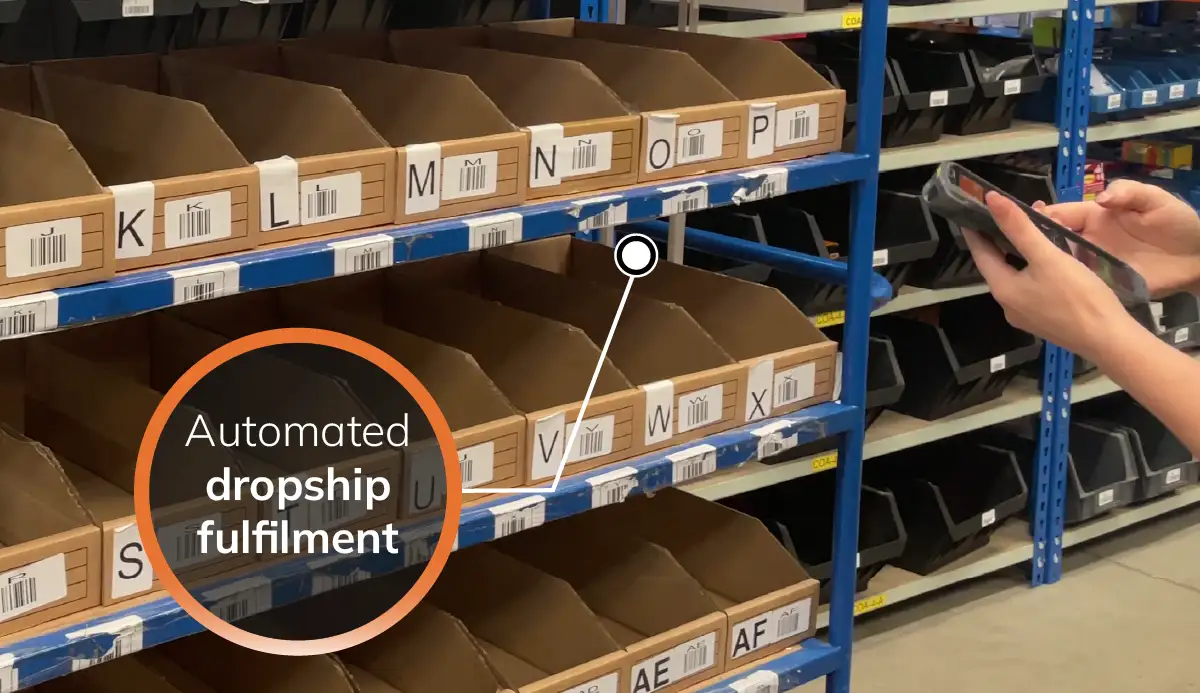
Because drop shipping works line by line, one order can include items picked from your warehouse and items sent by a supplier, all from the same order screen and the same channels.
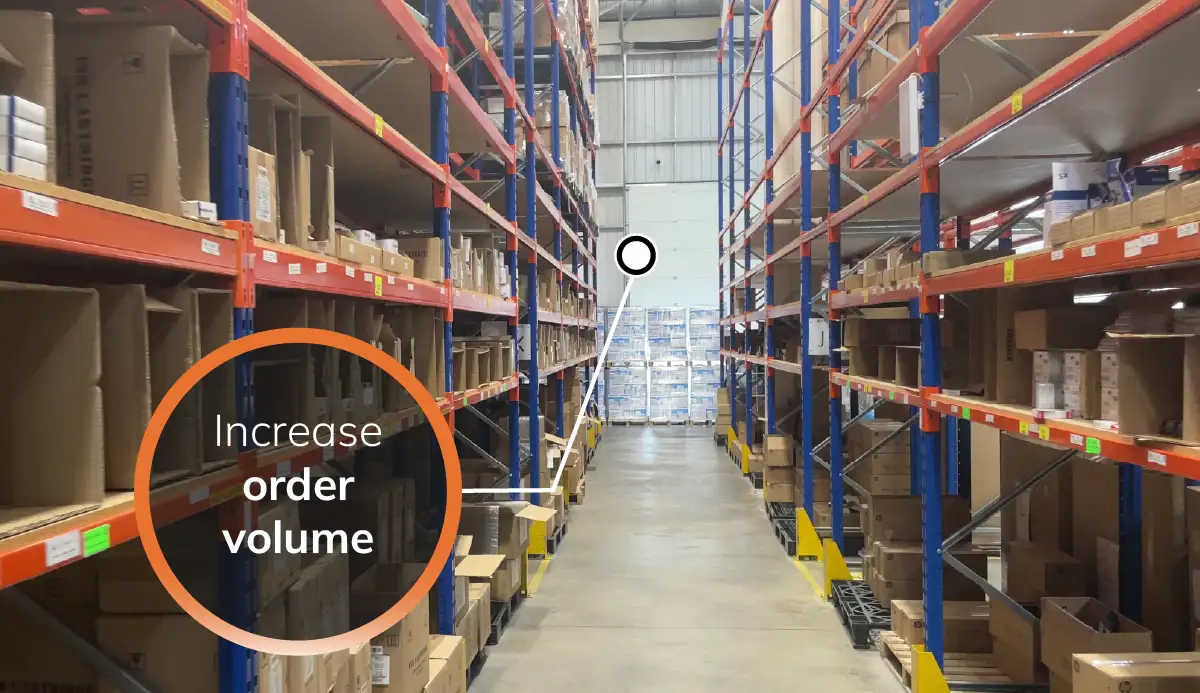
Not ready for a demo? See what StoreFeeder could save you
Drop shipping management software lets you sell products you don't hold. It keeps your suppliers' stock levels on your sales channels, sends each drop-ship order to the right supplier with the customer's delivery details, and updates the channel when the supplier has despatched it. Done well, drop-ship orders run through the same system as the orders you fulfil yourself, rather than in a separate inbox or spreadsheet.
Each drop shipper is set up as a supplier in StoreFeeder, with their SKUs recorded against your products. A drop shipment template sets out what is sent to them for each order.
Automated supplier stock feeds download each supplier's stock file from their FTP server or a web address on a schedule you choose, for example every four hours. Each row is matched to your products by supplier SKU and the supplier stock level is updated. If the file includes cost prices, those can be updated too, and lines the supplier drops from the file can be set to zero. Feeds are set up by the StoreFeeder team, or your own developer can update supplier stock through the StoreFeeder API.
On any order, select the lines to drop ship and choose the supplier. StoreFeeder builds the drop shipment with the delivery address, products and supplier details, so you can check it before saving. Because drop shipping works line by line, one order can include items picked from your own warehouse and items sent by a supplier.
Every drop shipment sits in one list. Send it to the supplier from StoreFeeder and the order moves to Sent to Supplier. When the supplier confirms it has gone, mark it as despatched: the order moves to Shipped by Supplier and the sales channel is updated.
With current supplier stock in StoreFeeder you can choose line by line. A common split is to drop ship bulky, slow-moving or trial lines and order in fast sellers to pick and pack yourself. When you do order stock in, requisitions can skip products your supplier has none of.
Amazon, eBay and other marketplaces have their own drop shipping policies, for example on who must appear as the seller and how quickly orders must be despatched and tracked. Check the policy for each channel you drop ship on before you start.
StoreFeeder suits UK sellers running their own warehouse who want to add supplier ranges without buying the stock, typically shipping 30 or more orders a day across several channels. If you only drop ship and never hold stock, a lighter tool may be better value.
StoreFeeder plans start from £350 a month ex VAT, with no per-user or per-channel fees. Automated supplier stock feeds are set up by our development team for a one-off charge, which depends on the supplier's file, plus a monthly fee covering up to five feeds. API access has its own monthly fee. Anything that applies to you is listed in your quote. See pricing or book a demo and bring a sample supplier stock file.
Yes. Drop shipping in StoreFeeder works line by line, so one order can include items picked and packed in your own warehouse and items sent to a supplier as a drop shipment. Both come from the same order queue and the same sales channels, and the channel is updated when each part is despatched.
Drop shipping management is the work of selling products your suppliers hold: keeping their stock levels on your channels, sending each order to the right supplier with the customer's details, and updating the channel when the supplier despatches. Software brings that into the same system as the rest of your orders.
On the order, select the lines to drop ship and choose the supplier. StoreFeeder builds the drop shipment from your template with the delivery address and products. Save it and send it to the supplier, and the order shows as Sent to Supplier. When the supplier confirms despatch, mark it as despatched and the sales channel is updated.
A supplier stock feed downloads your supplier's stock file from their FTP server or a web address on a schedule you choose, matches each row to your products by supplier SKU and updates the supplier stock level. It can also update cost prices and set to zero any lines the supplier has removed. Feeds are set up by the StoreFeeder team.
StoreFeeder plans start from £350 a month ex VAT. Automated supplier stock feeds have a one-off setup charge, which depends on the supplier's file, plus a monthly fee covering up to five feeds. If your own developer prefers to use the StoreFeeder API, API access has its own monthly fee. See pricing.
Yes, as long as you follow each marketplace's drop shipping policy. Amazon, eBay and others set rules on who must appear as the seller and how quickly orders must be despatched and tracked, so check the policy for every channel you drop ship on.


Prefer to try it yourself? Start a 14-day free trial, no card required. We review each trial sign-up before setting up your account, so access isn't instant.
Start your free trial →