Trusted by UK businesses shipping millions monthly
Prevent overselling with
auto
stock updates
Onboard staff in
5
mins
and start picking without errors
Track stock through
9
flexible stock methods
Have a partner they can rely on with a
4.9
/
5
Trustpilot rating
Spreadsheets and delayed updates are costing you sales
Manual stock updates create risk
Without rapid syncing, it’s easy to oversell or miscount.
Inaccurate data slows decisions
Guesswork and outdated figures block efficiency.
Scaling makes things harder
As you add channels and locations, errors multiply without centralised control.
StoreFeeder has enabled up-to-date stock management, meaning that as items are sold, they are removed from the inventory. This has helped massively reduce oversells.
Peter Founder & Owner, Aquacadabra
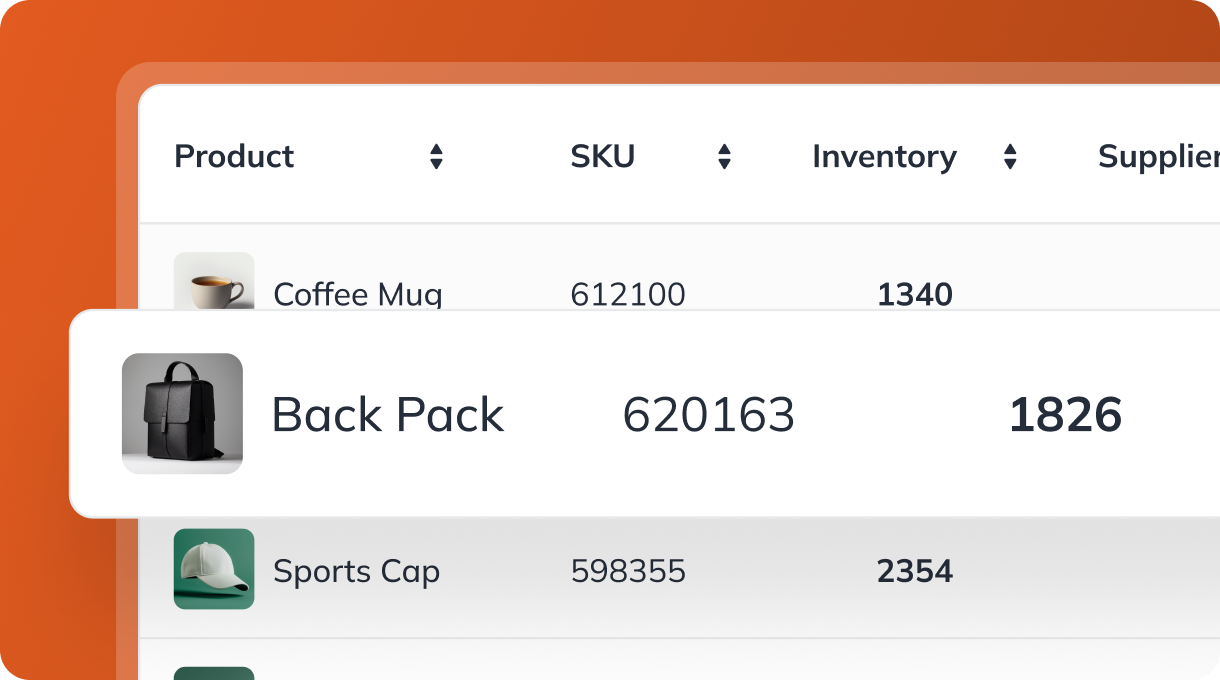
Manage your inventory with confidence, accuracy and speed
Streamlined stock sync
Keep every channel up to date
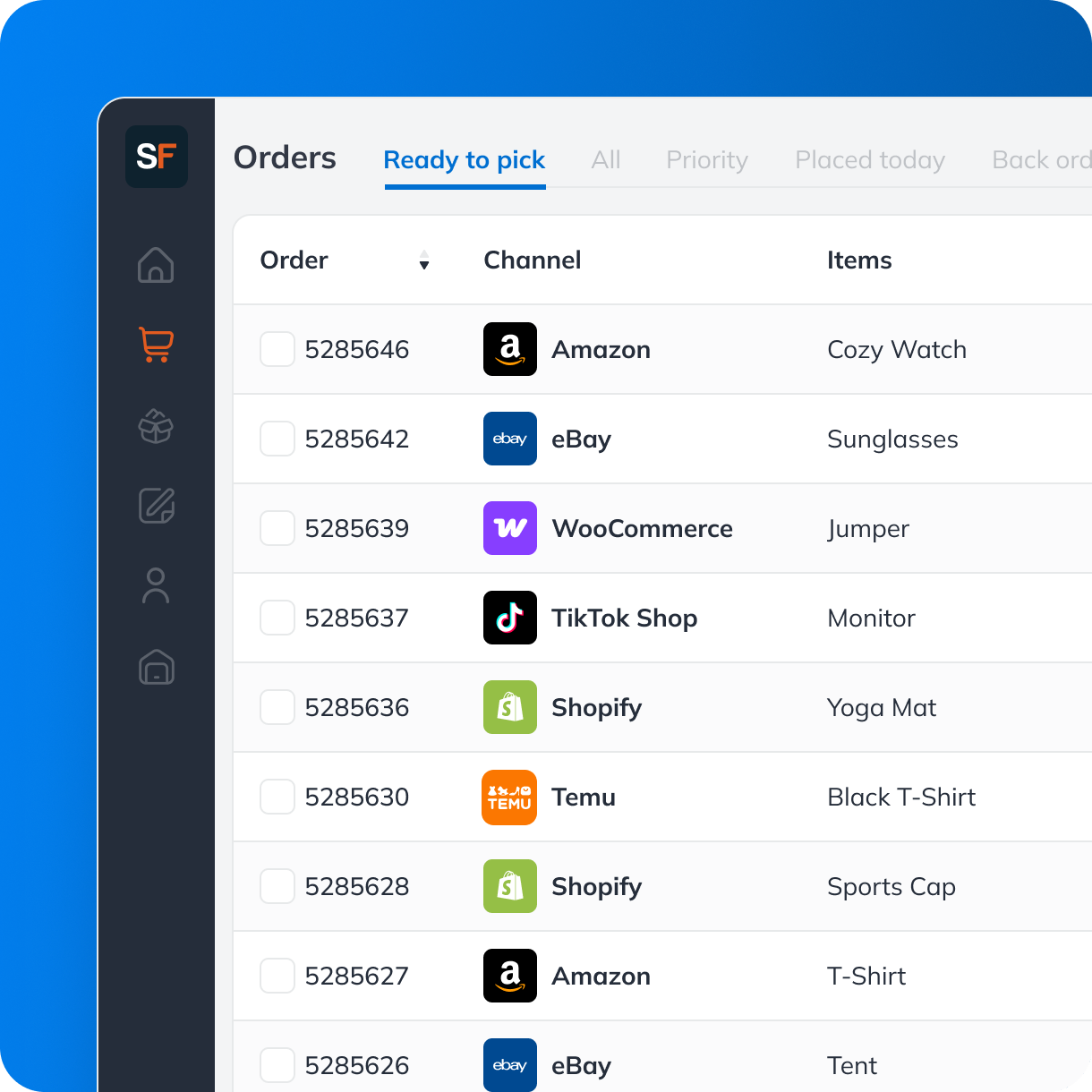
No more manual updates or lag. StoreFeeder syncs available stock automatically across all your sales channels.
Sync stock across Amazon, eBay, marketplaces, websites and more
Reflect every sale or stock adjustment as they happen
Reduce overselling and stockouts
Frequently asked questions
Does it update stock automatically when I make a sale?
Absolutely. Sales from all your channels are synced in real time and available stock is updated instantly.
What are the 9 stock check methods?
You can run cycle counts, full audits, location checks and more, all from the app, without stopping work.
Do I need special hardware for stock checks?
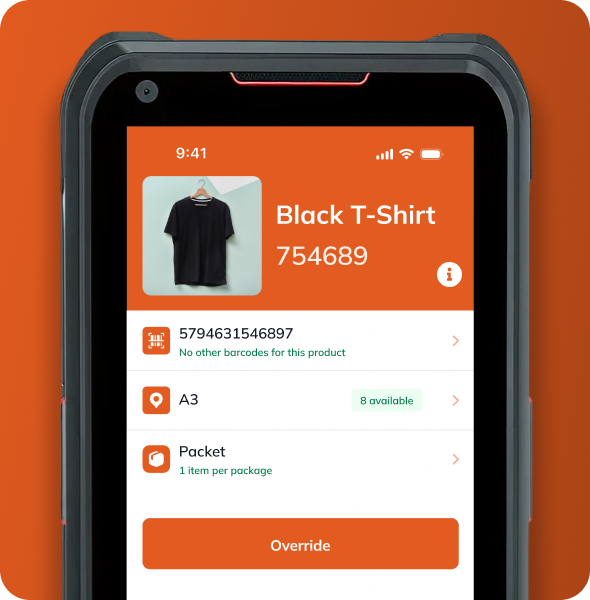
No. StoreFeeder runs on Android PDAs or smartphones, no proprietary hardware required.
Can new staff use it without training?
Yes. Most users are up and running in 5 minutes. It’s designed to be intuitive and role-based.
How does StoreFeeder help reduce overselling?
By syncing inventory across all sales channels automatically, customers only see what’s genuinely available.
Will it scale with my business?
Yes. StoreFeeder supports high-volume operations, multiple warehouses, and thousands of SKUs.
Can I control who can adjust stock?
Yes, role-based permissions let you control who can view, adjust, or transfer stock.
Reduce overselling, get full control of your inventory
Book your free 30-minute demo to see:
Your workflow recreated in StoreFeeder
Transparent pricing for your business size
Implementation timeline and process
Answers to your specific questions
Option of monthly or annual contract.
Thank you! Your submission has been received!
Oops! Something went wrong while submitting the form.

.svg)



.webp)
.svg)